The 2026 Drupal Business Survey is open. Your response will help shape the future of the Drupal business ecosystem.
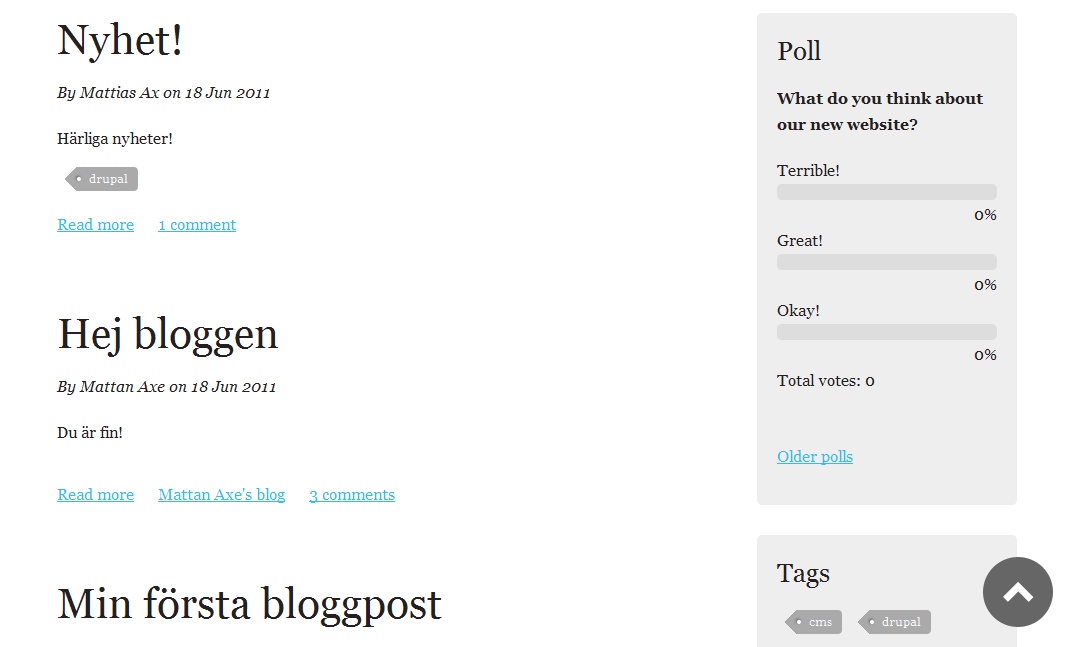
Back To Top adds a button that hovers in the bottom of your screen and allow users to smoothly scroll up the page using jQuery.
Drupal 10 and 11 info
Branch 3.x is a rewrite with new javascript and support for Drupal 10 and 11.
- Support Drupal 9, 10 and 11
- Removed dependencies of jquery ui, jquery ui effects (you can uninstall these modules)
- Removed farbtastic
- Use css media query instead of PHP for Prevent on mobile
- Changed default setting for Prevent on mobile to FALSE (you probably want the button on touch devices)
- Cleaned up code
Drupal 9 info
jQuery UI and jQuery UI Effects was deprecated in Drupal 8.8 and removed in Drupal 9. Branch 2.x have a depencency for the contributed modules jQuery UI and jQuery UI Effects. If you want to use Back To Top 8.x with Drupal 9 there are patches for this in this issue.
Settings
There are settings for:
- Choosing between a image och text/css button
- Placement of the button
- Style of the text/css button
- Preventing the button to appear in mobile or touch devices
- Preventing the button to appear in admin
- Speed of scroll
- Trigger point for button visualization
- Text on the button
Theming the button
You can theme or change image by theming on the ID backtotop.
<button id="backtotop" aria-label="Back to Top">Back to Top</button>
You can change the text Back To Top with the translation in Drupal.
Developer
The Back To Top Drupal module is designed and developed by acke (Mattias Axelsson) at Happiness Web Agency.
For news about Back To Top, follow me on X!
Project information
- Project categories: Content display, Content editing experience
 21,854 sites report using this module
- Created by acke on , updated
 Stable releases for this project are covered by the security advisory policy.
Look for the shield icon below.