

This project is not covered by Drupal’s security advisory policy.
Module provides Time Slots Booking functionality.
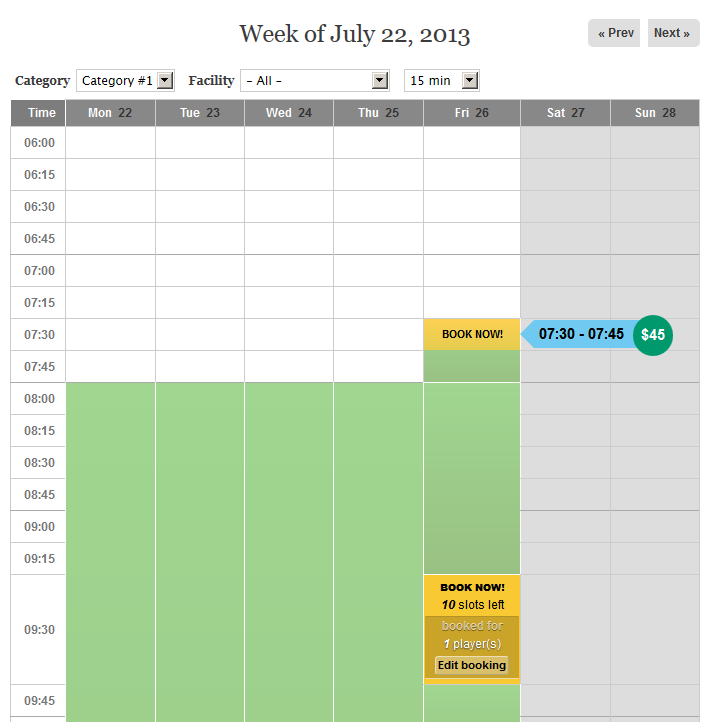
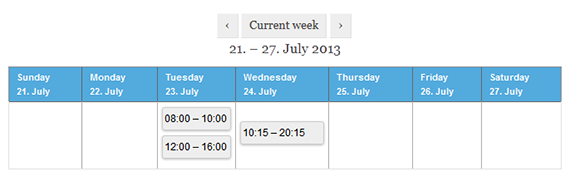
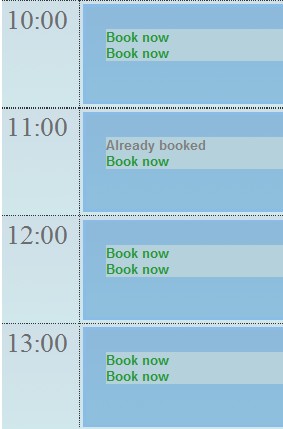
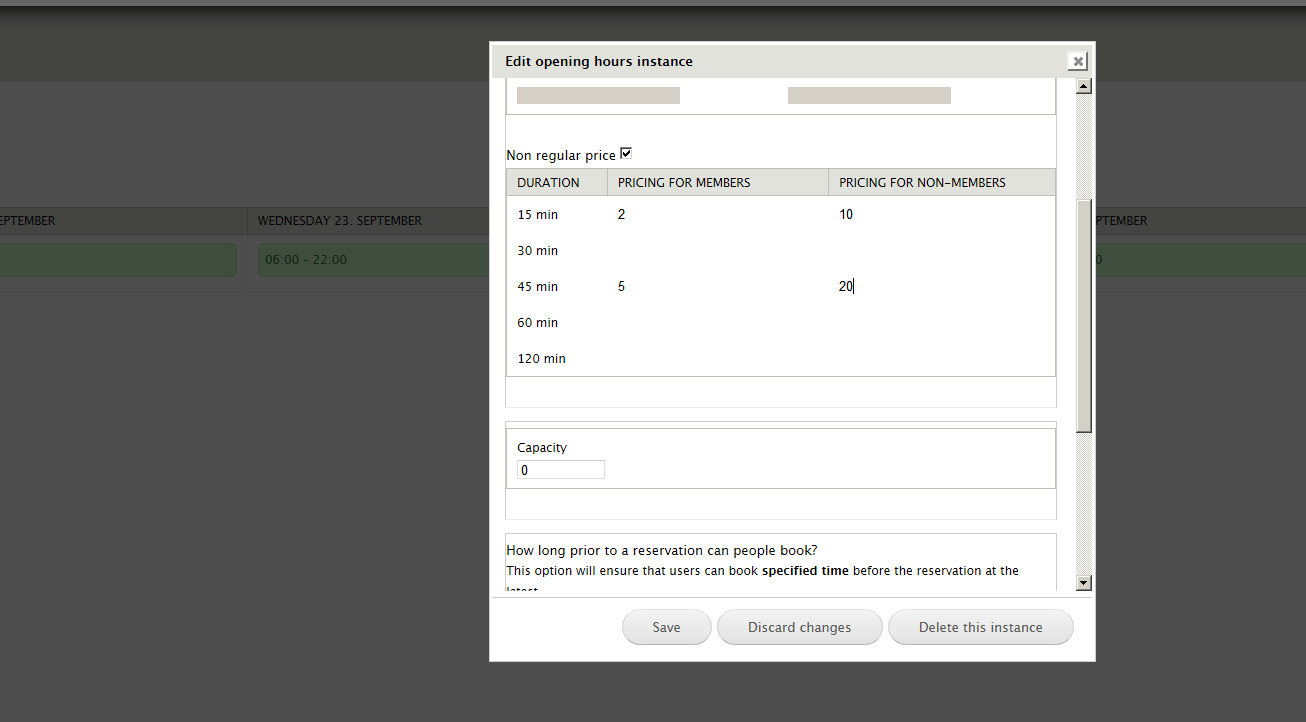
Drupal 7 version allows you to set-up schedule for Venue Facility, so users can book slots (e.g. classes) within specified opening hours. Check the screenshot for details.
Installation for 7.x
1. Install module and dependency modules.
2. Enable module and as admin go to: /admin/config/booking_timeslots/tutorial and follow the tutorial.
3. Consider also reading the README file.
Installation for 6.x
1. Install module.
2. You need to copy theme files from theme/ into your theme folder.
3. Clear you cache to reload TPL files (admin/settings/performance)
4. Add new CCK datetime field into your content type and select it at admin/settings/booking_timeslots/form_settings
5. Make sure that you have enabled Calendar View at admin/build/views/list (Views UI module required),
so you can setup your Calendar block into the right place (admin/build/block)
6. Change Arguments settings in your calendar View (Date field) by enabling new datetime field (admin/build/views/edit/calendar)
Now you should see your Booking screen on /calendar
Note: Module just give you opportunity to make time slots functionality, after that you can change theme files (in your theme dir) for your personal requirements.
DEMO
For sandbox, try at SimplyTestMe, then enable Booking Time Slots Examples module from module list.
For custom LAMP build, check this demo site (which needs to be installed in LAMP environment).
ALTERNATIVE SOLUTIONS
See Comparison of Booking System modules table.
Drupal 6.x Troubleshooting
See README.txt for most common issues.
If you don't see timeslots in your calendar, rescan your Theme files in Calendar View.
If you don't see booked slots in your calendar, make sure that you added your datetime field
in your calendar view to Arguments and Fields (admin/build/views/edit/calendar).
If you don't see your datetime field on your content type form, disable Content Permissions module.
If you see error in your View: "The date argument date fields must be added to this query." - follow this issue: #540804: Calendar Views support: The date argument date fields must be added to this query. You can exclude them if you do not want them
#540804: Calendar Views support: The date argument date fields must be added to this query. You can exclude them if you do not want them
GitHub
Please check out GitHub repository, if you'd like to propose any pull requests.
Project information
 Minimally maintained
Maintainers monitor issues, but fast responses are not guaranteed.- Maintenance fixes only
Considered feature-complete by its maintainers. - Project categories: Content editing experience, Site structure
 9 sites report using this module
- Created by kenorb on , updated
 This project is not covered by the security advisory policy.
Use at your own risk! It may have publicly disclosed vulnerabilities.


