

 The 2026 Drupal Business Survey is open. Your response will help shape the future of the Drupal business ecosystem.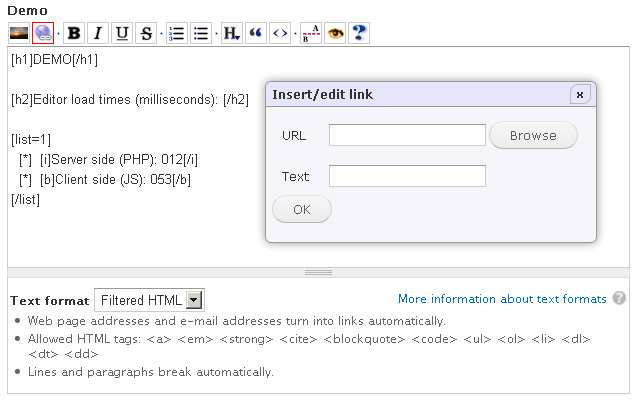
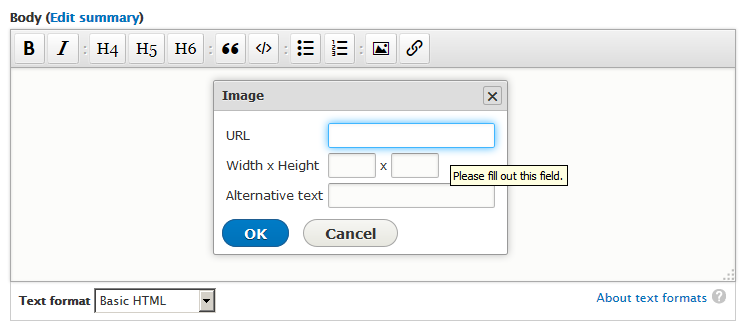
BUEditor is a text editor aiming to facilitate code writing.
Features
- Completely customizable editor interface
- Ability to create buttons with icons or text
- Per role editor assignments
- Native support for html tags, bbcode tags, and other markup systems
Recommended
- AJAX Markup (Not needed with Drupal 8 version)
Provides ajax previewing of non-html markup such as bbcode, markdown, etc.
Change your preview button's content to:js: E.prvAjax();to activate it. - BUEditor Plus (Not needed with Drupal 8 version)
Assigns editors to input formats, which allows BUEditor to be used interchangeably with WYSIWYG module. - Markdown editor for BUEditor
Provides a toolbar for Markdown and Markdown Extra markup.
Project information
 2,429 sites report using this module
- Created by ufku on , updated
 Stable releases for this project are covered by the security advisory policy.
Look for the shield icon below.

