

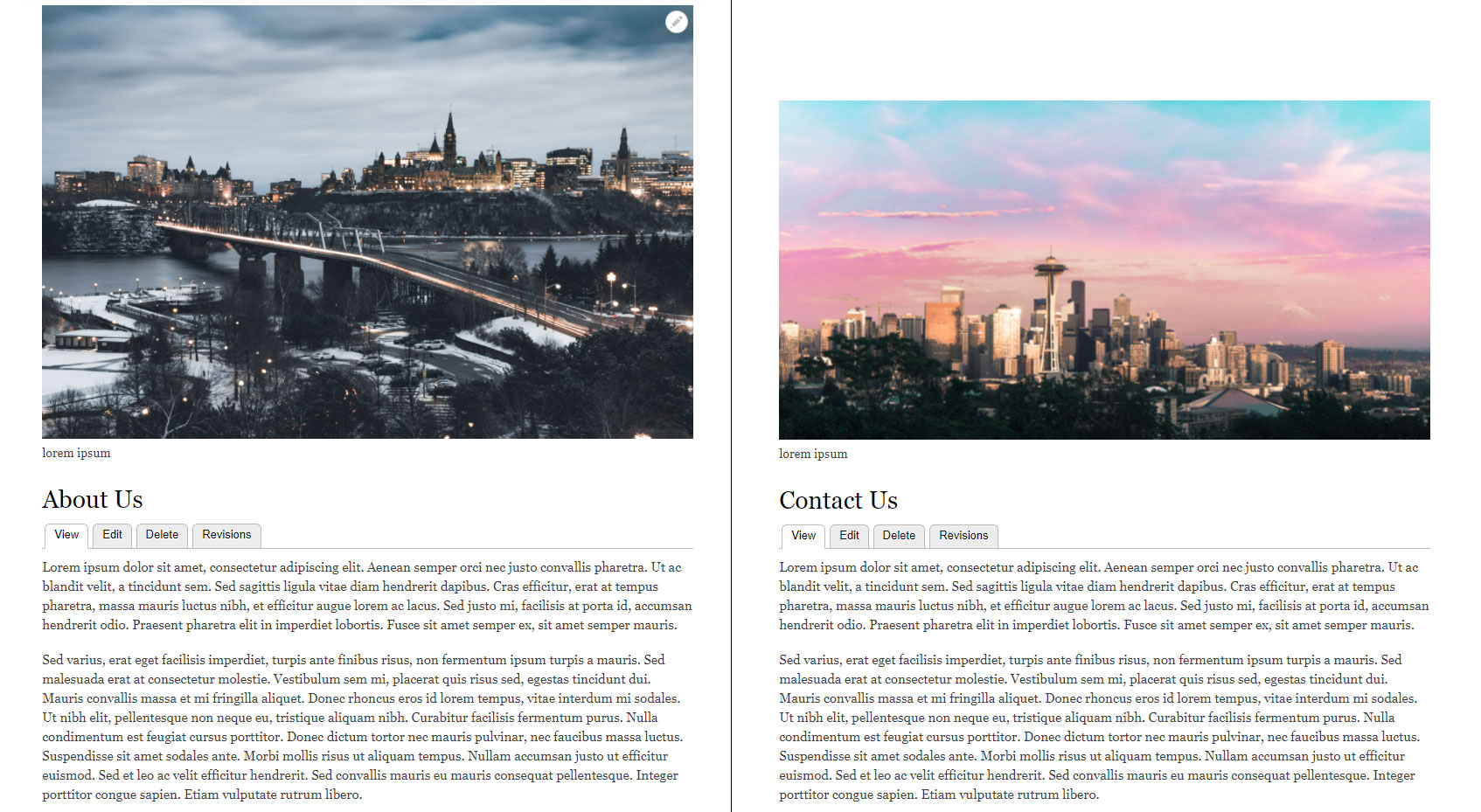


This project is not covered by Drupal’s security advisory policy.
The Dynamic Banner module allows you to set a unique banner on each page. For example, an 'about' banner for the About page. A 'Contact' banner for the 'Contact' page and so on.
It lightens the load on web developers from creating many blocks for pages with different banners.
This module will read from the database to automatically decide which banner goes on which page based off of the rules and administrator sets.
This module has many different usage patterns and is extremely reusable.
There is various usage notes in the help section of the module
This module supports
- set banner (so that one banner one page)
- wildcard pages (so that a certain banner shows up on all pages below a certain link)
- random banner (so that you get to choose what sets of banners will randomize on ONE page)
Please note that if you want to add a single banner to one page then this is not really the module for you. I highly recommend this tutorial using views if you want to accomplish this Views Slideshow. You can also find other great tutorials online for views slideshow which is really powerful for rotating banners (carousels)
Configuration
- Navigate to Administration > Extend and enable the module.
- Navigate to Administration > Structure > Dynamic Banners to add
banners. - Select "Add Banner" to add a new banner.
- Enter Banner Path by specifying an existing url path you wish to put a
banner on. For example: home, user* (wild card), content! (random). Enter
a path as it appears in the url of your site. - Choose an image type, upload an image, enter the text associated with the
banner, and specify the link to point to. - Select the mode for the banner to display under (this is different than
display setting): normal, time_based, rotating, or fade. - Save Banner.
Project information
 Seeking co-maintainer(s)
Maintainers are looking for help reviewing issues.- Project categories: Content editing experience, Content display, Media
 104 sites report using this module
- Created by coolestdude1 on , updated
 This project is not covered by the security advisory policy.
Use at your own risk! It may have publicly disclosed vulnerabilities.
Releases
Development version: 8.x-1.x-dev updated 12 Jan 2024 at 03:40 UTC


