

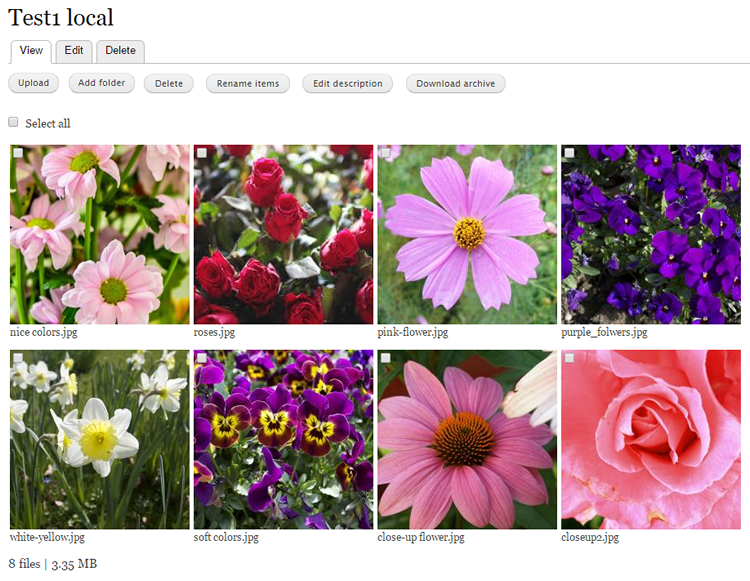
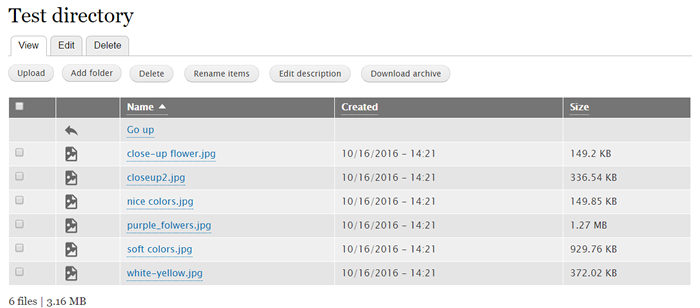
This module provides an interface for administrators to expose directories on the file system to users through a file listing as in a FTP application.
You will create one node (node type dir_listing) for each each Directory Listing (DL). Node settings are used to control access and other features of the DL. These settings can vary per node and per user.
This module offers the following features:
- Private downloads so that files (such as PHP files) can be downloaded.
- File blacklists so that specific files can be removed from directory listings.
- Node-based. All features available to nodes, such as path aliasing and access control can be applied to directory listings.
- Settings to limit exploration of subdirectories
Filebrowser versions
You are encouraged to upgrade to D10 and beyond. For upgrading a D7 directory listing to D10, the only task would be to edit the directory-listing node and change the D7-style folder location to the D10-style folder location.
For example, assuming your public uri is sites/default/files:
in D7: folder path: /sites/default/files/my_folder
in D10: folder path: public://my_folder
Filebrowser will recreate the contents of the listing automatically once the node (dir_listing) is viewed.
History
| Attachment | Size |
|---|---|
| README.txt | 5.05 KB |
Project information
- Project categories: Media
 2,882 sites report using this module
- Created by gábor hojtsy on , updated
 Stable releases for this project are covered by the security advisory policy.
Look for the shield icon below.


