

 The 2026 Drupal Business Survey is open. Your response will help shape the future of the Drupal business ecosystem.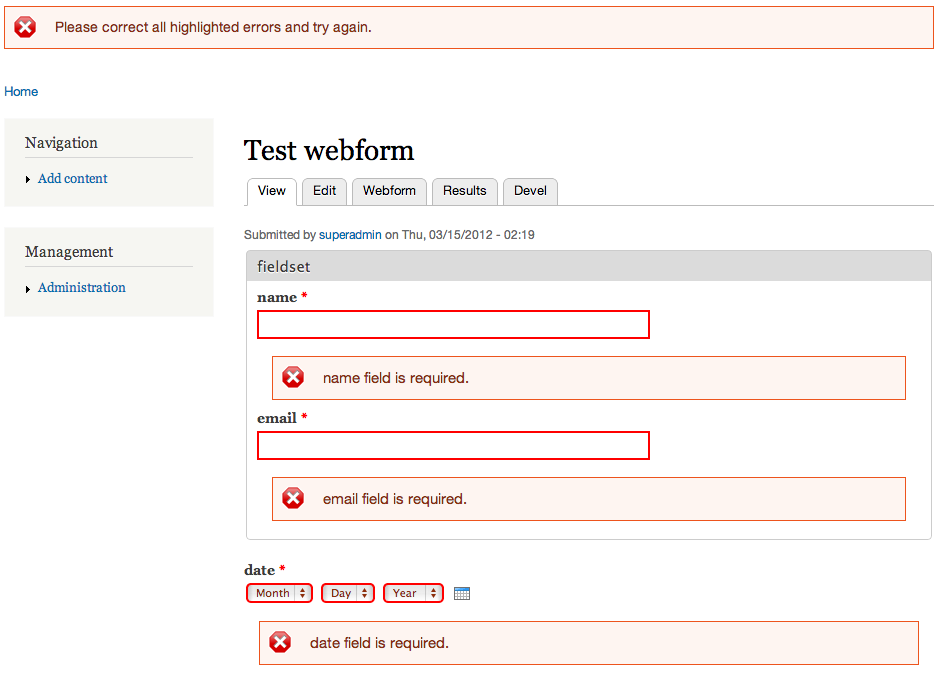
This project is not covered by Drupal’s security advisory policy.
Drupal 8+
Inline Form Errors is now included in Drupal core. Core provides the base functionality for displaying validation errors next to the relevant form elements. For details, see the Drupal documentation:
https://www.drupal.org/docs/8/core/modules/inline-form-errors
What is the IFE Module
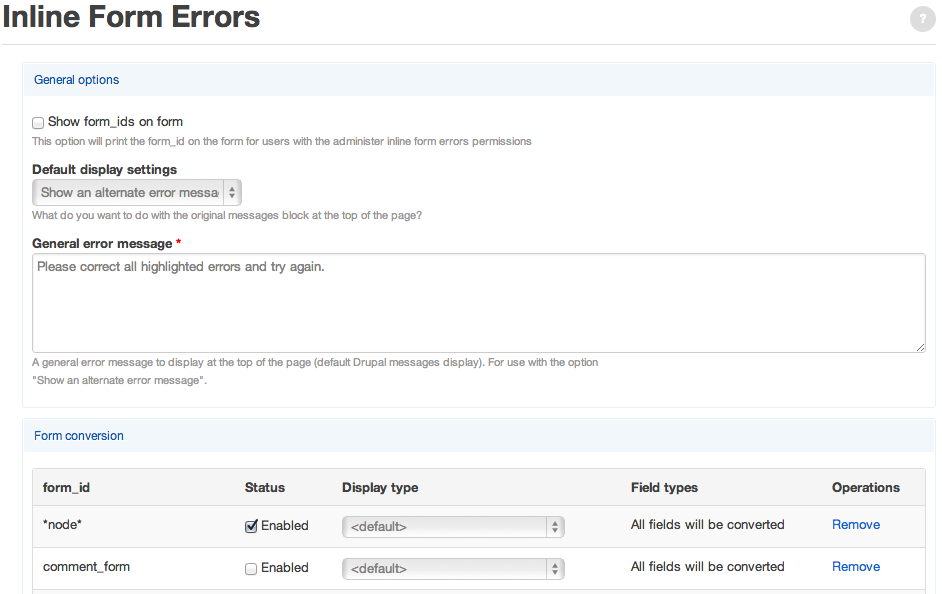
The contrib IFE module extends and customizes the core Inline Form Errors system. It lets you control how global error messages and inline error messages behave, with per-form overrides if needed.
It provides three behaviors:
- Leave messages in place: Core’s error list is kept at the top, and copies of the messages are shown inline.
- Show an alternative message: The top-level error list is replaced with a single generic message, while detailed errors appear inline.
- Remove all messages: The top error list is removed entirely, showing only inline errors.
Only messages belonging to the configured forms are modified. Other system messages are untouched.
Status
Core handles the fundamentals of inline error output, but the Drupal Form API still imposes limits. The module covers most common use cases, but some contributed modules use non-standard form setups that require workarounds. Report unusual cases so the error processor can be improved.
Project information
- Project categories: Content display, Developer tools
 1,071 sites report using this module
- Created by stijndm on , updated
 This project is not covered by the security advisory policy.
Use at your own risk! It may have publicly disclosed vulnerabilities.


