

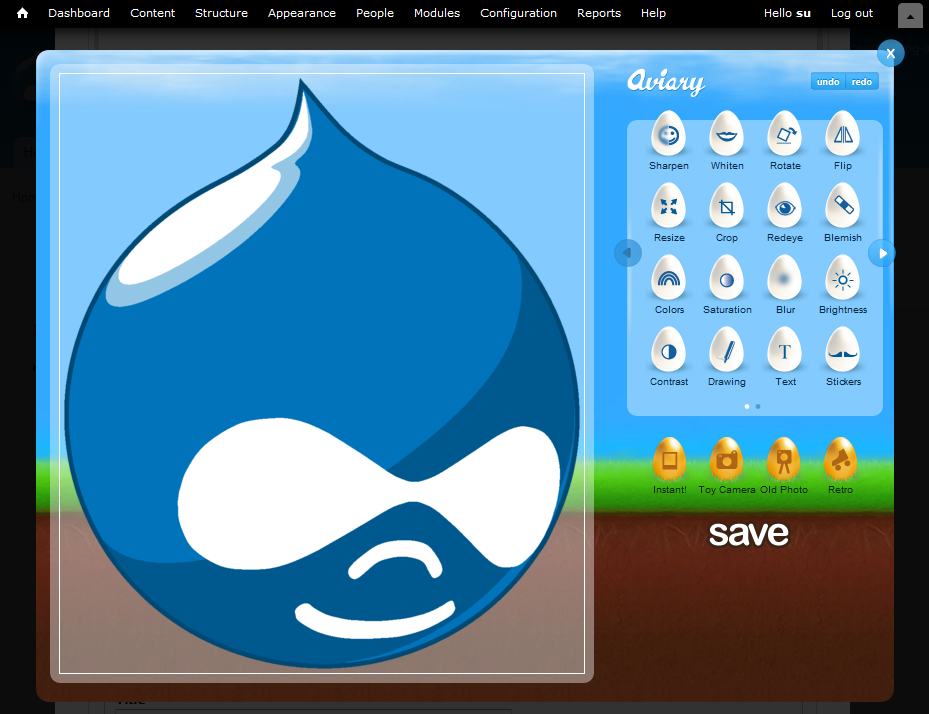
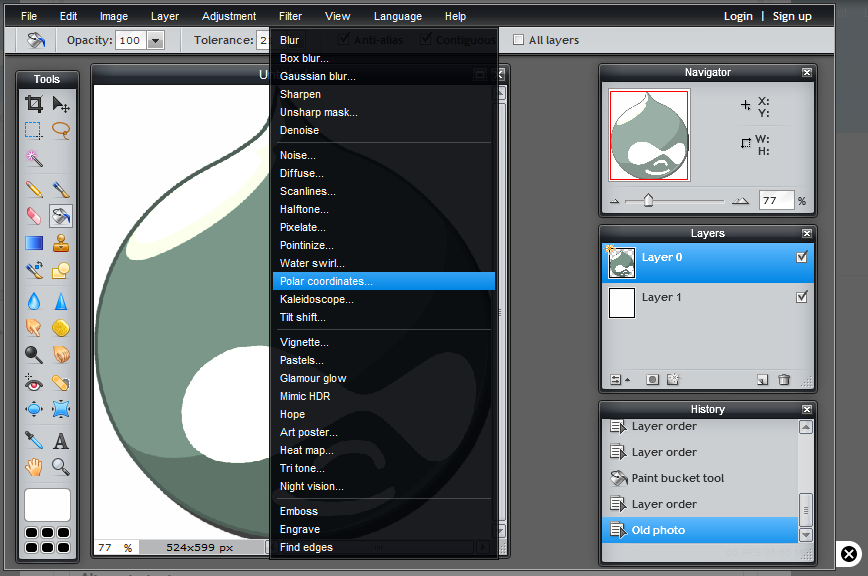
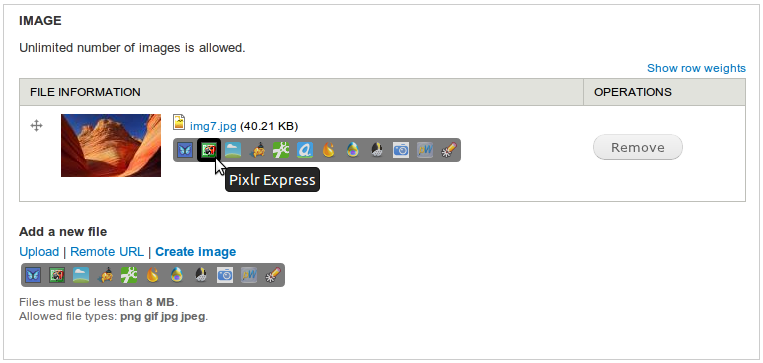
Edit/create any images / take a photo from a webcam online with the powerful and feature-rich image editors and save resulted images back to your site!
Demos
Tutorials
- Using Image Editor in Drupal 7 by WebWash.net - Step-by-step setup of Image Editor for Image field
Editors
This project integrates several popular online image editing services into Drupal:
- Pixlr editors: Pixlr Editor and Pixlr Express
- PicMonkey - replacement for Picnik
- Aviary Web Editor - simple HTML5 editor from Aviary (previously known as Aviary Feather)
- Picozu - another HTML5 editor
- Sumopaint
- FotoFlexer
- PaintWeb - open-source HTML5 editor
- SVG-edit - open-source editor
- Photobooth.js - open-source HTML5 Webcam
Closed services
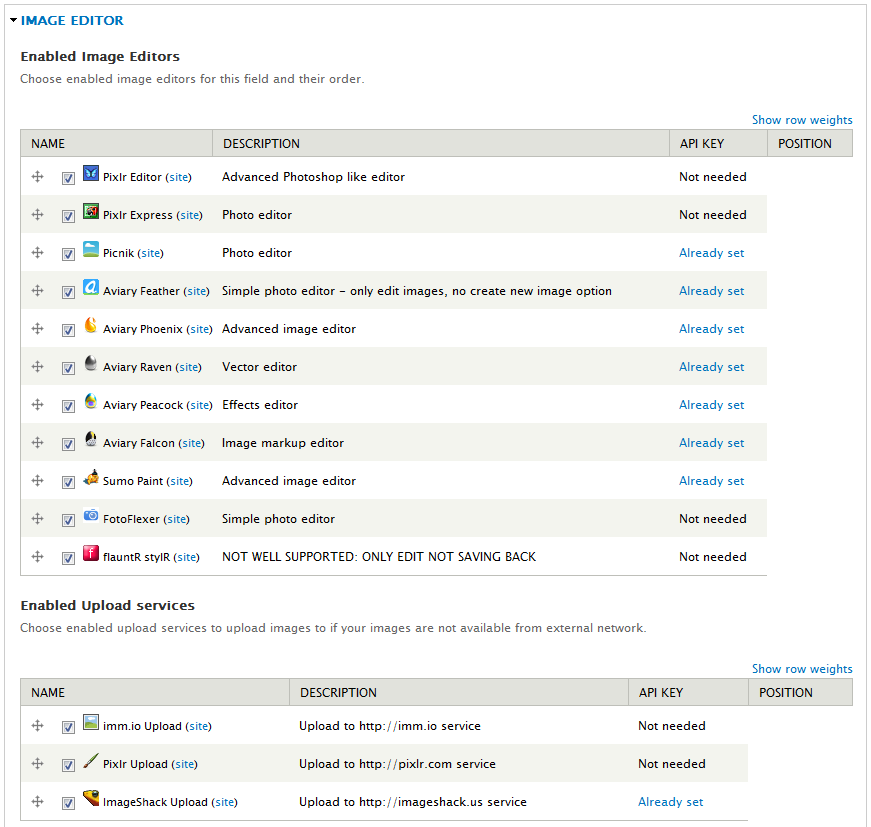
- Picnik - it closed on April 19, 2012
- Advanced Aviary editors: Aviary Phoenix; Aviary Raven; Aviary Peacock; Aviary Falcon - all these services were closed on September 15, 2012
- Snipshot - as it became a part of Sansa
Possible integration
- Picture2Life - they don't have saving APIs publicly available but are ready to cooperate on this; I just don't have resources to work on it right now; open an issue if you really want to see it implemented
- piZap - I have contacted them through API request form, no answer
- Online Image Editor Clarkii - the main site is unavailable; there is some info about it on http://www.onlineimageeditor.info/
Checked
- Dabbleboard - looks like a separate module would be a better idea
- Gliffy - looks like a separate module would be a better idea
- WebResizer - done in dev version, required workaround to get it loading and saving images is not possible anyway - removed
- AJAX Image Editor - very unstable and unresponsive on some operations, will require its source code hacking to make it work the "good" way
Don't have API
- Photoshop Express
- Splashup
- Pixer.us
- PicMagick
- Phixr
- Pixenate - it actually has API, but only if you buy it
Features
Drupal 6 version allows to edit Imagefield items and save them back either by replacing the original image or adding new Imagefield item.
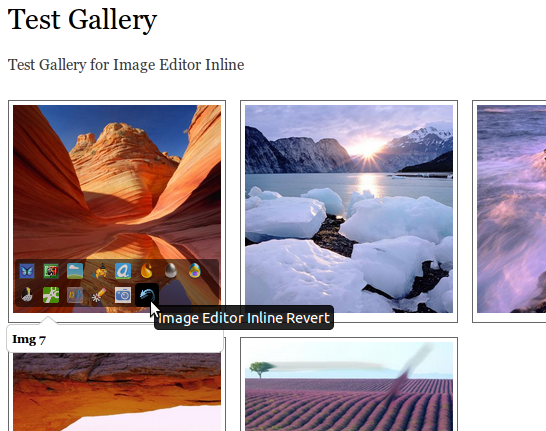
Drupal 7 version has 3 modules - Image Editor API, Image Editor for Image field and Image Editor Inline. Image Editor for Image field has the same functionality like Drupal 6 version, Image Editor Inline allows editing any image on your site on any page and save it (creating a backup of the original image first) + allows to revert to any backup image.
Dependencies
Drupal 6
- CCK
- Imagefield and its dependency Filefield
- Filefield Sources
- Javascript should be enabled in your browser
- You should have Flash player installed (as most editors are written on Flash)
Drupal 7
- Chaos tool suite (ctools)
- Image Editor for Image field requires Filefield Sources
- Javascript should be enabled in your browser
- You should have Flash player installed (as most editors are written on Flash)
Installation and Setup (to edit Imagefield items)
- Download and install modules from the Dependencies section above
- Download and install this module
- Add Imagefield (D6) / Image (D7) to your content type (D7: taxonomy term, user profile, any other fieldable entity):
- Configure the number of values under Global settings:
- If you plan to replace the original images with the edited ones - you can set any value here
- If you plan to get the edited images back as new Imagefield (D6) / Image (D7) items - you should set it to several/unlimited number of values (so that at least one more is available to save the edited image)
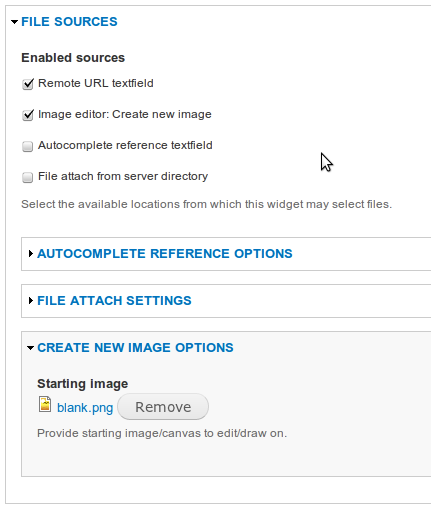
- Enable the "Remote URL textfield" source under the "File sources" fieldset (Filefield Sources functionality). If you want to create new images using the enabled editors - then check off the "Image editor: Create new image" source too.
- Enable needed editors and other options under the "Image editor" fieldset. To start with, I would recommend Pixlr Editor as the advanced editor and then Aviary Feather as a simple one.
- Enable "use imageeditor" permission for needed roles (D7: "Use Image Editor" and "Use Image Editor for Image fields")
- Set up the API keys at Administer -> Site configuration -> Image editor
If your images are not available from the external network (for instance, you are trying it out on the localhost or using the private file system) then you will get the error messages from editors that they couldn't access it. Use the available upload services to upload your image first and then edit it.
PaintWeb setup
If you want to try PaintWeb editor then you need to download the PaintWeb library and put it into sites/all/libraries/paintweb directory.
Then you need to apply the fix to /sites/all/libraries/paintweb/build/paintweb.src.js file that is described here.
SVG-edit setup
Experimental: The editor just loads up and that's basically it (you can draw anything there, but saving is not working). To get it loading you need to download the SVG-edit library and put it into sites/all/libraries/svgedit directory.
Compatibility
If you are using the Secure Pages module you need to make sure that "imageeditor/*" paths are returned using the same protocol as the "node/add" and "node/edit" paths (Administer -> Site Building -> Secure Pages). Or just add them into "Ignore pages" setting.
Project information
- Project categories: Site structure, Developer tools, Media
 151 sites report using this module
- Created by duozersk on , updated
 Stable releases for this project are covered by the security advisory policy.
There are currently no supported stable releases.

