

Module description
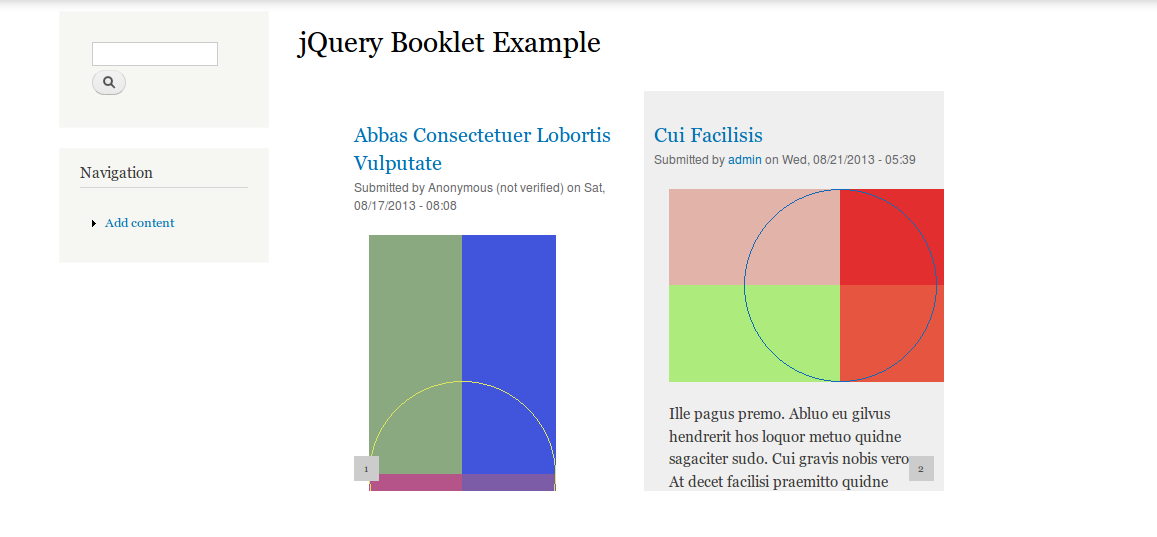
jQuery Booklet module allows you to create small booklets of pages using jquery booklet plugin. The booklet pages can be nodes of any content type. You can select which nodes will be used as booklet pages. You can also select the view mode of nodes to be used in booklet. It allows you to upload and use front cover and back cover for your booklet. The format of front and back cover can be png, jpg, jpeg and gif. It provide an easy interface to manage display order of the pages. It also allows you to enter url alias for the booklet if path module is installed. This module also provide views integration. This module has dependency on jquery_update and libraries module.
Requirements / Dependencies
Features
- Views Integration.
- Url alias support
Installation
- Place the entire jquery_booklet directory into sites modules directory (eg sites/all/modules).
- Enable this module by navigating to: Administration > Modules
- This module have dependency on jquery_update and libraries module.
- Download jQuery Booklet Library from http://builtbywill.com/code/booklet/ .
Copy booklet directory from jquery.booklet.1.x.x and paste it
in the sites/all/libraries directory and rename (jquery.booklet.1.x.x.css or
jquery.booklet.latest.css) to jquery.booklet.css,
(jquery.booklet.1.x.x.min.js or jquery.booklet.latest.min.js) to
jquery.booklet.min.js and jquery.easing.1.x.js to jquery.easing.js in the
booklet directory. The plugins files should be available at a path like
sites/all/libraries/booklet/jquery.booklet.css,
sites/all/libraries/booklet/jquery.booklet.min.js and
sites/all/libraries/booklet/jquery.easing.js
Please check the files permissions. If it is 644 then please change it to 755.
Example
Please read the step by step instructions as an example to use this module below:-
- Install the module.
- Go to admin/people/permissions#module-jquery_booklet page and set which users
you would like to have the permission to view and administer booklets. - Go to admin/config/development/jquery_update and select jquery version
greater than or equal to 1.7 and save it. - Go to admin/structure/jquery-booklets. Click on settings tab
(admin/structure/jquery-booklets/settings) . Select the content type which
you want to be use as booklet pages. Select view mode of the node. Save the
configuration. - Go to admin/structure/jquery-booklets. Click on Add Booklets link. Add new
booklet. - You can go to http://builtbywill.com/code/booklet/ to learn about advance
settings options used in Advance Setting box.
Project information
- Project categories: Developer tools
 19 sites report using this module
- Created by varunmishra2006 on , updated
 Stable releases for this project are covered by the security advisory policy.
There are currently no supported stable releases.

