

This project is not covered by Drupal’s security advisory policy.
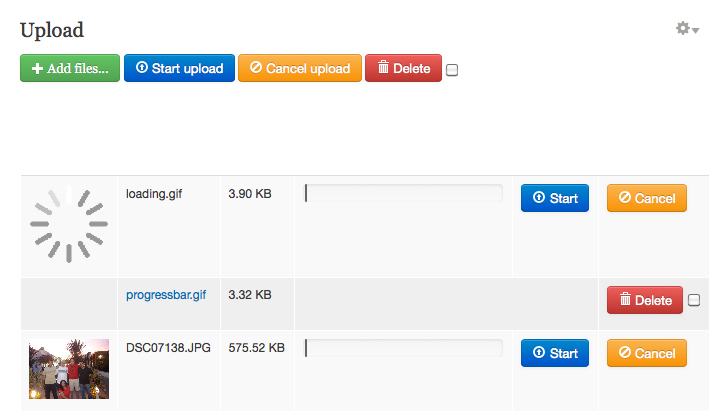
This module implements a sophisticated jQuery File Uploader that allows multiple file uploads, each with its own progress bar and a global progress bar, each file upload can be cancelled, or the whole batch can be cancelled at once.
You can see a Demo here
The jQuery File Upload module provides a block that can be placed anywhere on your Drupal site.
The module currently supports the following extensions:
- Images: gif, jpeg, jpg, png, tiff
- Videos: asf, avi, mpeg, mpg, wmv, vob, mov, mp4, flv
- Documents: txt, doc, docx, xls, xlsx, ppt, pptx
The jQuery File Upload module provides configuration screen where file types and file sizes allowed for each user role can be configured, It supports max file size for each role, and total file quota for each role
Requirements & Installation
This module requires the latest dev version of jQuery Update, after enabling the jQuery Update module, go to it's settings page and choose jQuery version 1.7+
To install this module you need to download the jQuery File Upload plugin and extract the archive and copy the "css", "img" and "js" directories inside the module directory under the "lib" folder, then enable the module and place the block on your site and start uploading!
Uploaded files are saved in the sites/default/files/file_uploads directory where each user has a folder with his/her User ID, for example files uploaded by the admin are saved under sites/default/files/file_uploads/1.
This module was developed and sponsored by JesoX
Project information
- Project categories: Media, Developer tools
 69 sites report using this module
- Created by compujohnny on , updated
 This project is not covered by the security advisory policy.
Use at your own risk! It may have publicly disclosed vulnerabilities.


