

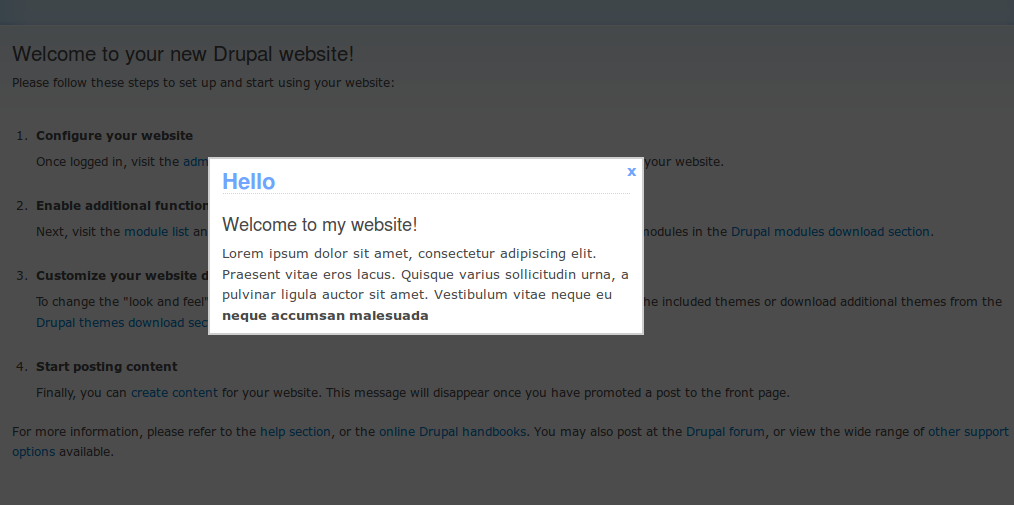
Introduction
Display popup message for users once per browser session.
Browser compatibility

Recommended modules
- No extra module is required.
Installation
- Install as usual, see Installing Modules for further information.
Configuration
- Navigate to Administration > Configuration > User interface >
Popup message for configurations. Save Configurations.
Upgrading from 3.0.x
Since 3.1.0, the popup HTML comes from the popup-message.html.twig template. The title and body values are no longer in drupalSettings.popupMessage.
If your theme has its own copy of popup.js, it still reads title and body, so the popup shows "undefined". Make a new copy from the module's js/popup.js and add your changes to it again.
To change the popup HTML, override popup-message.html.twig in your theme.
Sponsorship
This project is sponsored by Droptica - Experts in Enterprise Drupal Development
Project information
 6,138 sites report using this module
- Created by grzegorz.bartman on , updated
 Stable releases for this project are covered by the security advisory policy.
Look for the shield icon below.


