

This project is not covered by Drupal’s security advisory policy.
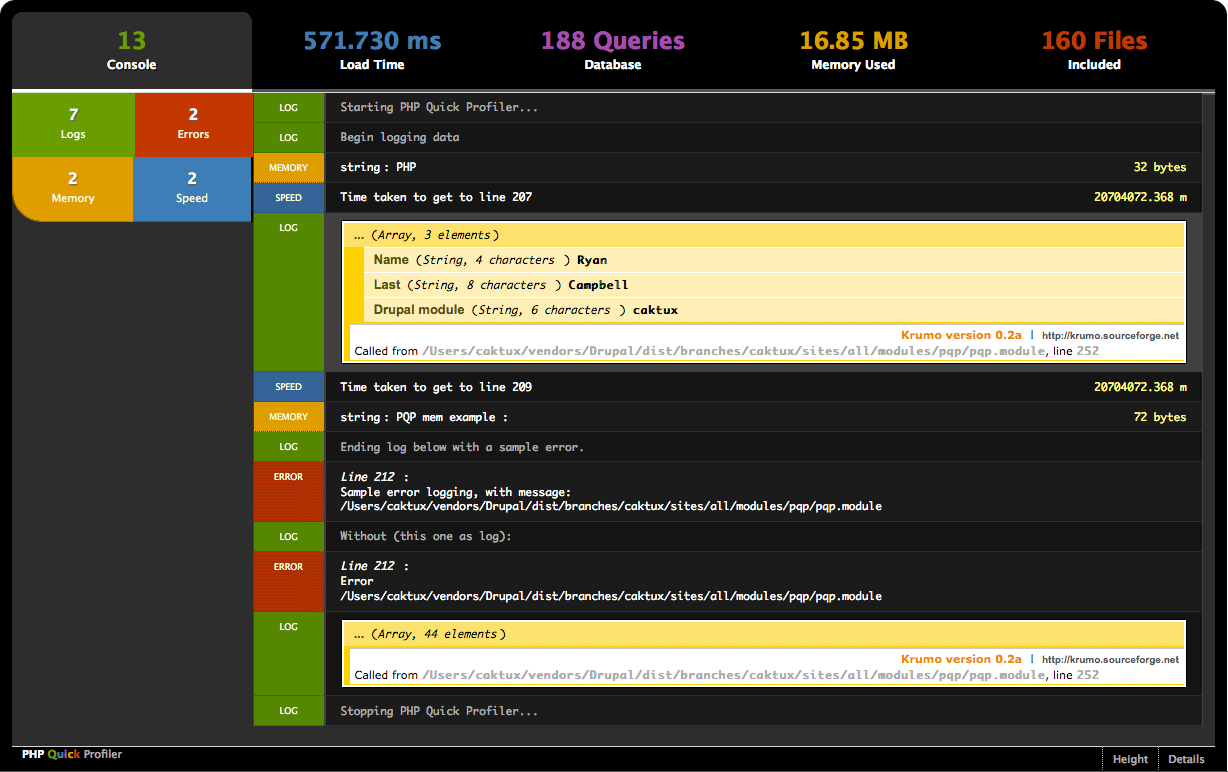
Drupal Profiler used to profile a Drupal website to get load time, memory usage, PDO queries, and let you set benchmarking systems to determine functionality performance.
Currently under active development rewriting entire code base.
Project information
- Created by caktux on , updated
 This project is not covered by the security advisory policy.
Use at your own risk! It may have publicly disclosed vulnerabilities.


