

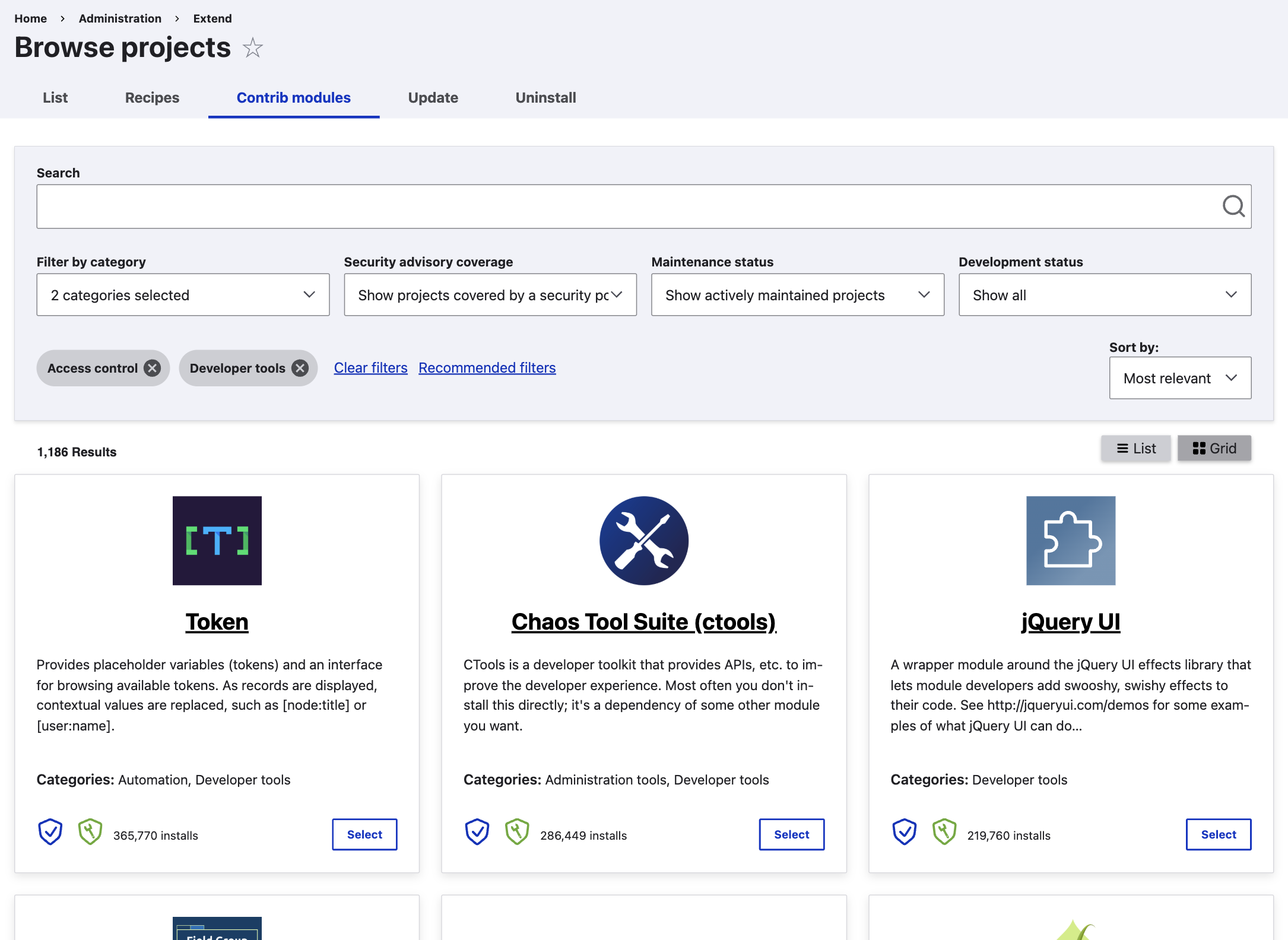
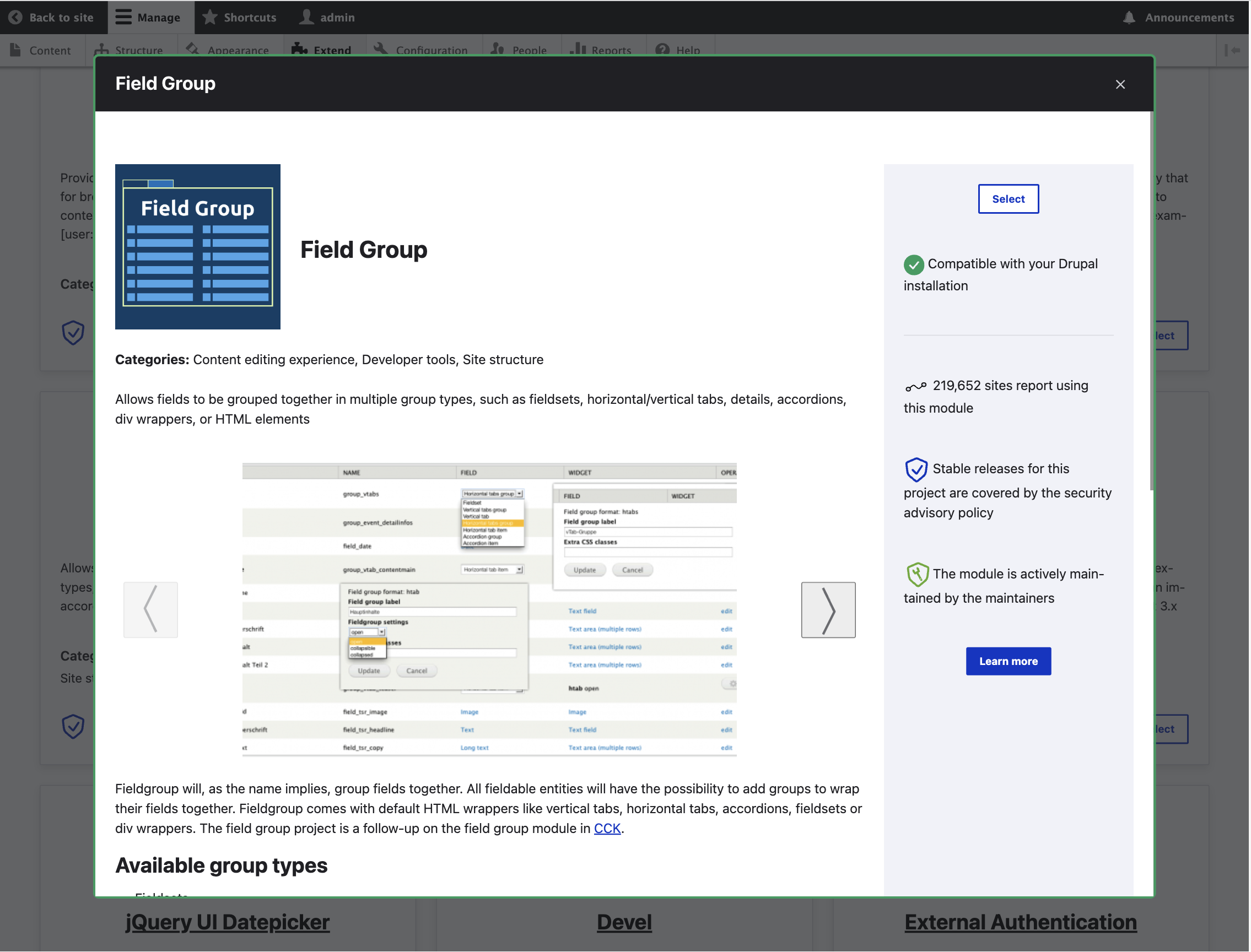


The Project Browser makes it easy for site builders to find and install modules. This browser lives inside the Drupal site itself, which means you don't need to leave your site in order to look for modules!
The UI is intended to be faster and easier to use, with enhanced filtering capabilities to provide a streamlined view of projects. This is a decoupled component that queries the Drupal.org API in real time to ensure that the content is easily accessible and up to date.
Our goal is to make it easier to find and install modules for people that are (1) new to Drupal and that are (2) site builders. Developers will also find this valuable since it provides them with the composer commands to get the modules.
Want to try it now?
Spin up a demo on Gitpod => Try it now
When using Gitpod for the first time, you'll need to log in with an accepted OAuth provider (GitHub, GitLab, or Bitbucket). GitHub is probably the best choice, though, because you'll need to auth to GitHub anyway for the repo we're using.
Strategic Initiative
This module is part of a Drupal Core Strategic Initiative created by Drupal founder Dries Buytaert. See the initiative page for more details. If you would like to get involved reach out on the #project-browser channel in Drupal slack or see the issue queue.
How does this module work?
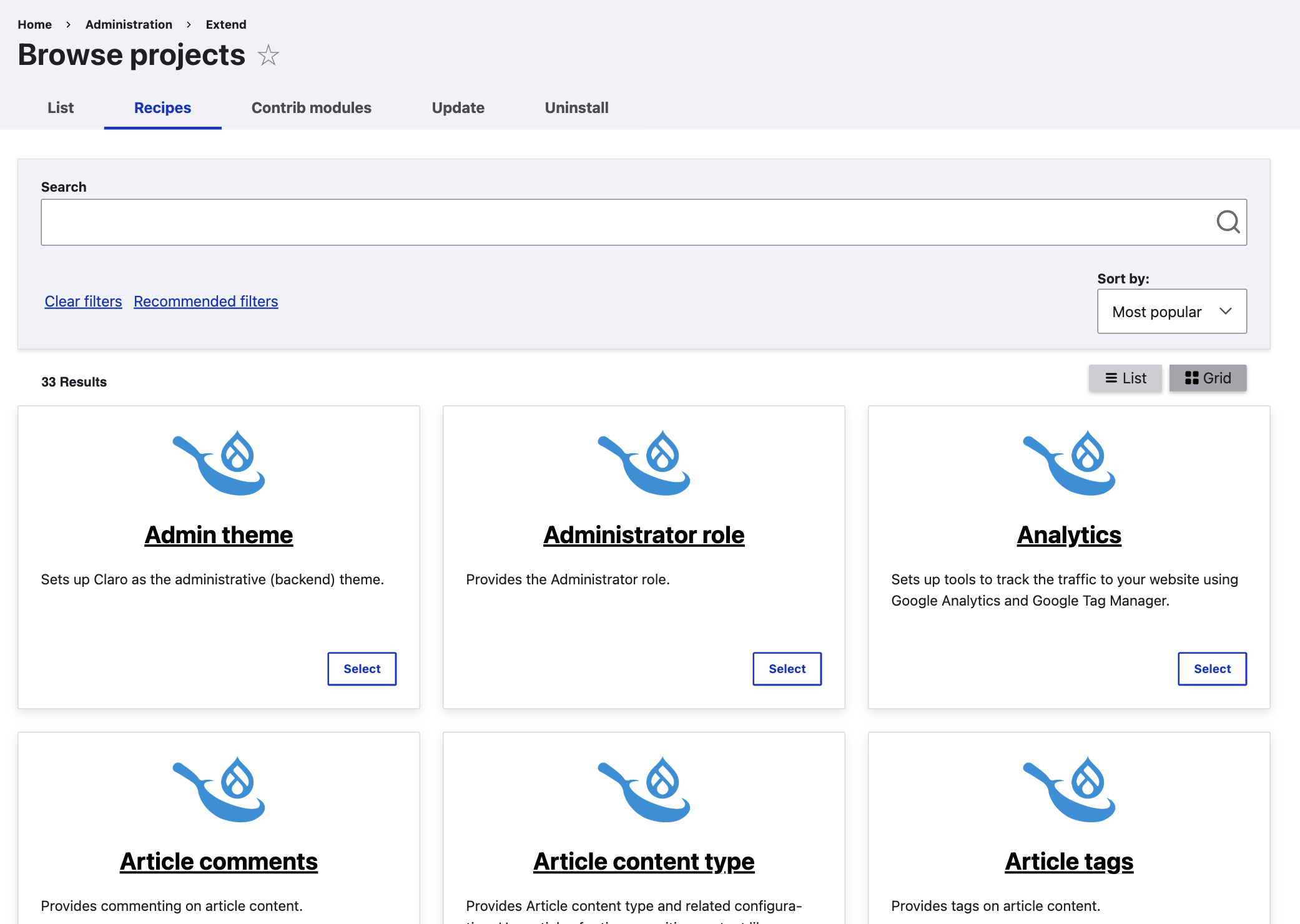
After installing this module, new tabs appear under the “Extend” section of the admin interface. You can search through Drupal’s modules and find just the right one for your use case. Each Project Browser "Source" exposes a tab, and three sources come with the module - "Contrib modules" (search Drupal.org), "Recipes" (that are already available in your code base), and "Core" (core modules in your code base - this plugin is disabled by default but can be enabled in the Project Browser settings).
Features
Enabling this module will allow you to browse contributed Drupal modules inside your Drupal site. You can also create your own plugin so you can make your own Project Browser for your organization.
Requirements
None - only Drupal core (10+).
Recommended modules/libraries
None at this time.
Recommended use cases
Use this module on your site when you want to explore and add new functionality and features to your site.
Looking for ways to contribute to the Project Browser Initiative
Go to Contribution Opportunities to find something that interests you. Read out in the project-browser channel on Drupal slack if you have questions of ping @leslieg or @chrisfromredfin on drupal.org
Other Things to Know
The "web user" will need write access to your project codebase for automatic installation to work. The intention is these are run in local development environments, for example DDEV. There are some additional instructions that can be run to make it work in DrupalPod as well.
7.x archive
The 7.x version of this module was archived and is a different project. Please see the 7.x branch for the code and content archive.
Project information
- Project categories: Administration tools
 18,052 sites report using this module
- By chrisfromredfin on , updated
 Stable releases for this project are covered by the security advisory policy.
Look for the shield icon below.


