Publisher’s description:
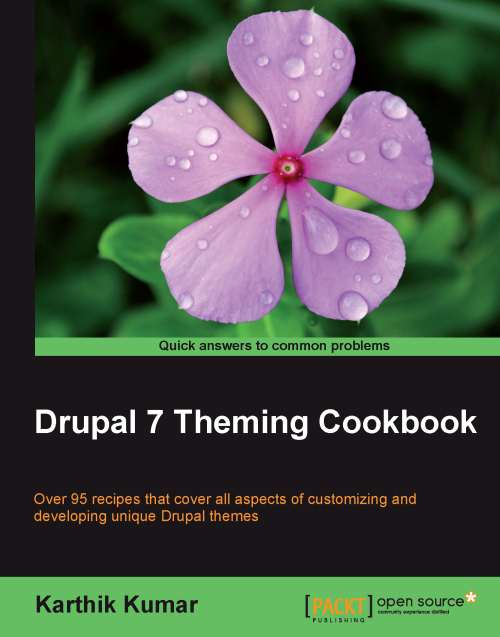
Over 100 recipes that cover all aspects of customizing and developing unique Drupal themes.
- Spice up your Drupal themes
- A complete update for Drupal 7, with added information for the Field API, Views, and Panels
- Part of Packt's Cookbook series with lots of practical recipes for solving the most common theming problems
In Detail
The greatest strength of Drupal lies in its design which, when employed correctly, allows developers to literally handcraft every aspect of a site, so that it looks and performs exactly how they want it to. While it is reasonably straightforward to download a Drupal theme and install it, doing anything beyond that is not. Using custom themes requires familiarity and experience with Drupal's theming system, especially if you want to easily administer and maintain your themes.
Drupal 7 Theming Cookbook provides a plethora of recipes that enable Drupal template designers to make full use of its extensibility and style their site just the way they want it. It is a well-rounded guide which will allow users to take full advantage of Drupal's theming system.
This cookbook starts with recipes which address the basics of Drupal's theme system, including regions and blocks. It then moves on to advanced topics such as creating a custom theme and using it to modify the layout and style of content. With the introduction of the Field API and the growing importance of Views and Panels in Drupal 7, chapters have been dedicated to each feature. You will also learn many techniques for dealing with Drupal's templating system, which will allow you create themes which surpass even the existing Drupal and contributed modules.
What you will learn from this book
Improve your knowledge of the basics of Drupal theming such as installing and enabling a downloaded theme, changing the logo, and adding a slogan
- Customize the look of your website by configuring and extending your existing themes with sub-themes
- Create custom themes from scratch for websites that demand a fresh looks
- Use the PHP Template theming engine to override module output and style it using a theme
- Style and manipulate the content of your website by adding CSS and JavaScript files via themes and modules
- Manipulate images on the fly using the Image API and the Image module
- Jazz up the design of your site by incorporating JavaScript elements
- Design complex site layouts rapidly with Panels
Approach
Part of Packt's Cookbook series, this book offers solutions to common theme design problems in the form of recipes. Each recipe contains step-by-step instructions and screenshots. The book is designed so that you can read it chapter by chapter, or you can refer to each recipe in no particular order.
Who this book is written for
This book is for Drupal developers and administrators who want to refresh the look and feel of their site. We assume that readers are familiar with basic PHP, CSS, and XHTML as well as the general use of Drupal.