

 The 2026 Drupal Business Survey is open. Your response will help shape the future of the Drupal business ecosystem.
Hi,
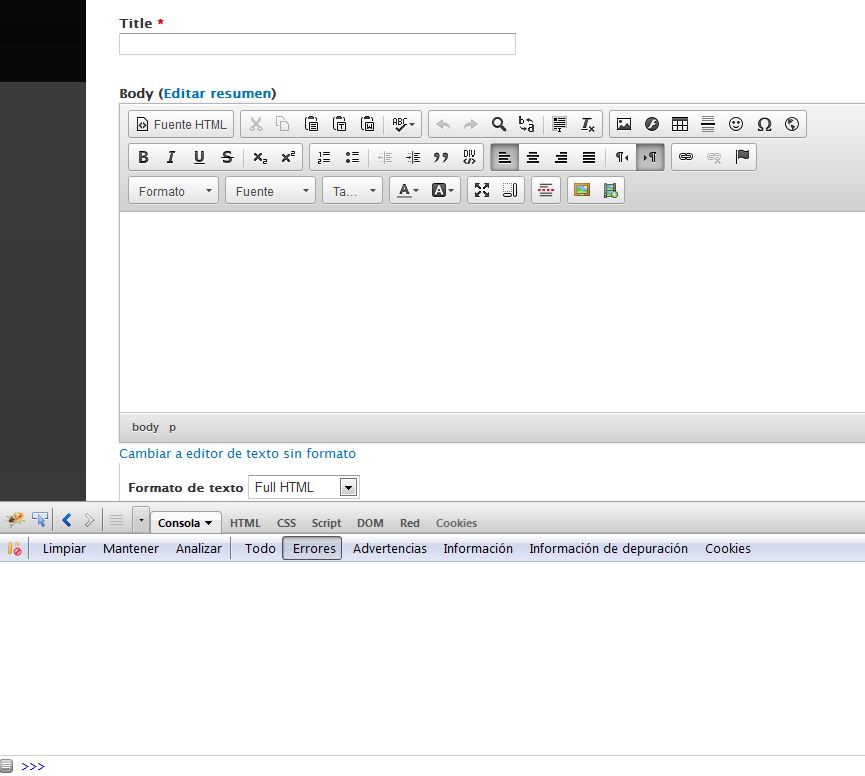
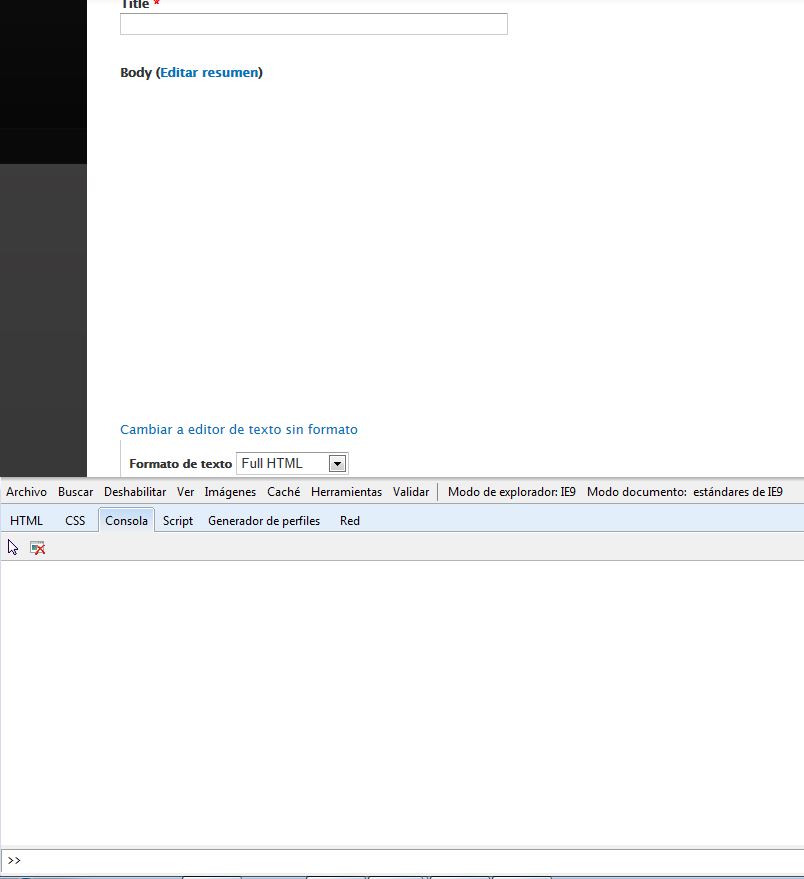
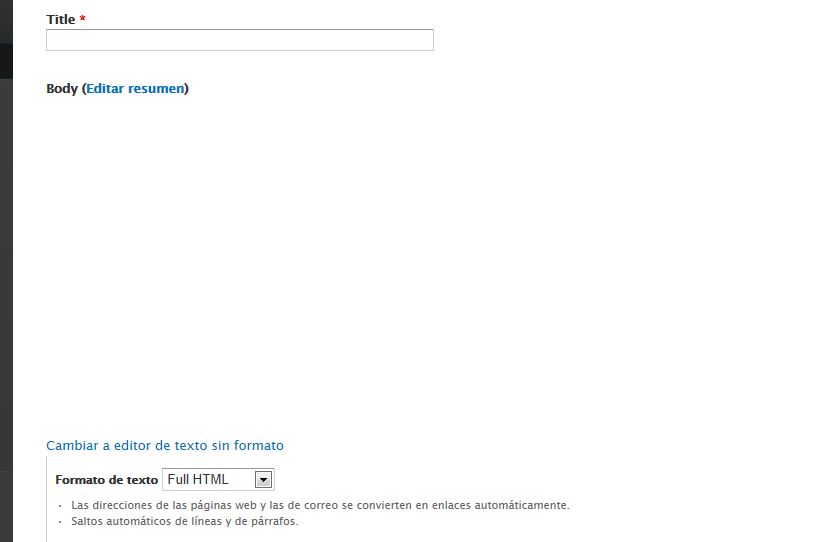
I just installed the latest version of Fitvids and enabled him no CKEditor shows editor internet explorer 9. In Firefox and Chrome no problem.
It happens with all themes, Bartik, Seven, Corporate clean ..... etc
I have the following modules:
Drupal core 7.23
FitVids 7.x-1.14
Libraries API 7.x-2.1
jQuery Update 7.x-2.3
CKEditor - WYSIWYG HTML editor 7.x-1.13 with ckeditor 4.2 full
I'm using the correct version of fitvids from https://raw.github.com/davatron5000/FitVids.js/master/jquery.fitvids.js
Any suggestions?
Thanks,
Chema
| Comment | File | Size | Author |
|---|---|---|---|
| #10 | with_fitvids.PNG | 77.45 KB | segovia94 |
| #10 | without_fitvids.PNG | 108.01 KB | segovia94 |
| #4 | fitvids-conflicts-with-ckeditor-2078821-4.patch | 472 bytes | drupal_was_my_past |
| #2 | CapturaFF.JPG | 64.38 KB | hovering |
| #2 | CapturaIE9.JPG | 44.79 KB | hovering |

Comments
Comment #1
derekahmedzai commentedAre there any error messages? (look in
F12 Developer tools → Console)Comment #2
hovering commentedI do not see any errors :(
Comment #3
drupal_was_my_past commentedI'm experiencing this error as well. I've isolated the problem to line 33 of jquery.fitvids.js
ref.parentNode.insertBefore(div,ref);, but I'm not sure what the solution is.Comment #4
drupal_was_my_past commentedOk. Ignore my previous comment.
I'm still not sure what the problem is exactly, but I do have a temporary fix that makes it so that ckeditor (and wysiwyg in my case) are functional in internet explorer (I'm having this problem in all versions of IE). The problem seems to be that
fitvids()is being called on every page and on pages that ckeditor runs on there is some sort of conflict. My temporary fix is to editfitvids.jsin the Fitvids module (see attached patch) and also to set the Fitvids configuration to not run on pages that need ckeditor, such asbody:not(.page-admin, .page-node-add).This temporary fix does not help in cases where you need fitvids and ckeditor on the same page.
Comment #5
hovering commentedThanks for the reply. I will test the patch to see if it solves my problem.
Of moment with ckeditor 3.6.4 version is displayed correctly. The problem must be with the latest versions of ckeditor.
Comment #6
hovering commentedPatch # 4 Tested. Works for me with ckeditor 4.2.1 full.
Thanks!
Comment #8
ADrupalUser commentedMaking this active again as the patch in #4 does not apply in cases where you need both fitvids and ckeditor working on the same page.
Comment #9
ADrupalUser commentedAnyone know how to disable fitvids only when IE is detected? Or better yet, disable fitvids when a desktop version of IE is detected?
Comment #10
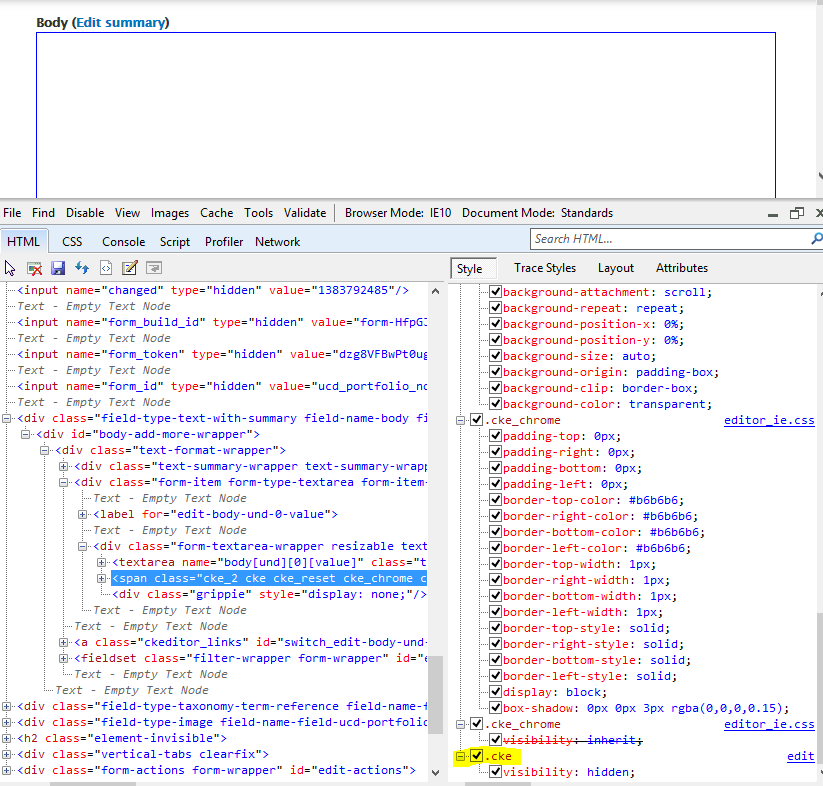
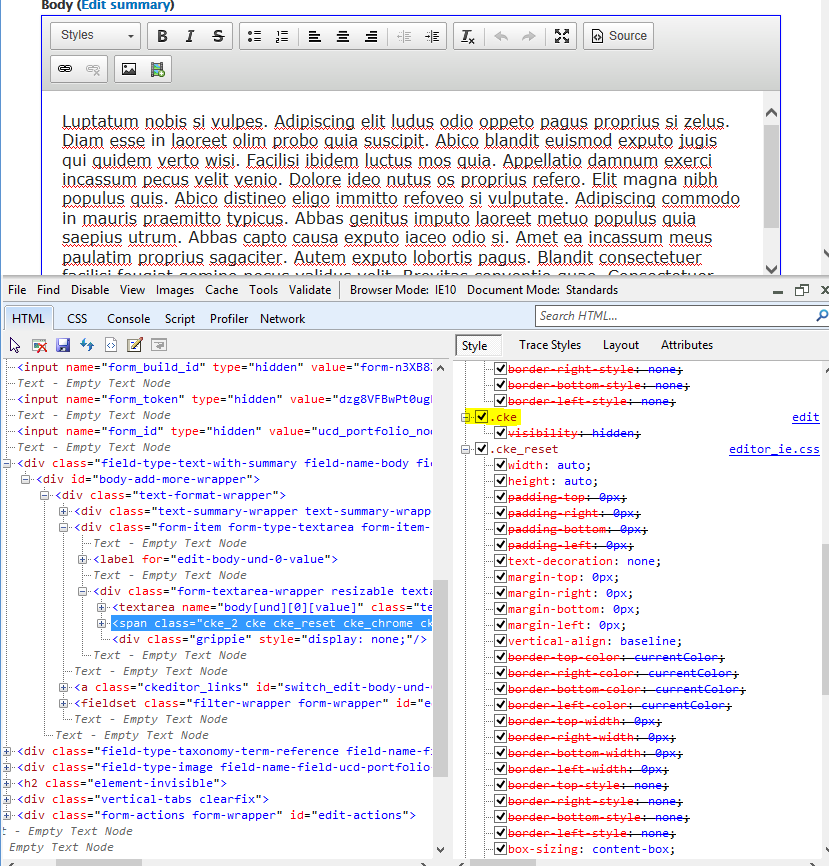
segovia94 commentedComment #11
segovia94 commented#3 is correct. That line in the javascript adds a div into the head tag. If you change the code to add it to the body then it all works fine in IE.
The reason there are no javascript errors is because there aren't. Ckeditor doesn't show up because there is a css class .cke which is set to visibility:hidden. This class seems to change its cascade order depending on if fitvids is installed. So ckeditor loads just fine... you just can't see it. You can toggle that class off and see that it displays.
Something about that div in the head makes IE do this.
Here are some screen shots of the IE dev tools (more specific is at the bottom).
Without Fitvids

With Fitvids

What to do with this information... I'm not sure yet.
Comment #12
segovia94 commentedI created an issue in the fitvids library repo on github if you want to follow along. https://github.com/davatron5000/FitVids.js/issues/147
Comment #13
ogomez78 commentedFor those that are experiencing this due to having the fitvids module enabled here's what to do to fix it:
1. Go to edit the fitvids configuration page: admin/config/media/fitvids
2. Change the video container value from 'body' to '.field-type-text-with-summary .field-item'.
If your theme uses different classes than '.field-item', then use one that comes before the video embed but after the '.field-type-text-with-summary'. What you're trying to do is target a container that is used on the node display layout and not on the node/edit and node/add forms.
Comment #14
hovering commentedI can not get it to work properly with the latest versions of ckeditor.... :(
Finally, with the 3.6.4 version of ckeditor works well.
Comment #15
derekahmedzai commentedHere's a quick hack:
1. edit
sites/all/libraries/ckeditor/skins/moono/editor_ie.css1. change
.cke_chrome{visibility:inherit}to.cke.cke_chrome{visibility:inherit}This increases the specificity of the cke_chrome rule, and should mean the editor is shown.
Comment #16
b777 commented#15 fixed it for me. Thanks for that.
Comment #17
derekahmedzai commentedI've added a stylesheet to the module to fix the ckeditor problem (and so you won't have to hack the ckeditor css files).
Download the new dev release and try it out.
Comment #18
mxtLatest DEV version resolves the issue for me, thanks
Comment #19
jerry commentedLatest dev version fixed this for me as well. Thanks.
Comment #20
derekahmedzai commentedGreat, thanks for testing the dev version.
A new release 7.x-1.15 is now ready to download!
Comment #22
rp7 commentedAccording to my tests, this does solve the CKEditor not showing up, but options within the CKEditor toolbar which use a dropdown (like the "HTML Block Elements" or "Styles"), do not work in IE (tested in IE9 and IE10).
Comment #23
loopduplicate commentedThere is another thread here: https://drupal.org/node/2244835
Comment #24
loopduplicate commentedJust in case anyone needs this right away, I've posted a temporary fix here: https://drupal.org/comment/8697945#comment-8697945
Cheers,
Jeff
Comment #25
loopduplicate commentedComment #26
nickdickinsonwildeLooks to be fixed in #2244835: CKEditor is not visible in Panels IPE in IE11 and if not... quit using Internet Explorer ;) (being serious, if not fixed, feel free to re-open)