
On this page
I need a hero! Really, where is the Hero banner in the demo image?
So, you want to be a hero?
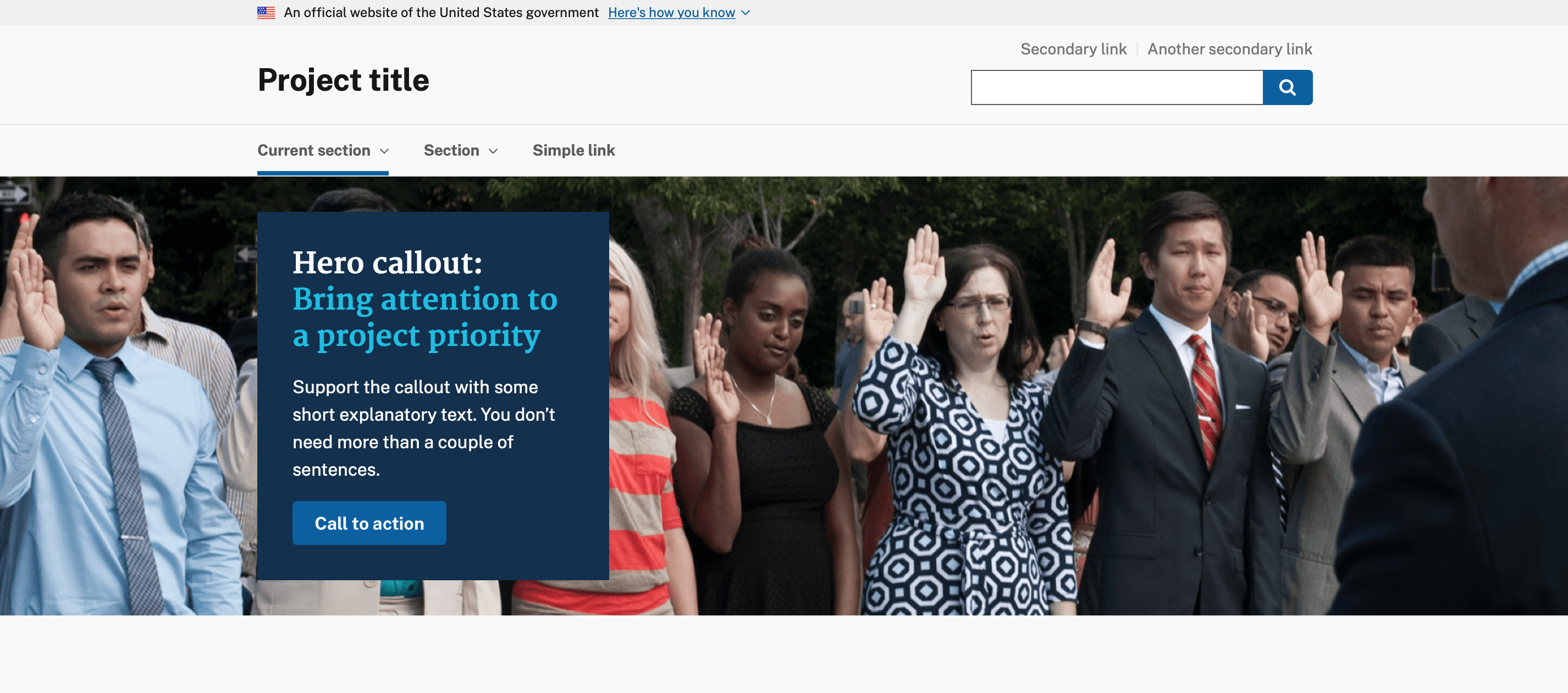
Ok, so you loaded this theme... where is that Hero callout? Well, you're going to have to create the demo yourself.
Go to: Manage > Structure > Blocks > Block Layout
Scroll down to the Hero region and click "Place Block"
Click "Add a Custom Block"
You can call it: USA Hero Callout
Code: *Please note: You must use Full HTML for this to work properly.
(Switch to Source)
<h2 class="usa-hero__heading"><span class="usa-hero__callout--alt">Hero callout:</span>Bring attention to a project priority</h2

<p>Support the callout with some short explanatory text. You don’t need more than a couple of sentences.</p>

<p><a class="usa-button" href="#hero">Call to action</a></p>
Save it
You should now be able to click "Configure" to the right of the block in your Hero region. On the configure block page, go to Pages and type in <front> to have your block only appear on the front page.
Go see your work!
Help improve this page
You can:
- Log in, click Edit, and edit this page
- Log in, click Discuss, update the Page status value, and suggest an improvement
- Log in and create a Documentation issue with your suggestion
