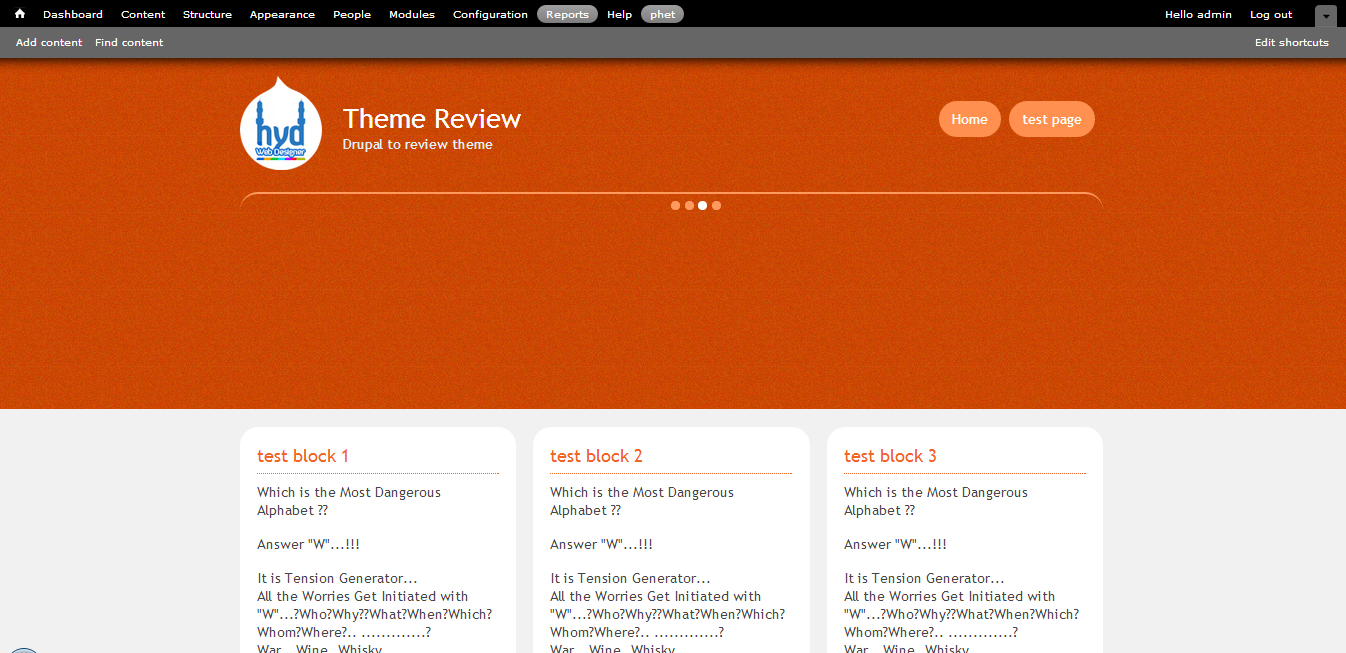
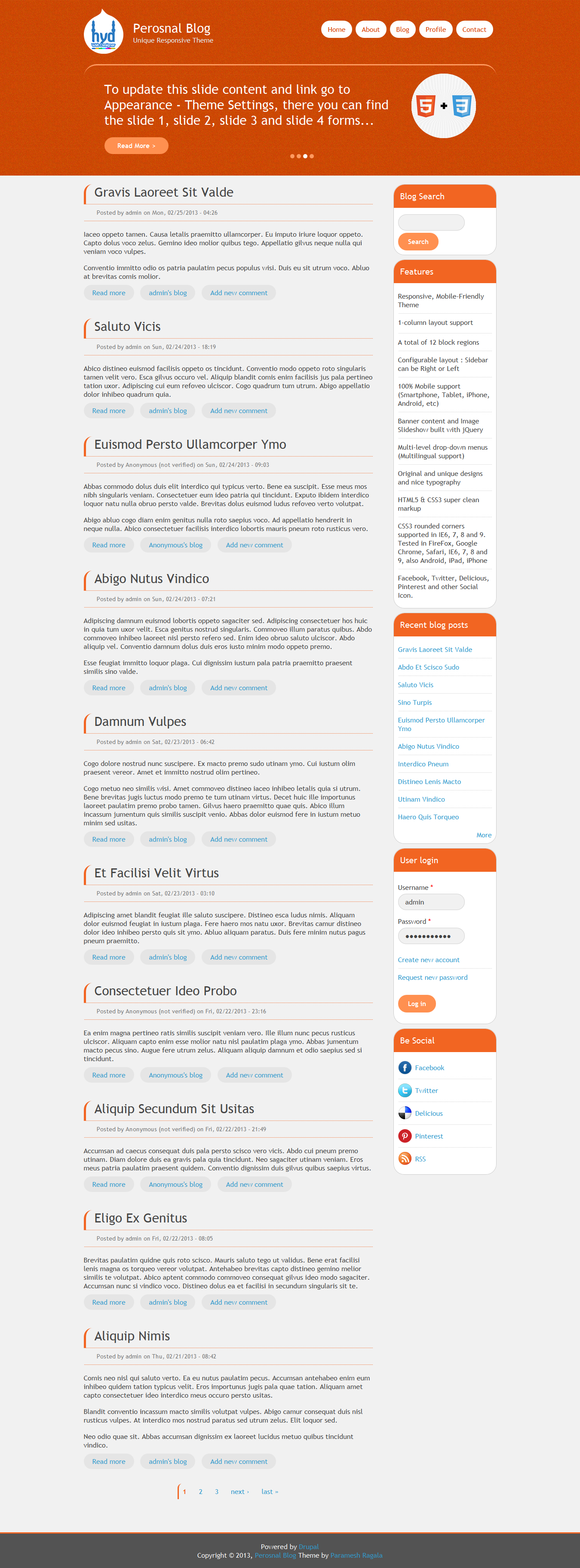
Responsive Personal Blog is Drupal 7 theme. It is for the people who looking for their personal blog very neat and clean new standards in web 2.0.
The Responsive Personal Blog theme completely developed using HTML5 and CSS3 and jQuey. Theme is 100% compatible for all devises. Tested in FireFox, Google Chrome, Safari and Opera browsers and also tested in IE7+, Android, iPhone and iPad devises.
Download the theme using below git command:
git clone http://git.drupal.org/sandbox/parameshrag/1927798.git responsive_personal_blog
Features:
- Responsive, Mobile-Friendly Theme
- 2- column layout
- A total of 12 block regions
- 100% Mobile support (Smartphone, Tablet, iPhone, iPad and Android, etc)
- Banner content and Image Slideshow built with jQuery
- Original and unique theme design and nice typography
- HTML5 & CSS3 support clean mark-up
- CSS3 rounded corners supported in IE6, 7, 8 and 9. Tested in FireFox, Google Chrome, Safari, IE6, 7, 8 and 9, also Android, iPad, iPhone
- Facebook, Twitter, Delicious, Pinterest and other Social Icon.
Demo Site:
Sandbox url: http://drupal.org/sandbox/parameshrag/1927798






Comments
Comment #1
Ujval Shah commentedHello Paramesh,
General Comments :
Refer : http://drupal.org/node/1410826
Please see : http://ventral.org/pareview/httpgitdrupalorgsandboxparameshrag1927798git
Refer Manual : http://drupal.org/coding-standards
Example : comment.tpl.php ; Line No : 5
Manual Review:
Example : html.tpl.php : line number - 1
better to use
Example : page.tpl.php : line number - 125
Example : page.tpl.php : line number - 125
if (module_exists('i18n')) with curly braces, better to use the alternative php syntax but even better is to take the logic out and put it into template.php somehow as a preprocess function. Refer "Alternate control statement syntax for templates" on http://drupal.org/coding-standards
Example : page.tpl.php : line number - 66
Example : use t() for all text information.
UI Issues :
Thanks,
Ujval Shah
Comment #2
mayank-kamothi commentedHi,
Manul Review:
You have quite a bit of logic in your template files (page.tpl.php for example). I would suggest anything that has theme_get_setting should go into template.php as a preprocess function perhaps and then create a variable that can be dropped into page.tpl.php.
Mayank
Comment #3
mayank-kamothi commentedHi,
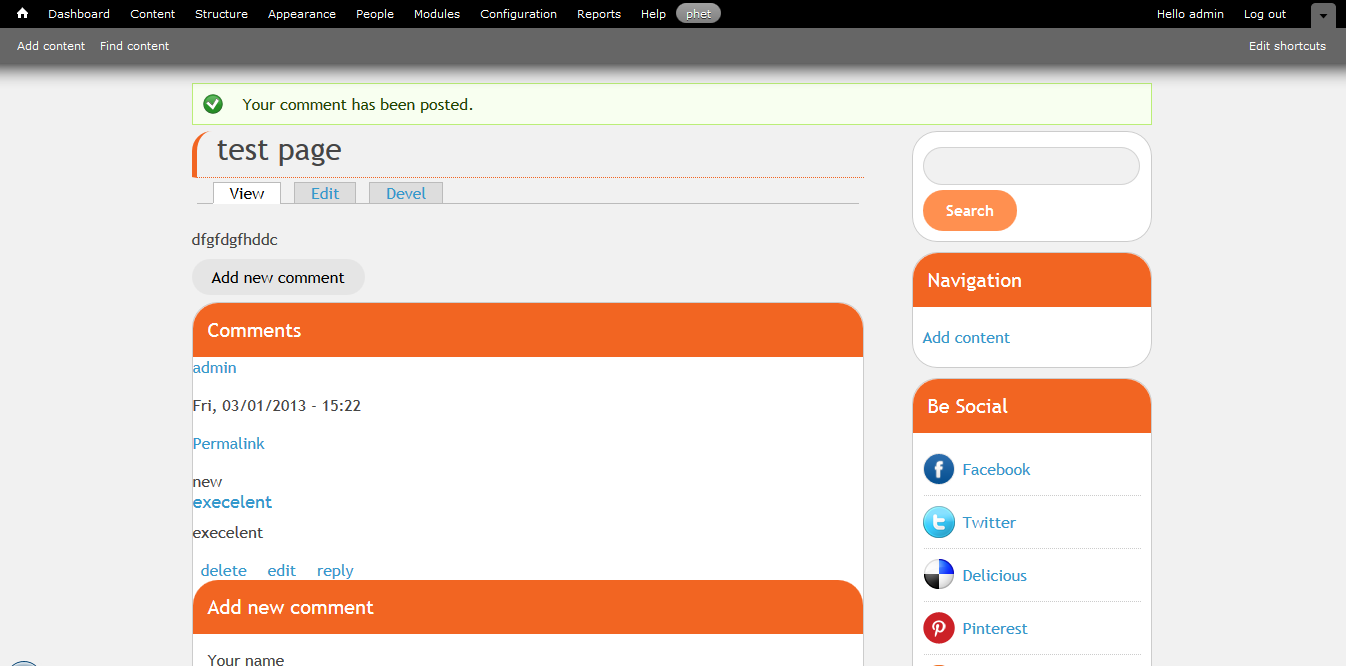
In node if comment is open and resize browser than there is no space between comment form and right sidebar block.
Comment #4
parameshrag commentedHi Ujval Shah and mayank,
Thank you very much for your review comments. I will work on the issues/standards and get back to you asap.
Regards,
Paramesh.
Comment #5
Homotechsual commentedFor i18n menus when performing the logic please check for the presence of i18n_menu NOT i18n as the internationalization module can be installed without the menu component which will cause your theme to throw a fatal error.
Comment #6
danny englanderjquery_002.jsin your JS folder looks to be a version of JQuery (1.6.1?). If your theme is dependent on another version of JQuery, you should probably remove that file from the theme and suggest to your users to use the JQuery update module, otherwise including another version of JQuery in your theme could cause conflicts.sites/all/themes/param/css/PIE.htc... which does not seem like a legit path and I have clean URLs enabled. I am also not sure if this will cause a conflict with users who are already using the Drupal CSS3 PIE Module
Other than that, it's a nice looking theme! -- Danny
Comment #7
danny englanderComment #8
manjit.singhHi,
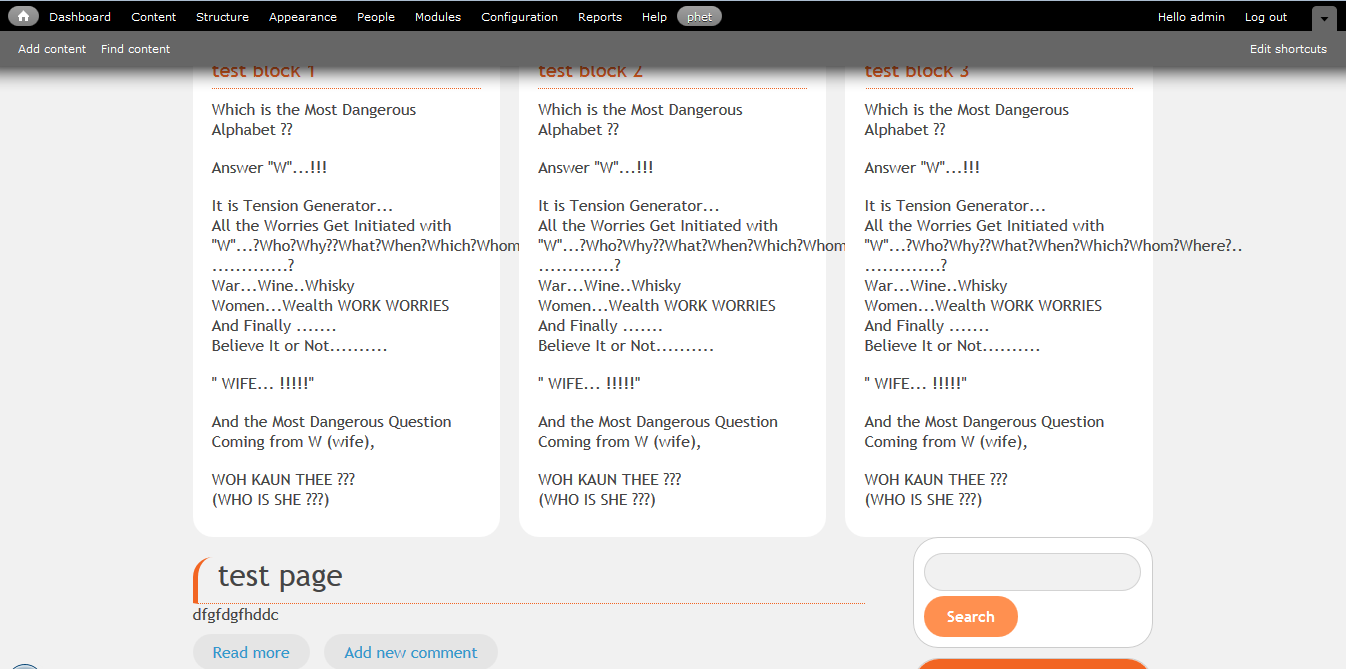
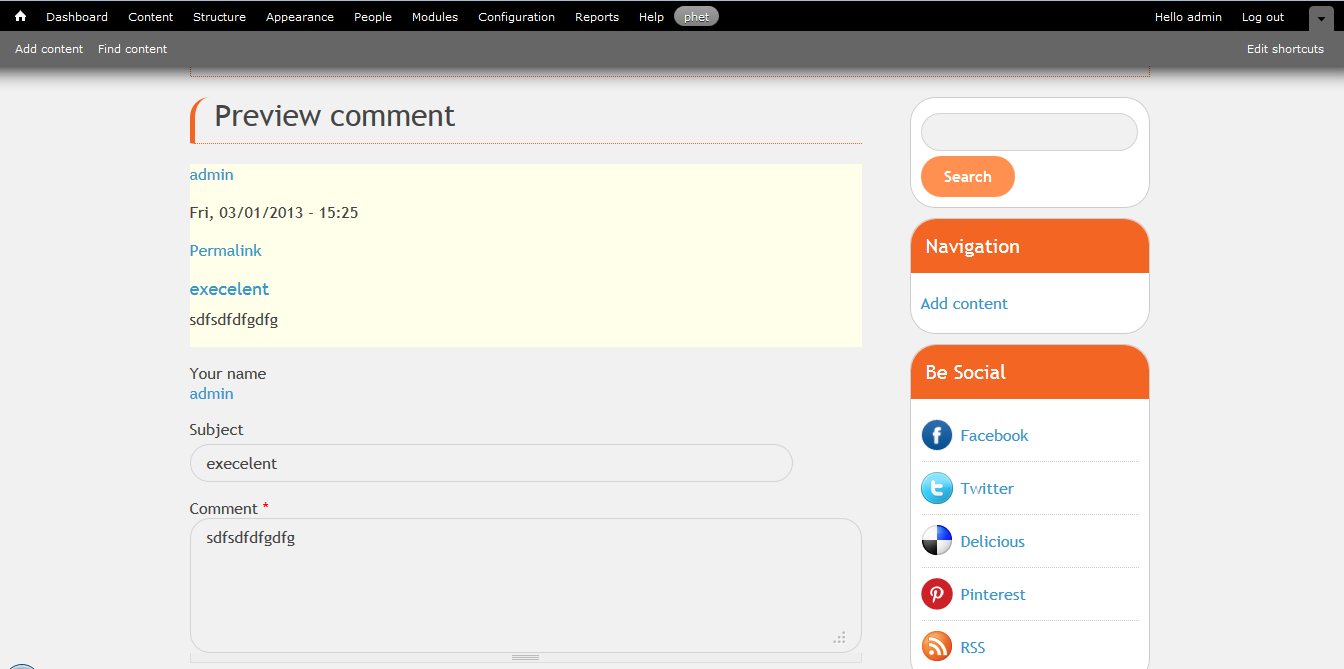
I have review the theme in IE8, IE9, IE10, firefox, chrome, And found some UI bugs. Please see the following screenshots.
Comment #9
manjit.singhHi,
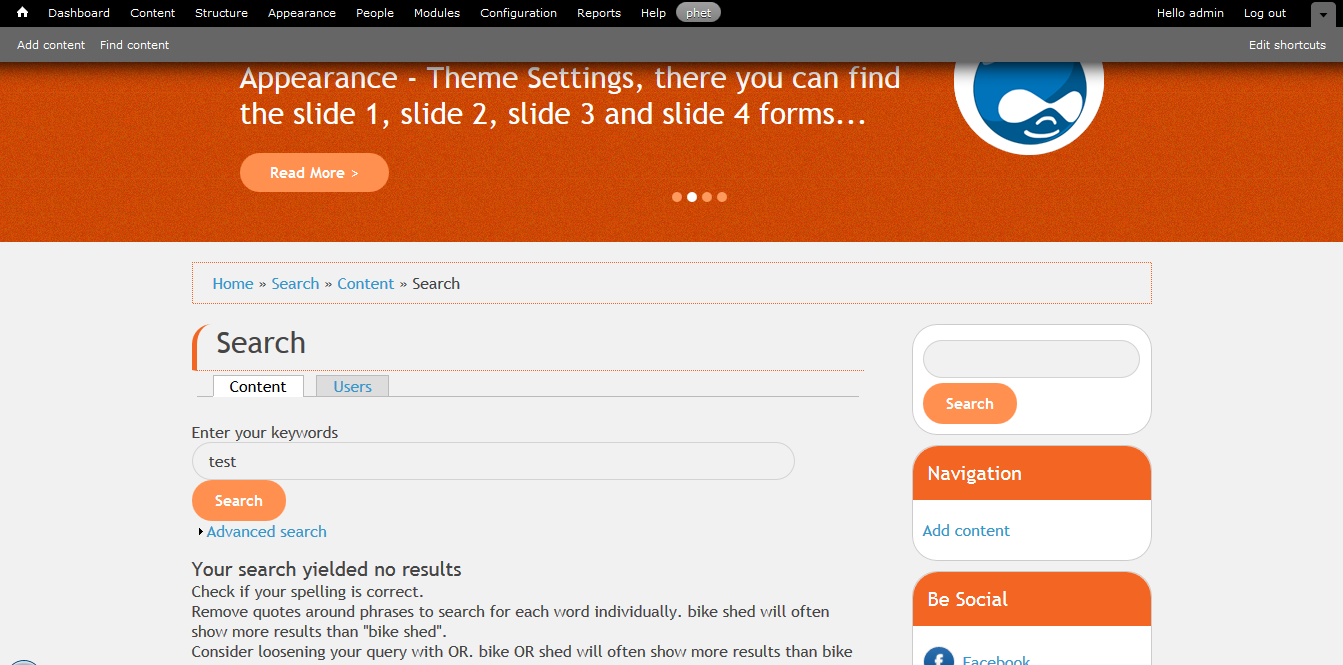
When i disable slideshow(at front page) from back-end, dots are coming. Refer screenshot.
Comment #10
PA robot commentedClosing due to lack of activity. Feel free to reopen if you are still working on this application.
I'm a robot and this is an automated message from Project Applications Scraper.