

Closed (fixed)
Project:
i18n node reference synch
Version:
7.x-1.x-dev
Component:
Code
Priority:
Normal
Category:
Feature request
Assigned:
Unassigned
Reporter:
Created:
7 Sep 2013 at 18:33 UTC
Updated:
7 Oct 2013 at 06:41 UTC
Jump to comment: Most recent file


Comments
Comment #1
bvanmeurs commentedHi candelas,
I am not sure I understand.
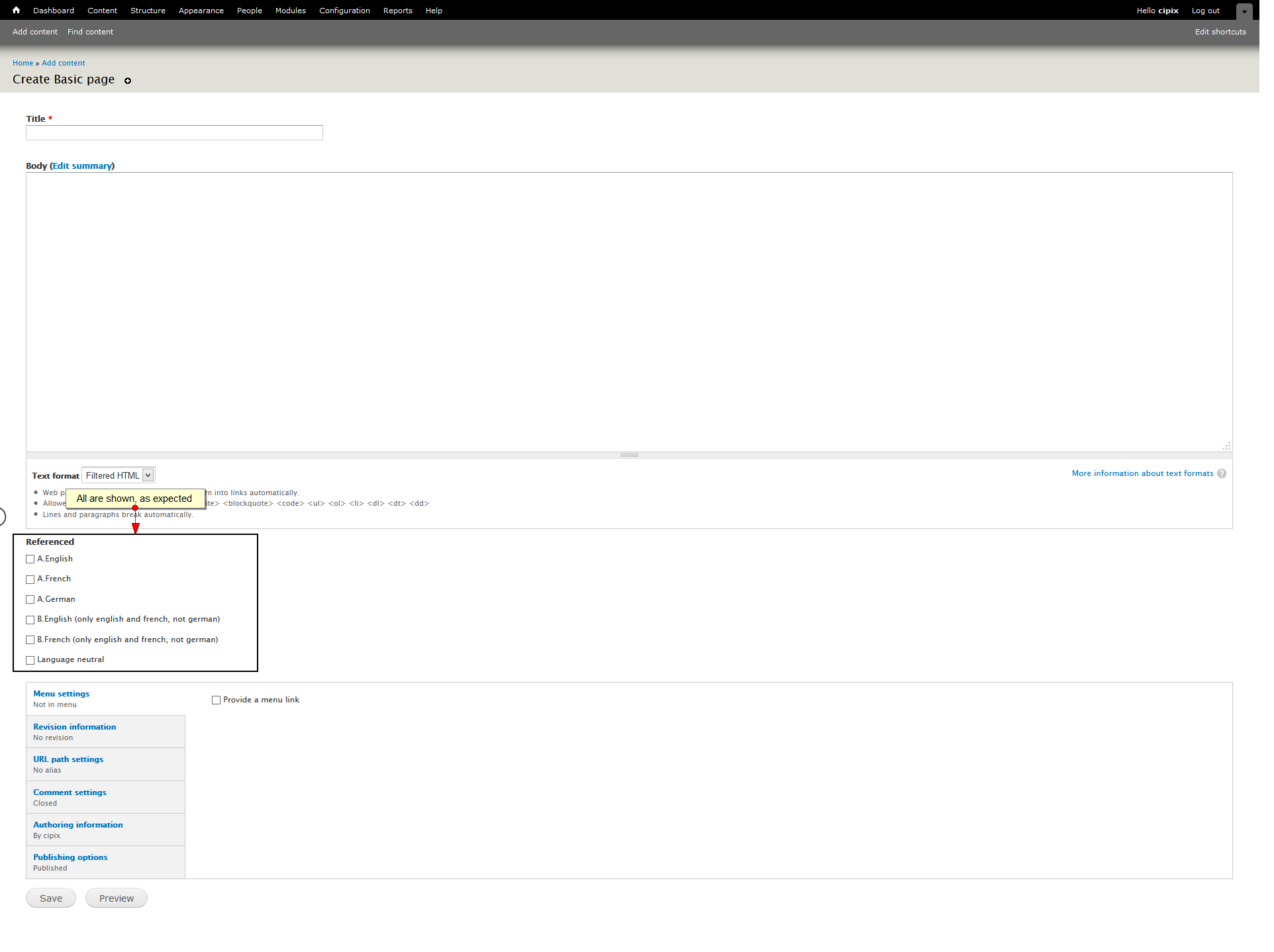
I created a new untranslatable content type A, then referenced a node type B that is translatable.
Then I created some new nodes of type B, some translated, some language independent.
Then I created a new node of type A. I can see all nodes of type B, even if they are in the other language!
See the screenshot.
Can you please make a step-by-step description of the problem?
Regards,
Bas
Comment #2
bvanmeurs commentedComment #3
candelas commentedhello
thanks for your answer. this week i am very busy with site other part, but i try to explain better :)
at the end, since i didnt find a solution, i made the content translatable, which it is not a good practice and i would like to have only one.
i use a select.
and maybe the problem comes that i have only one option to be able to choose. the user should see the select in their language, but then be classified in the three languages...
thanks a lot
Comment #4
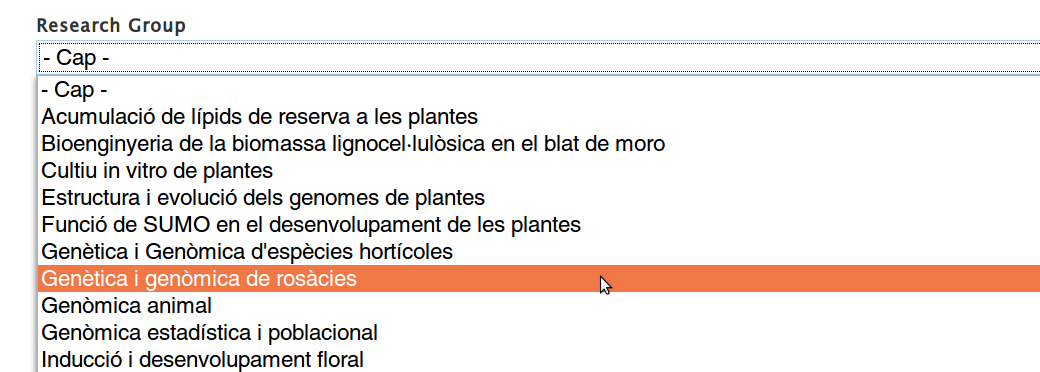
candelas commentedi upload the select in english and in catalan trying to make myself to explain better.
the form in catalan language
the form in english language
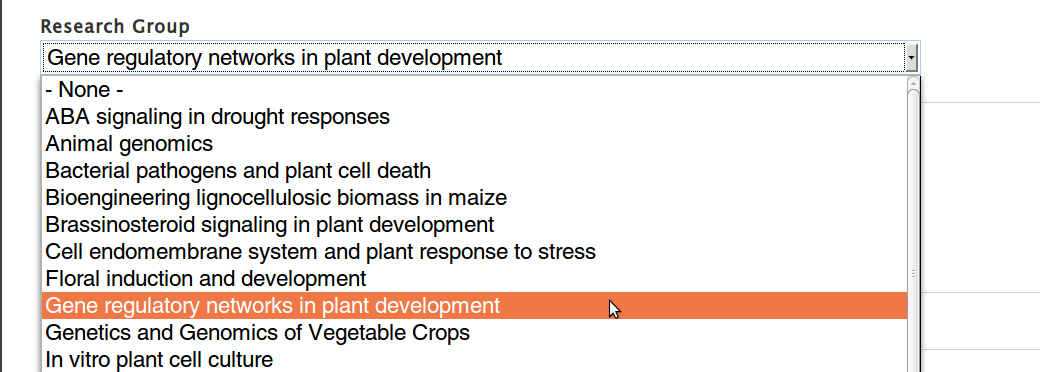
once it is saved, it should be assigned to all the 3 languages. but i realize that i couldnt (it was one of the many ways i tried) save it because the select only permits one selection.
I had made the form before translating and the client only at the end told to me that publications where without language but they have to be shown in all languages.
maybe the solution is to make a select with 3 options and show the ones in one language (what i would ask a feature request or make with a jquery?).
i think it is interesting to have an option to be able to do that because, besides publications, you can have music o images and have the same problem :)
since you know much more than i drupal, i would be grateful if you tell to me other way to solve it :)
thanks
Comment #5
bvanmeurs commentedHi candelas, I think I understand your problem.
I found a bug that caused untranslatable referenced nodes to be lost in other content translations when synching a node reference field.
I corrected it by not applying the translation in case the referenced node does not support content translation.
A fix has been committed to the dev branch. Including an update to the test case. I will create a new version (7.x-1.2) containing this fix when drupal.org permits me to, within 2 days.
Thanks for your bug report. Can you please review that it fixes your problem?
Comment #6
candelas commentedmmm know i have the content translated... but i will be happy to make it untranslatable. this means that if i have a node reference form a multilingual (3 languages) content type in a content type that is untranslated, when i reference any content it will be classified in the 3 languages?
i found many people asking for that, but not a solution...
i am studying and i hope in a near future i will be able :)
Comment #7
bvanmeurs commentedHi candelas, I don't understand your post.
If you encounter a bug you should describe to me step-by-step what you are doing, what you are expecting and what you are getting.
For an example, see https://drupal.org/node/1762328, most notably the 'to replicate' section.
Without that, I can't help you!
Regards,
Bas