

Closed (fixed)
Project:
Drupal core
Version:
8.0.x-dev
Component:
base system
Priority:
Normal
Category:
Bug report
Assigned:
Issue tags:
Reporter:
Created:
18 Oct 2009 at 13:09 UTC
Updated:
29 Jul 2014 at 18:30 UTC
Jump to comment: Most recent file




Comments
Comment #1
heather commentedLong version: Why?
The default order of tabs creates confusion, and also a problem. Order denotes priority. Having two important steps at the top of the list will call the user's attention to it. The URL path settings, in this case, are the most important because if they are not set they cause an error, and recovery from the error is difficult/hidden.
Additionally, in 6 of 6 tests we conducted in Belfast, users assumed that "Menu settings" was a necessary step for content. This lead to some confusion. Also, when they do not set a "URL path" and no module is enabled to handle URL paths, they generate an error. I've made a video to demonstrate this.
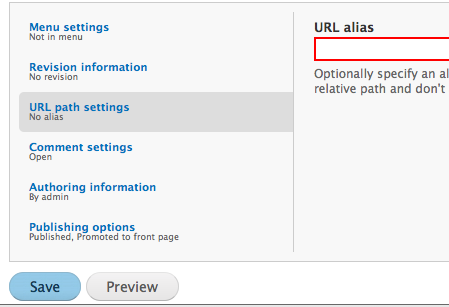
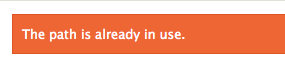
Without setting the URL path, you get this error:
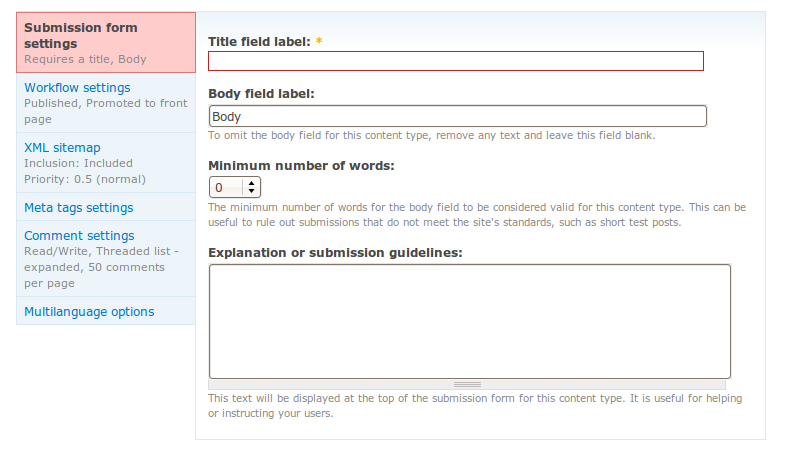
The vertical tabs essentially hide this error highlight. You have to click on the URL path settings tab to see the error. While this is learn-able, it is always generate an error for a first-time user, potentially being a frustrating road block to their first time of content creation.
Let's be nice and put this on the top of the list.
Comment #2
heather commentedOH... this is a BUG.
The URL should be generated..
And this should have not been an error.
BUT! The problem still stands. If this was an error (path already exists) the user cannot find it.
The tab in which an error is generated should be highlighted in some way.
Comment #3
stborchertThe error ("Path already exists") while entering no path at all will be fixed by #606888: Node creation breaks if no path is specified.
Comment #4
heather commentedAh okey, then when the bug is fixed, this is a still a usability fix needed for vertical tabs.
In the case that someone does type in a path that already exists, the tab problem persists (not highlighting hidden errors).
Comment #5
lisarex commentedI couldn't find this either. I searched for the string "Optionally specify an alternative URL" and nothing was found. Odd.
So there are two fixes here:
1) Re-order the vertical tabs (shown in http://drupal.org/files/issues/vt-defaulttabs.png)
2) Ensure errors are highlighted on the vertical tabs (should this be a separate issue?)
Comment #6
heather commentedI've just tested this, and the tab moves 'forward' when there is an error. Where is this issue? Someone fixed it!
I'd like to make some changes:
- some UI text
- make the URL form field highlight in red
- put in a demonstration of the URL under the text field.
Where's the relating issue??
Comment #7
dave reidWow, title and screenshots in this issue were very confusing. Please don't just snap part of your screen and assume I can tell what's going on. Please snap the whole screen and articulate with drawing or arrows or something. Impossible to see the whole context with several different screenshots of the same thing.
Comment #8
mcrittenden commentedSubscribe.
Comment #9
dave reidHeres the patch I wrote for the backport of Vertical Tabs in contrib with a screenshot.
Comment #10
dave reidComment #11
Bojhan commentedComment #12
dave reidI've applied the patch in #9 to the Vertical Tabs backport for Drupal 6.
Comment #13
cosmicdreams commentedsubscribing, going to see what I can help here.
Comment #14
mcjim commentedLooking onto this, it seems the form element to which the error applies isn't given an error class in Drupal 7:
<input type="text" maxlength="255" name="path[alias]" id="edit-path-alias" size="60" value="example" class="form-text">In Drupal 6 it would look like this:
<input type="text" maxlength="128" name="path" id="edit-path" size="60" value="about-us" class="form-text error">Surely that's wrong? I've searched the issue queue but not found mention of it elsewhere.
We'd need this class to be able to highlight it. Assuming we don't go the JS-only route.
Comment #15
amc commentedWhere does this stand now -- do we have a usability feature in D6 vertical tabs that's not yet in D7?
Comment #16
Bojhan commented@Dave can you supply a patch for this in D7 and Seven?
Comment #17
fietserwinWould #1155138: Flag tabs containing elements that failed form validation be of any help to patch this? The solution for horizontal tabs is a pure javascript solution and as the (js) code for vertical and horizontal tabs is amazingly similar... It was the module owner who implemented it, so the patch is in git: http://drupalcode.org/project/field_group.git/commit/acf7bdf. Code from above mentioned issue has been tested by me and works perfect.
Note that using the error class to style tabs is left to themers, so no css is added to the module to try to give tabs containing errors special appearance.
Comment #18
Stalski commentedThat's true. I would indeed appreciate some feedback on the solution chosen.
I must say, when field group is enabled, the javascript hook exists for the vertical tabs too within field_group.
- Edit - removed code. Did not make sense to post that here.
Comment #19
greenrover33 commentedThis patch lets get the tab buttons red borders when they contain erroneous form elements.
Comment #20
bfroehle commentedComment #21
Jeff Burnz commentedThis is working well for me, however we need the CSS in Sevens version of vertical-tabs.css also.
Comment #22
fietserwinI think that changes to css in specific themes should be separate issues, 1 per theme. This is about the code that makes it possible for themes to do something with it. Thus, IMO we shouldn't stall this patch for core code to wait for accompanying changes to Seven, Bartik, or whatever theme.
Back to needs review?
Comment #23
Everett Zufelt commentedTo ensure that this solution is accessible to all we are going to need to do more than add a class, we need to convey the error in a textual / discoverable way.
I'm not sure what we can do to convey this in a textual and discoverable way, but am happy to test proposed solutions.
Comment #24
Jeff Burnz commented@22, don't agree, Seven is our core default admin theme and it should work for Seven right away, it mostly does but the tab highlight does not, so if two tabs are affected you will only know about one of them. Its a two line addition to the patch. As the maintainer of the Seven theme the last thing I want is two line CSS patches hanging around for Dries and Webchick to review that could go in now - they have better more important things to do.
@23, good point but should not hold this up going in now. This is major usability issue for 95% of users or more and this patch can fix it very easily. Accessibility issues can be a follow up and we both know that it will take a long time to find a solution - fix it for the 95% now in Drupal 7. Craft a really solid solution for D8 and backport it.
Comment #25
Everett Zufelt commentedCompletely disagree w/ 24. Isn't the purpose of gates that we don't leave things hanging around? I mean seriously what is the purpose of gates if we just ignore them when they are inconvenient?
Comment #26
Jeff Burnz commentedEverett, the gates are for Drupal 8, this is Drupal 7, which the gates have nothing to do with, and committing this now does not hurt anyone at all, but helps all those who are sighted - the otherwise impaired but not blind included.
The "well crafted solution" is under way at #447816: WCAG violation: Relying on a color by itself to indicate a field validation error and is indeed marked D8, that issue has been open for nearly 2.5 years, and looks no closer to a real solution than it did a year ago. At least this allows us to give most users a decent experience until such time as the real fix can be back-ported, which could easily be another year or more.
Comment #27
mgiffordMoving this to D8. I do think we should check to see if this is done there.
Comment #28
mgiffordRe-rolling in Drupal 8.
Comment #29
mgifford#28: add-erroro-higlighting-within-vertical-tabs-28.patch queued for re-testing.
Comment #30
yesct commentedtagging
Comment #31
KeyboardCowboyComment #32
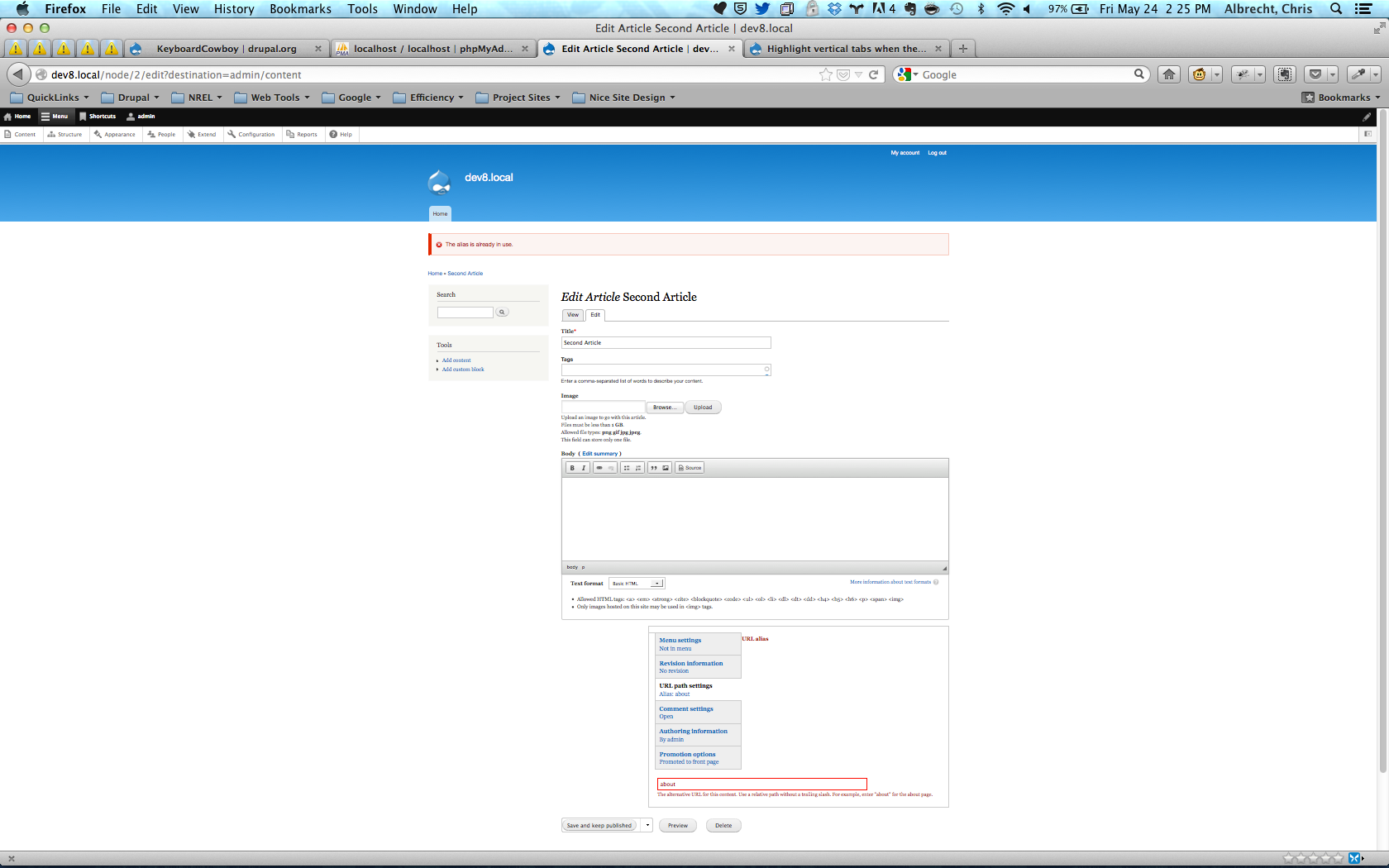
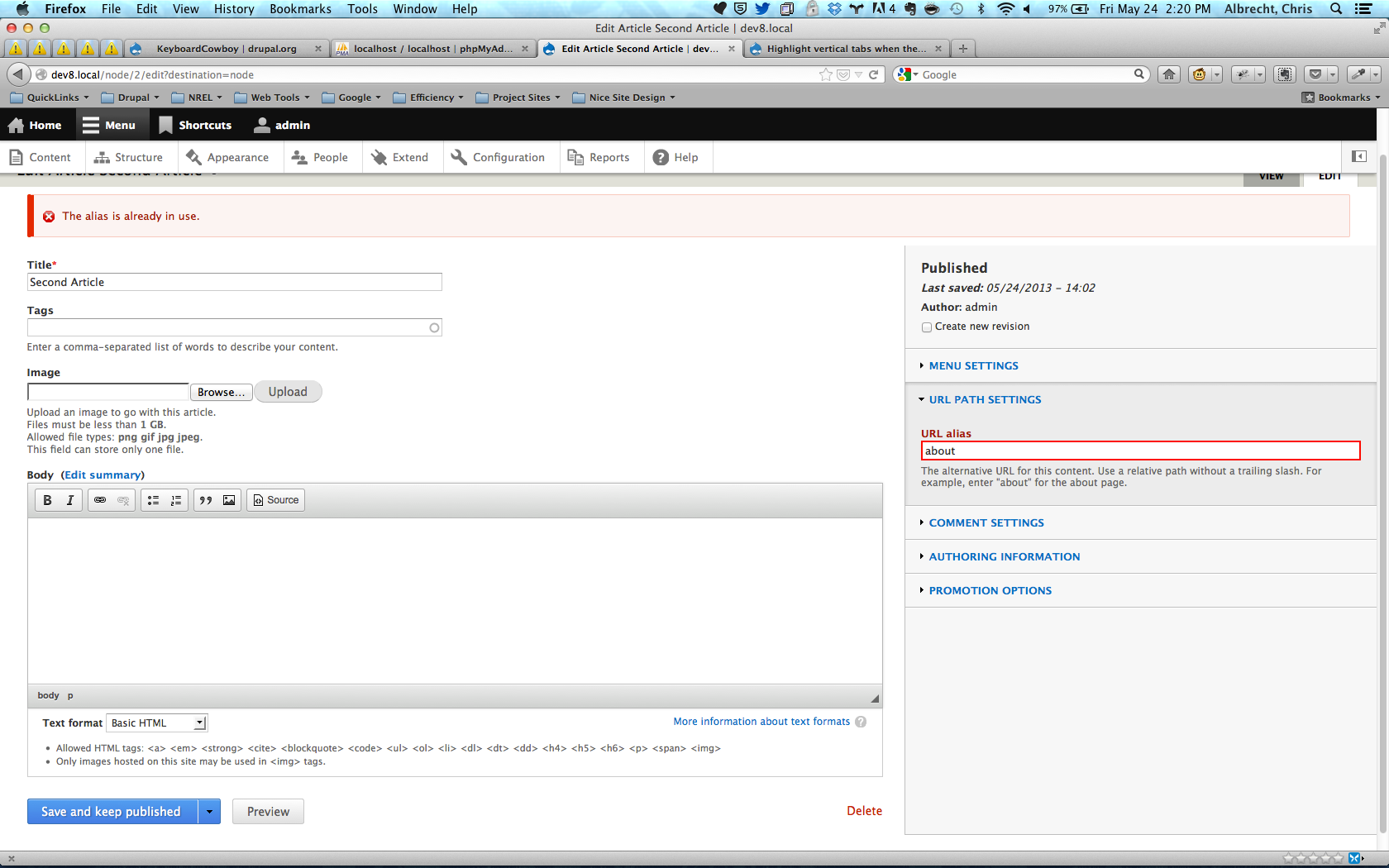
KeyboardCowboyIt appears that in both native D8 themes, bartik and seven, the vertical tabs are handling the error reporting properly now.
The tab with the error is "opened" by default and the appropriate message is being show. One accessibility enhancement may be to provide the name of the alias already in use in the error message, but I don't feel that falls under this issue.
Additionally, there is a CSS issue in the Bartik theme when rendering the tabs, at least in Firefox so far. Again, I believe this deserves to be a separate issue in itself.
I will cross check the compatibility of the styles are report additional issues if needed.
Comment #33
KeyboardCowboyI didn't change any code to fix this issue. Likely the result from twig integration and UI refinement. Changing status to closed.