

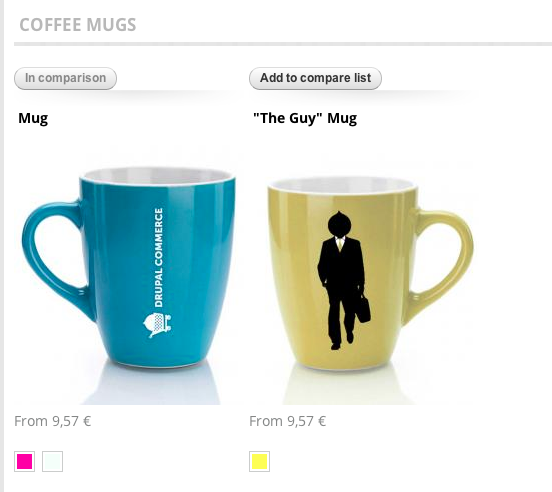
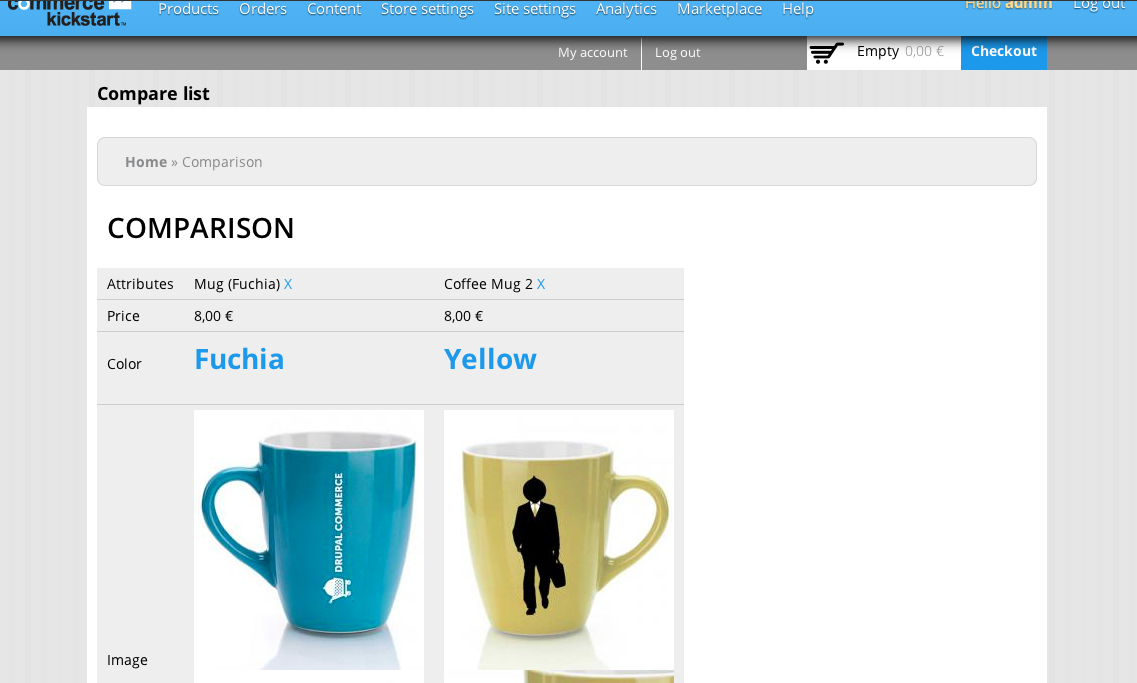
This module allows you to compare products. This is a familiar feature on commerce website.
How to configure it :
- Go to 'admin/structure/block', place the block "Compare list" where you want
- Go to the "Manage display" page of your product variation type and set in the view mode "Compare page" the fields you want to be able to compare. Set hidden if you don't want a field to show up in the comparison table.
- Extra : If you have two product variation types (product types), you can map which field is comparable with other here => 'admin/commerce/config/compare'. You can also enable filters on the compare page.
How it works :
- When you enable the module, you should see a button when viewing a product display. This button is here for you to add the product to the compare list. If you don't see it, go to the view mode of your product display and set this field so it can be visible.
- As soon as you have two products with at least one FIELD (and not ENTITY PROPERTY like title or sku for example) in common then you can click on button compare and go to the comparison page
- Click on "Clear" button to clear the compare list
- Click on the link "X" next to the product title in the compare list block for it to be removed from the compare list.
Project information
 Maintenance fixes only
Considered feature-complete by its maintainers.- Project categories: E-commerce
 62 sites report using this module
- Created by garnett2125 on , updated
 Stable releases for this project are covered by the security advisory policy.
There are currently no supported stable releases.

