

Closed (fixed)
Project:
Views Galleriffic
Version:
7.x-1.x-dev
Component:
Code
Priority:
Normal
Category:
Bug report
Assigned:
Unassigned
Reporter:
Created:
11 Aug 2011 at 18:48 UTC
Updated:
29 May 2012 at 17:40 UTC
Jump to comment: Most recent file



Comments
Comment #1
Lula commentedHi
Had the same issue for a little while but realised that my Ctools wasn't the latest version. Simply updating Ctools to the 7.x-1.0-rc1 release fixed the problem.
Hope this helps!
Comment #2
jawi commentedSame sort of problem here:
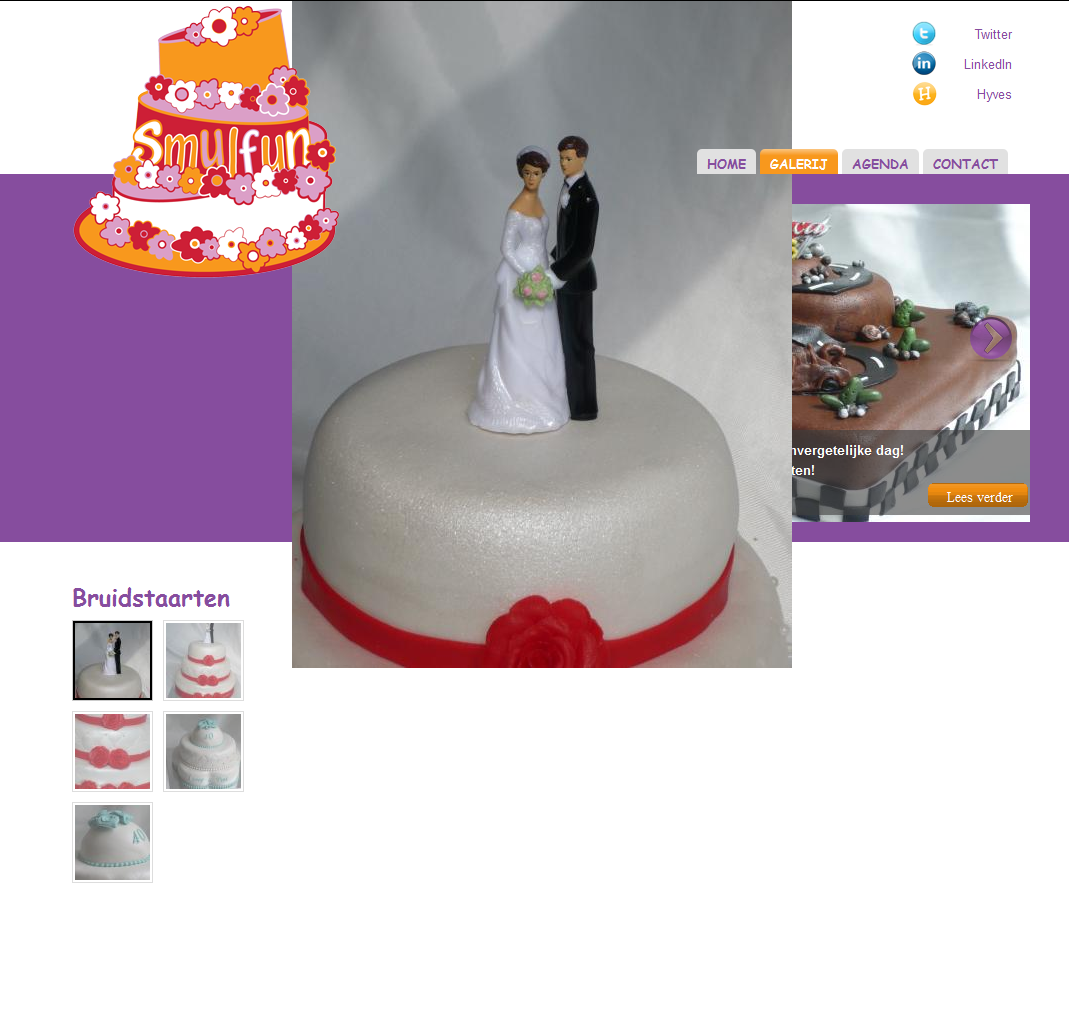
http://smulfun.nl/galerij/bruidstaarten
The image wrapper is placed outside the caption with it's image desk (attachment_1).
When I looked at the module and it's template files I can't find that the image wrapper is placed in a specific div.
Is there a clean way to set the image wrapper in the right place?
When I change the css file, and comment-out the top; 0px, this helps placing the image down, but the image still isn't in it's wrapper.
Also with the standard Bartik theme the image is outside it's caption (attachment_2).
views_galleriffic_default.css
#galleriffic span.image-wrapper {
/*top: 0; */
width: 100%;
position: absolute;
}
installed modules
Using the latest versions of above called modules didn't solve the problem.
Any help is welcome :-)
Great tutorial!
http://drupal.org/node/758724
Great module!
http://aaroncouch.info/sites/default/files/fserver/views_galleriffic_gal...
Comment #3
hongquan commentedTo fix this, change
to
in the mentioned-above CSS.
Comment #4
gmclelland commentedI had to make a lot of changes to the default.css to simplify the code. Here is a patch if anyone wants to test it. Note: this is minimally tested.
Comment #5
gmclelland commentedPrevious patch had white space errors. Here is a new patch.
Comment #6
hongquan commentedHi gmclelland,
I tried your patch with this command
git apply views_galleriffic-fix-image-position-1246634_1.patchbut nothing happened.
I tried another way:
Remove the "a/" and "b/" before the filenames in the patch file, then use this command
patch -p0 -i views_galleriffic-fix-image-position-1246634_1.patchbut it said:
Comment #7
gmclelland commentedI'm using 7.x-1.0 with the patch in a drush make file.
projects[views_galleriffic][version] = 1.0
projects[views_galleriffic][subdir] = contrib
; fix image position - http://drupal.org/node/1246634#comment-5669898
projects[views_galleriffic][patch][] = http://drupal.org/files/views_galleriffic-fix-image-position-1246634_1.p...
This works for me.
Comment #8
skizzo commented@hongquan: from sites/all/modules/views_galleriffic you could just run "patch -p1"
patch -p1 < views_galleriffic-fix-image-position-1246634_1.patchWorks for me. No need to remove the "a/" and "b/". Thx gmclelland.
Comment #9
skizzo commentedComment #10
xiong2004 commentedHow do we go about patching the CSS file? Could someone please load his/her CSS file that is working properly for him/her here?
Comment #11
acouch commentedI just pushed an updated default css file that removes some of the width settings based on comment #5. This will be in the dev version for now. Didn't make it into the 1.1 release.
Comment #12
acouch commentedI should note I tested this on Chrome, FF, and IE 7 and IE8