

This project is not covered by Drupal’s security advisory policy.
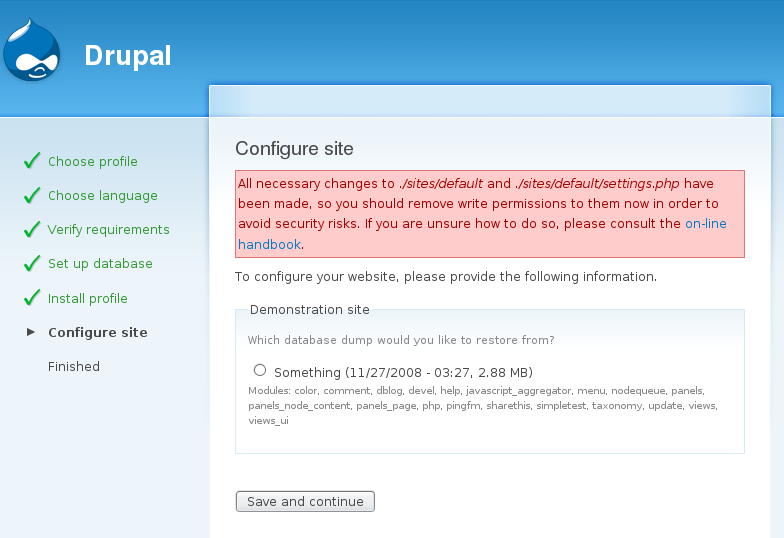
Allows restoration of the Demonstration Site module's database dumps during site installation.
Requirements
- The Demonstration Site module
- A database dump previously created with the module
Usage
- Install the Demonstration Site module on your site and make sure you have some database snapshots saved.
- Install the Demonstation Site Install Profile into
/profiles/demo_profile - During install, select the Demonstration Site install profile.
- REQUIRED: Use the same table prefix you were using for your original site.
- If your database dumps arn't kept in the files directory, then here you have the options to change where the dumps are found.
- The database dump is then restores and you are sent to the site.
Related Solutions
- Aegir is a full deployment hosted solution.
Project information
- Created by robloach on , updated
 This project is not covered by the security advisory policy.
Use at your own risk! It may have publicly disclosed vulnerabilities.


