IMCE
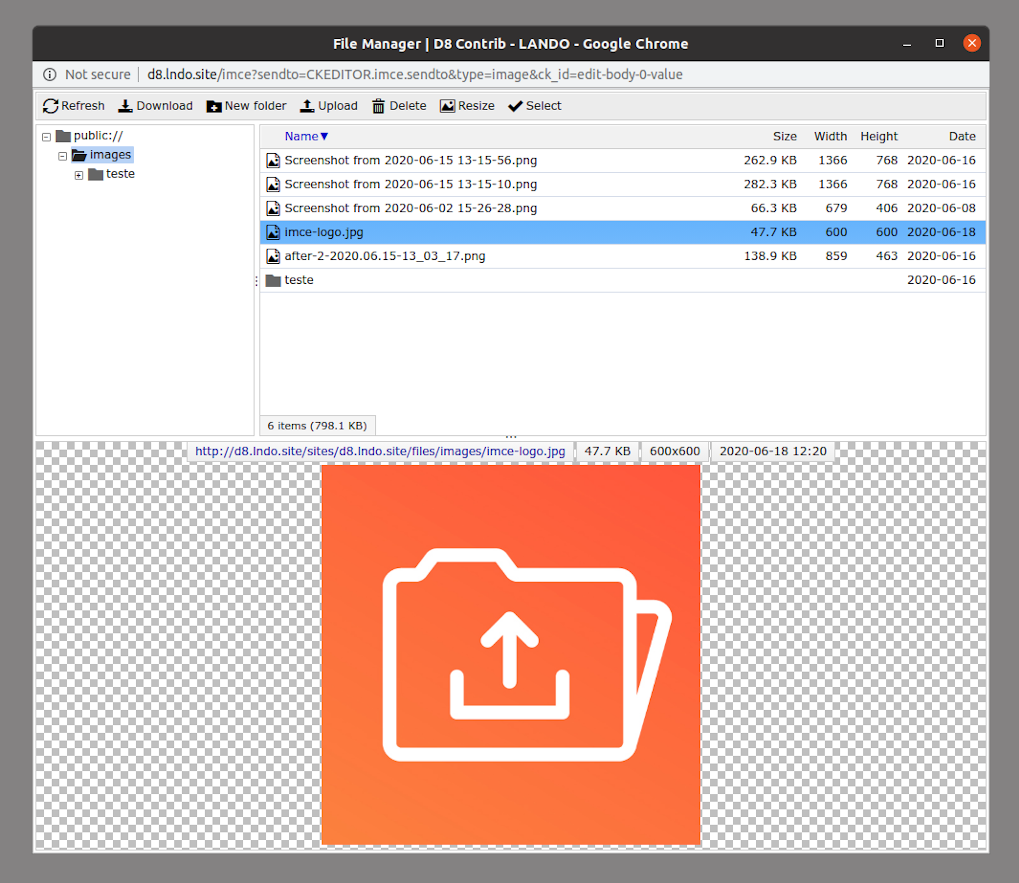
IMCE is an image/file uploader and browser that supports personal directories and quota.
Features
- Basic file operations: upload, delete
- Image(jpg, png, gif) operations: resize, create thumbnails, preview
- Support for private file system
- Configurable limits for user roles: file size per upload, directory quota, file extensions, and image dimensions
- Personal or shared folders for users
- Permissions per directory
- Ftp-like directory navigation
- File sorting by name, size, dimensions, date
- Tabbed interface for file operations
- Keyboard shortcuts(up, down, insert(or enter), delete, home, end, ctrl+A, R(esize), T(humbnails), U(pload)).
- Built-in support for inline image/file insertion into textareas
- Multiple file selection(using ctrl or shift)
- Ajax file operations
- Themable layout using tpl files
How to integrate into WYSIWYG editors
WYSIWYG API (FCKeditor, TinyMCE, etc.): Install IMCE Wysiwyg API bridge and enable IMCE as a plugin in WYSIWYG administration.
FCKeditor and CKeditor(standalone modules): Admin->Settings->Fckeditor profile->File browser settings->IMCE integration
Known issues
- IMCE may have problem working with Google Analytics and Secure pages modules. Just make sure to add imce* path to the exceptions list of these modules.
- Simplemenu
- Artisteer themes
Demo
A demo showing IMCE integrated into TinyMCE, FCKEditor, and BUEditor.
You may contact the author for your special customization needs related to IMCE.
Warning! Private file system security
By default IMCE does not apply any access restrictions while serving the files under the private files directory. This allows anonymous access to any file(/system/files/filename) unless there is a module applying restrictions. You can switch on/off private file serving of IMCE at the administration pages. This does not apply to Public file system which is Drupal's default.
