

 The 2026 Drupal Business Survey is open. Your response will help shape the future of the Drupal business ecosystem.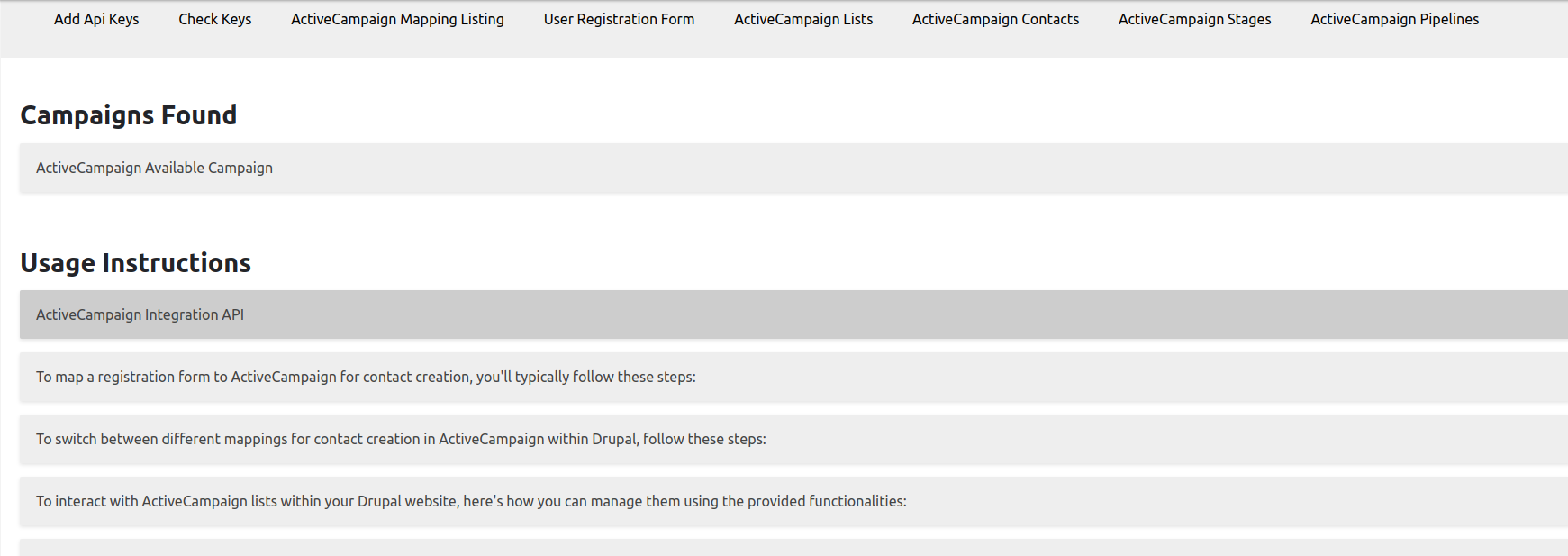
This project is not covered by Drupal’s security advisory policy.
Drupal module that integrates with the ActiveCampaign API and allows users to map registration form fields to ActiveCampaign fields for automatic data transfer.
Features
Getting ActiveCampaign API Keys:
These keys are essential for authenticating and authorizing your module to interact with the ActiveCampaign API. You might need both the API URL and API Key to connect to ActiveCampaign.
User Mapping of Registration Form Fields:
This mapping process ensures that the user data collected during registration is sent to the correct corresponding fields in ActiveCampaign.
On the module's configuration page, you might provide a user-friendly interface where administrators can select the Drupal registration form fields they want to map and associate them with ActiveCampaign fields.
The module should store these mappings, likely in a custom database table or configuration settings, so that they can be used during the registration process.
Automatically Sending Data to ActiveCampaign During Registration:
After the mapping is configured, your module should hook into Drupal's registration process to intercept the user registration data.
During the registration process, when a user submits their information through the registration form.
New Features updates
We have added these features to facilitates usability of this module.
- Generate lists from your Drupal site and link them directly to the Active Campaign platform. Switch between these lists as the default for newly created contacts.
- Access custom fields from the Active Campaign platform and map them directly within the form, including custom field mapping.
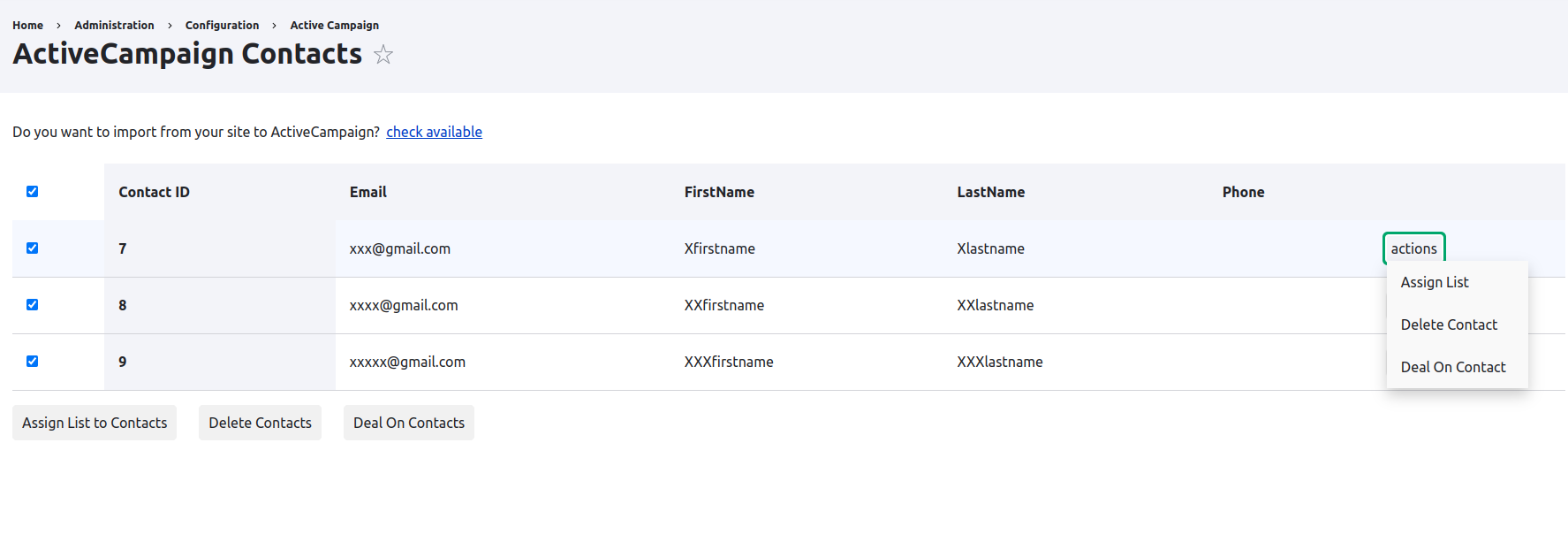
- Create deals using this module for either individual contacts or groups of contacts.
- Easily set up pipelines and stages for your deals without any hassle.
- Manually subscribe or unsubscribe contact(s) from/to a list using the form.
- Export existing users to Active Campaign, transferring their contact information seamlessly.
- Manage contacts efficiently by deleting them from the page displaying all contacts on Active Campaign.
Post-Installation
After installing you are required to open the Dashboard at admin/config/active-campaign or just dropdown under People tab.
Additional Requirements
ActiveCampaign API Key and Account URL.
Note: PHP version must be 8.0 or later to run this module.
Supporting organizations:
Project information
- Project categories: E-commerce
 1 site reports using this module
- Created by Neha-Verma on , updated
 This project is not covered by the security advisory policy.
Use at your own risk! It may have publicly disclosed vulnerabilities.


