

 Come together with the global Drupal community in Rotterdam, 28 Sept – 1 Oct 2026. Sessions, contribution, connection, and Early Bird savings until 8 June.
This project is not covered by Drupal’s security advisory policy.
Description:
The ANDI Integration Module enhances Drupal's accessibility by seamlessly incorporating the Accessible Name & Description Inspector (ANDI) into the Drupal admin toolbar. ANDI is a powerful accessibility analysis tool developed by the Social Security Administration (SSA) that assists developers and content creators in evaluating and improving web accessibility directly within the browser environment.
Features:
- Easy Activation: Deploy ANDI on any page within your Drupal site directly from the admin toolbar, facilitating immediate accessibility checks without the need for external tools or browser extensions.
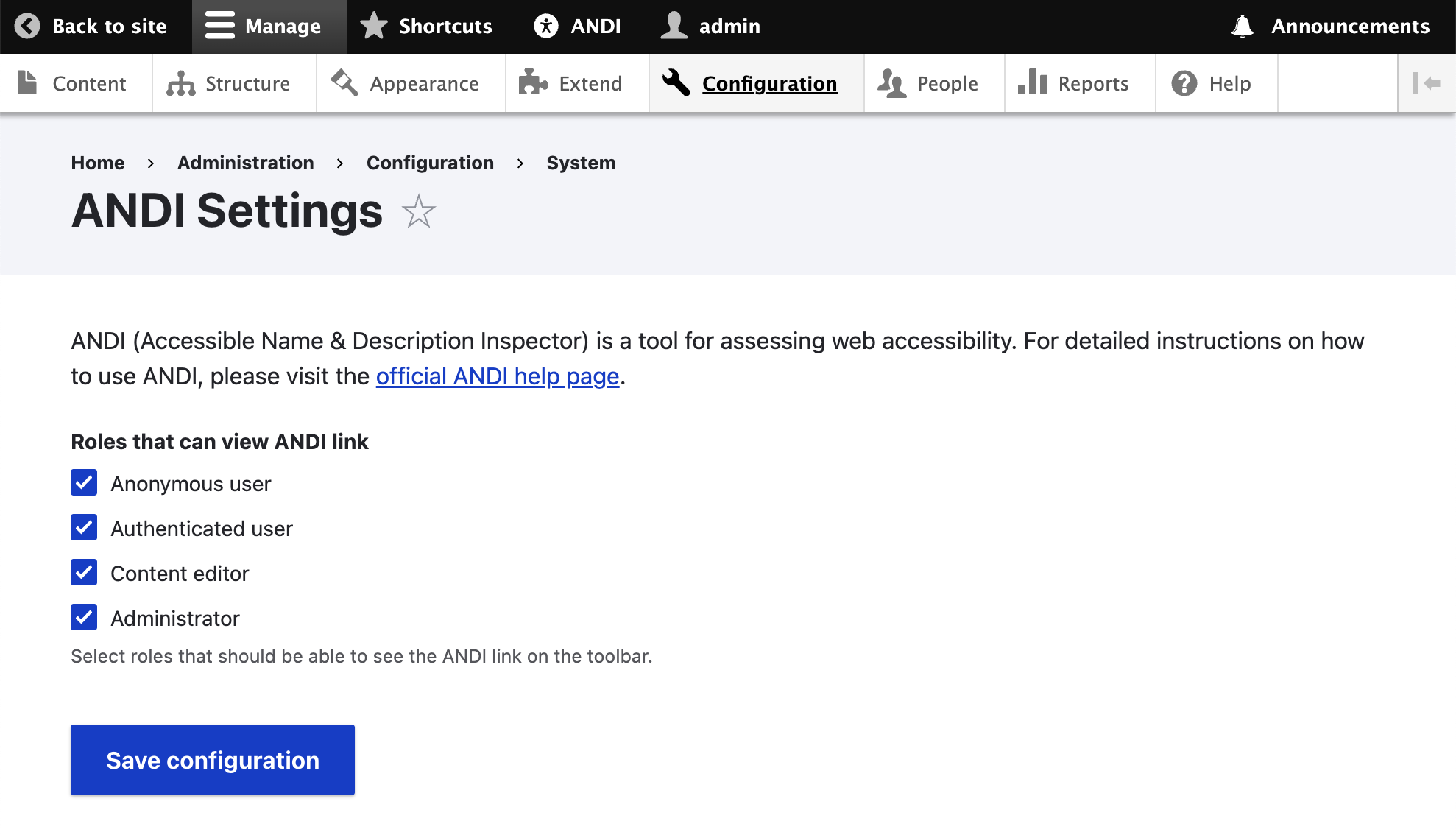
- Role-Based Access: Control who can activate ANDI based on Drupal user roles, ensuring that only designated users can perform accessibility evaluations.
- Dynamic Integration: The module dynamically injects the ANDI script into pages, allowing users to toggle the tool on and off as needed.
- Educational Links: Provides direct links to detailed ANDI instructions and resources, ensuring users have quick access to guidance on using ANDI effectively for web accessibility testing.
Use Case
The ANDI Integration Module is ideal for Drupal site administrators and developers who are committed to maintaining high accessibility standards. By providing easy access to ANDI's robust testing framework, this module helps ensure that web content is accessible to all users, including those with disabilities.
Installation
Install the module as you would any other Drupal module. Navigate to the Extend section of your Drupal administration panel, upload the module, and enable it. Once activated, configure user permissions and settings from the ANDI settings form accessible via the configuration menu.
Getting Started
After installation, visit the module's configuration page to set up user roles and permissions. Users with the appropriate permissions can start using ANDI from the toolbar immediately to inspect page accessibility.
Support
For support, feature requests, or to report bugs, please visit the issue queue on our Drupal.org project page. We welcome contributions to improve the module and enhance accessibility across the Drupal ecosystem.
Supporting organizations:
Project information
- Project categories: Accessibility, Administration tools
- Created by nathan wallace on , updated
 This project is not covered by the security advisory policy.
Use at your own risk! It may have publicly disclosed vulnerabilities.

