

 The 2026 Drupal Business Survey is open. Your response will help shape the future of the Drupal business ecosystem.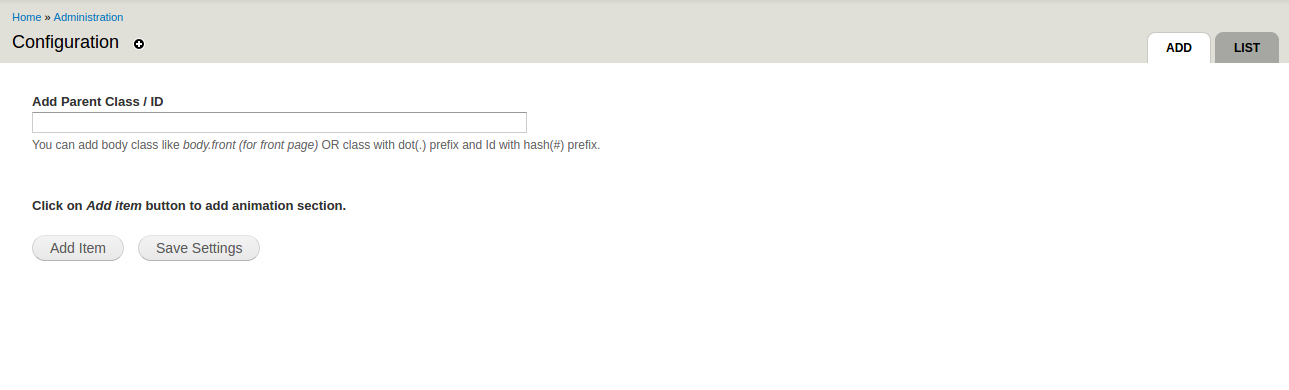


Synopsis
Animate Any enables you to add a wide variety of animations to your Drupal website with ease.
It leverages the power of animate.css to deliver smooth and visually engaging animations.
Requirements
This module relies on the "animate.css" library to provide animations.
You can view the demo here: https://animate.style/
You will need to download the animate.css library from:
https://cdnjs.cloudflare.com/ajax/libs/animate.css/4.1.1/animate.min.css
Or clone it directly from the GitHub repository: https://github.com/daneden/animate.css.
Drupal 7
Place the extracted files in the directory:
ROOT/sites/all/libraries/ (e.g. ROOT/sites/all/libraries/animate.css).
Drupal 8 + versions
Place the extracted files in the directory:
ROOT/libraries/animate_any (e.g. ROOT/libraries/animate_any/animate.min.css).
Similar projects and how they are different
Animate Any differs from the above modules by allowing you to apply animations to any element across your Drupal website using CSS selectors (class/id). Additionally, animations can be triggered on various mouse events, giving you greater flexibility and control.
Dependencies
Animate.css library
Restrictions
- This module is intended for developers and themers, or anyone familiar with HTML and its identifiers such as classes and IDs.
- Animations cannot be applied directly to certain inline HTML tags such as
<span>and<a>. - Ensure your browser console is free of errors for proper functionality.
Implementation Steps:
1. Install the module.
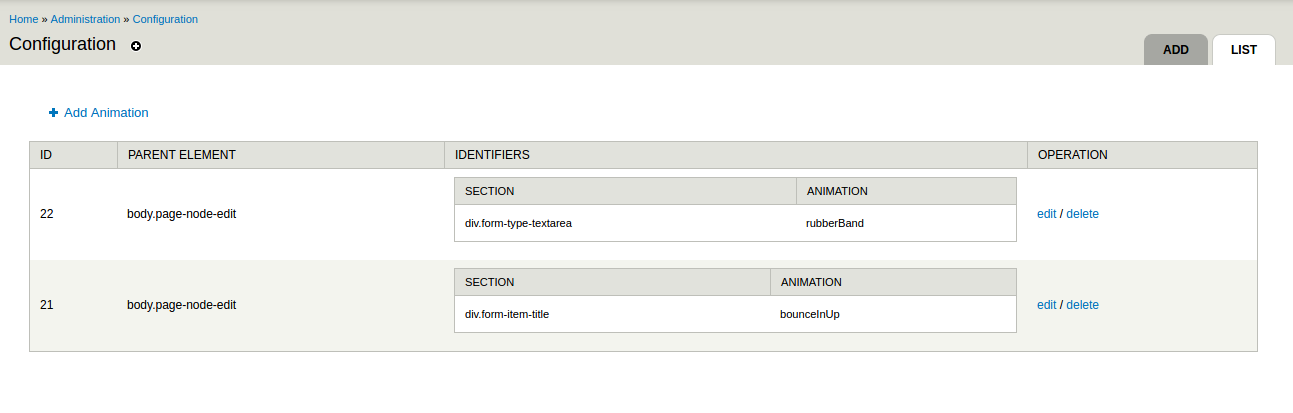
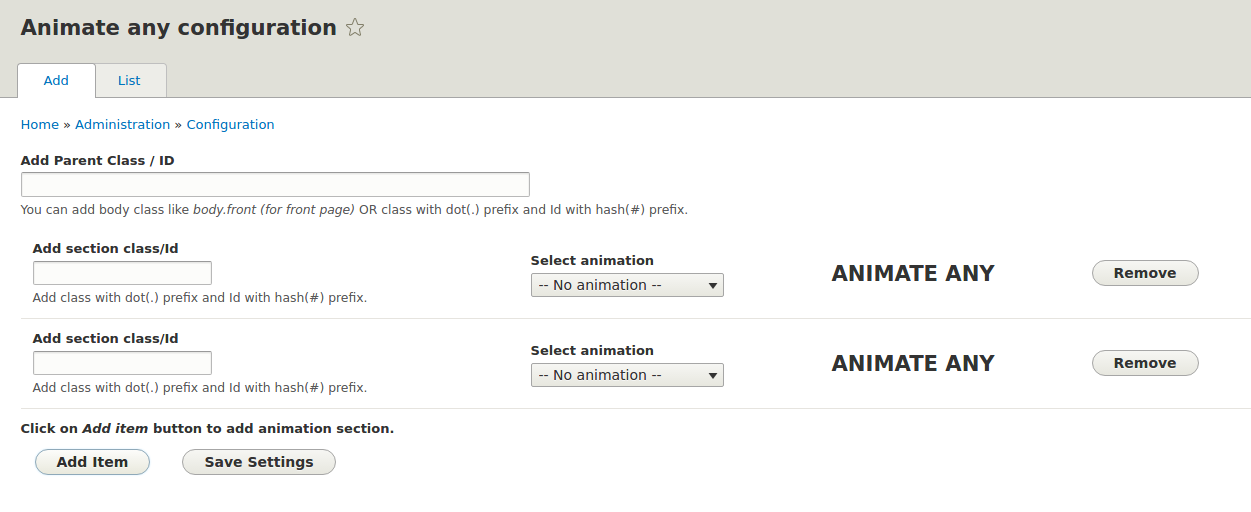
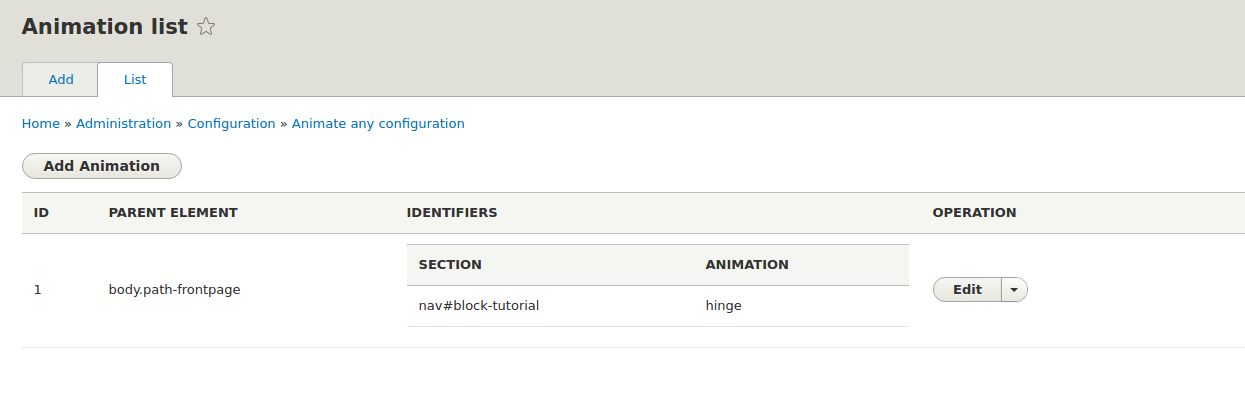
2. Navigate to the Animate Any admin settings.
3. Configure and apply your chosen animations.
4. Clear the cache, refresh the page where the animation is applied, and enjoy the effect!
Project information
 Maintenance fixes only
Considered feature-complete by its maintainers.- Project categories: Content display, Media
 789 sites report using this module
- Created by virajrajankar on , updated
 Stable releases for this project are covered by the security advisory policy.
Look for the shield icon below.
Releases
8.x-1.6
released 17 June 2022
released 17 June 2022
Works with Drupal: ^8 || ^9 || ^10
Drupal 10 compatibility fixes
Install:
Development version: 8.x-1.x-dev updated 28 Apr 2020 at 12:18 UTC

