


This module will provides API Docs to your Developer Portal, It is powered by Drupal content type, custom field formatters & views.
Features covered
- API Docs module will provide API Docs Content type, Redoc & Swagger UI Field Formatters & API Docs View.
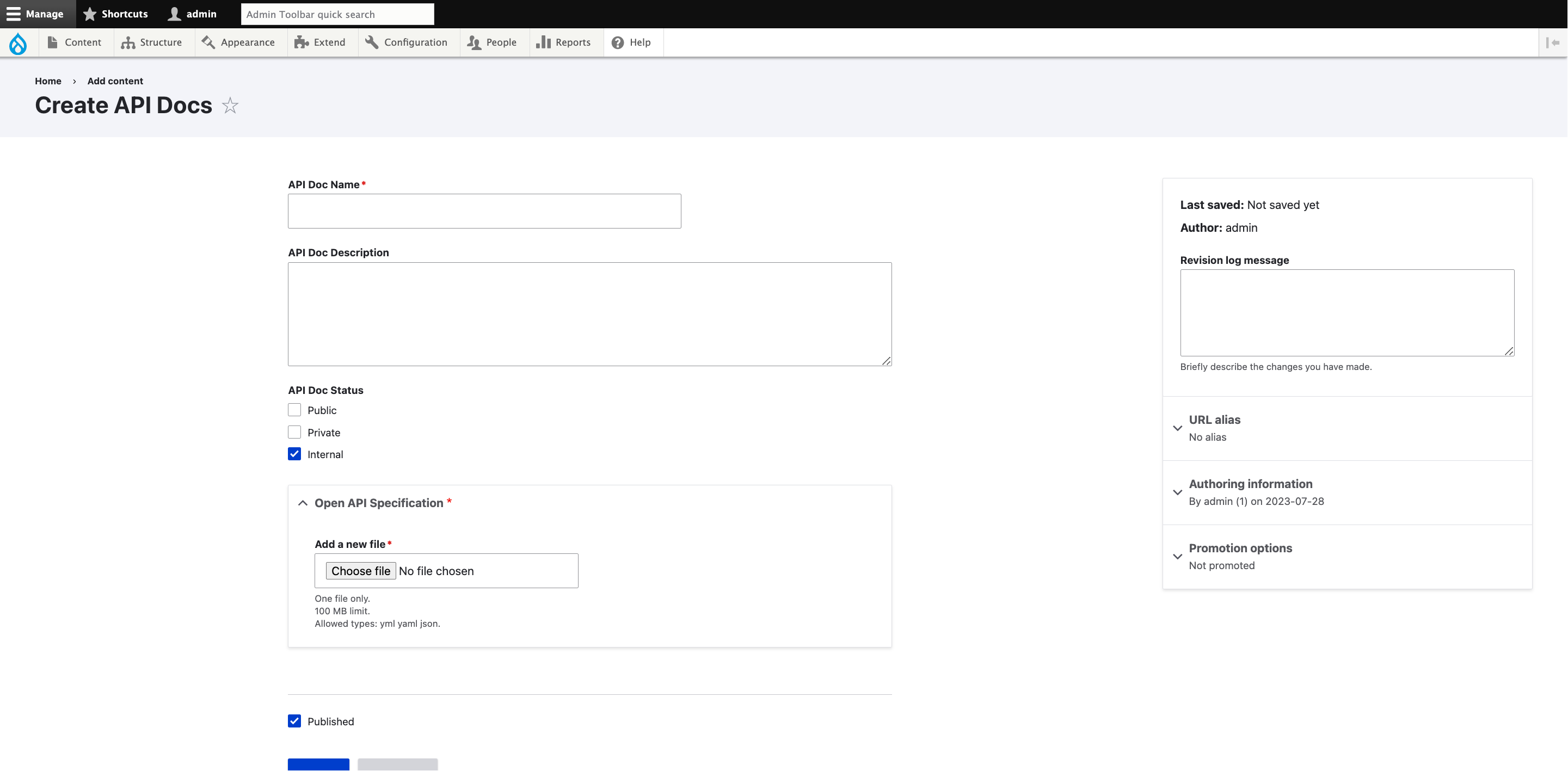
- Admins can create API Docs with the help of API Docs content type, by filling out the API Doc Name, Description, Status & Open API Spec.
- Users can see the List the published API Docs with the help of API Docs View.
Installation
- Install as you would normally install a contributed Drupal module. For further information, see Installing Drupal Modules.
Configuration
- After enabling the module, navigate to Add API Docs
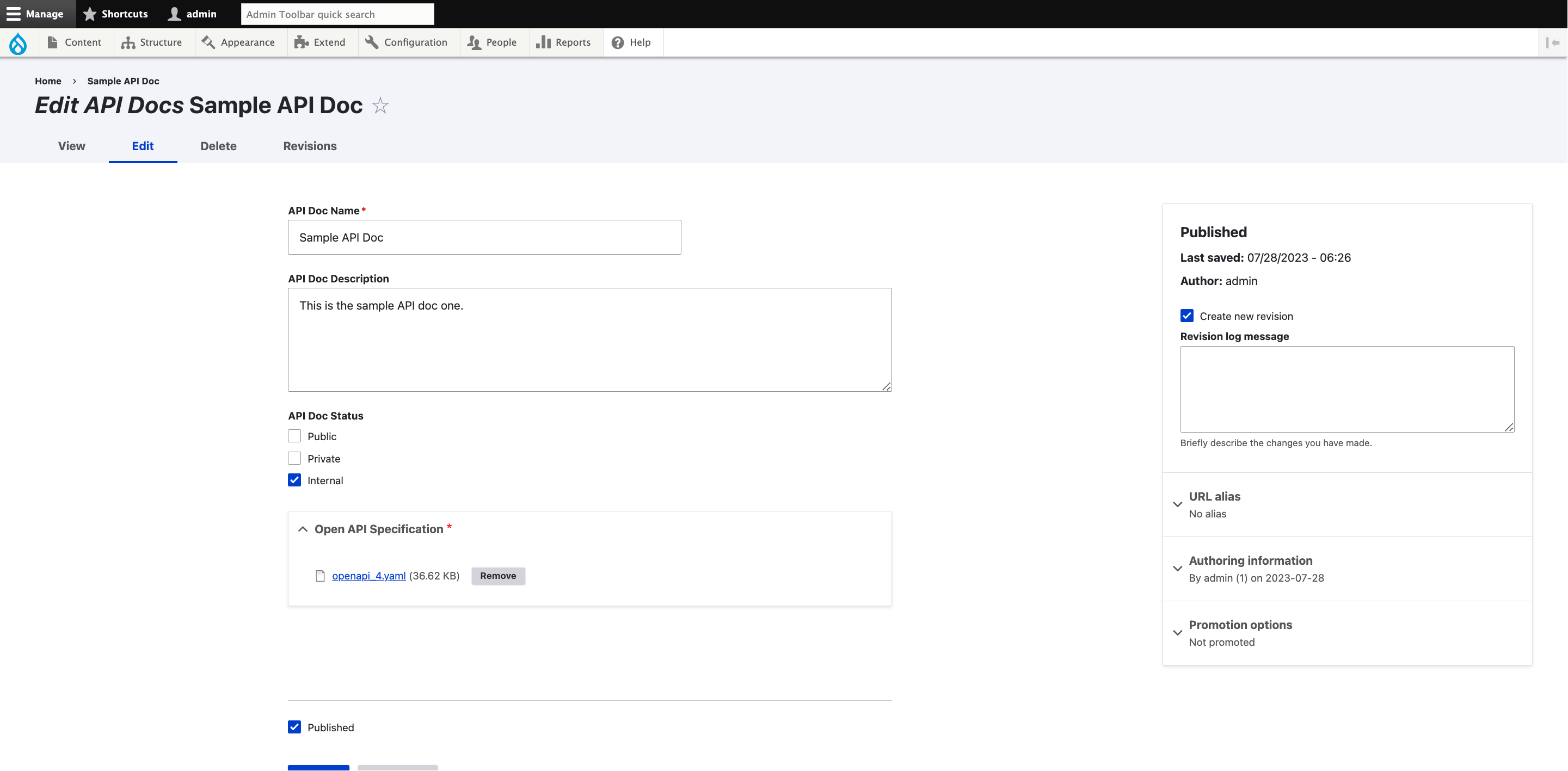
/node/add/api_docs. - Fill the API Doc Name, Description, Status & Open API Specification, Save the content by clicking Save.
- Similarly, Admin will be able to create as many API Docs.
- Navigate to API Docs via
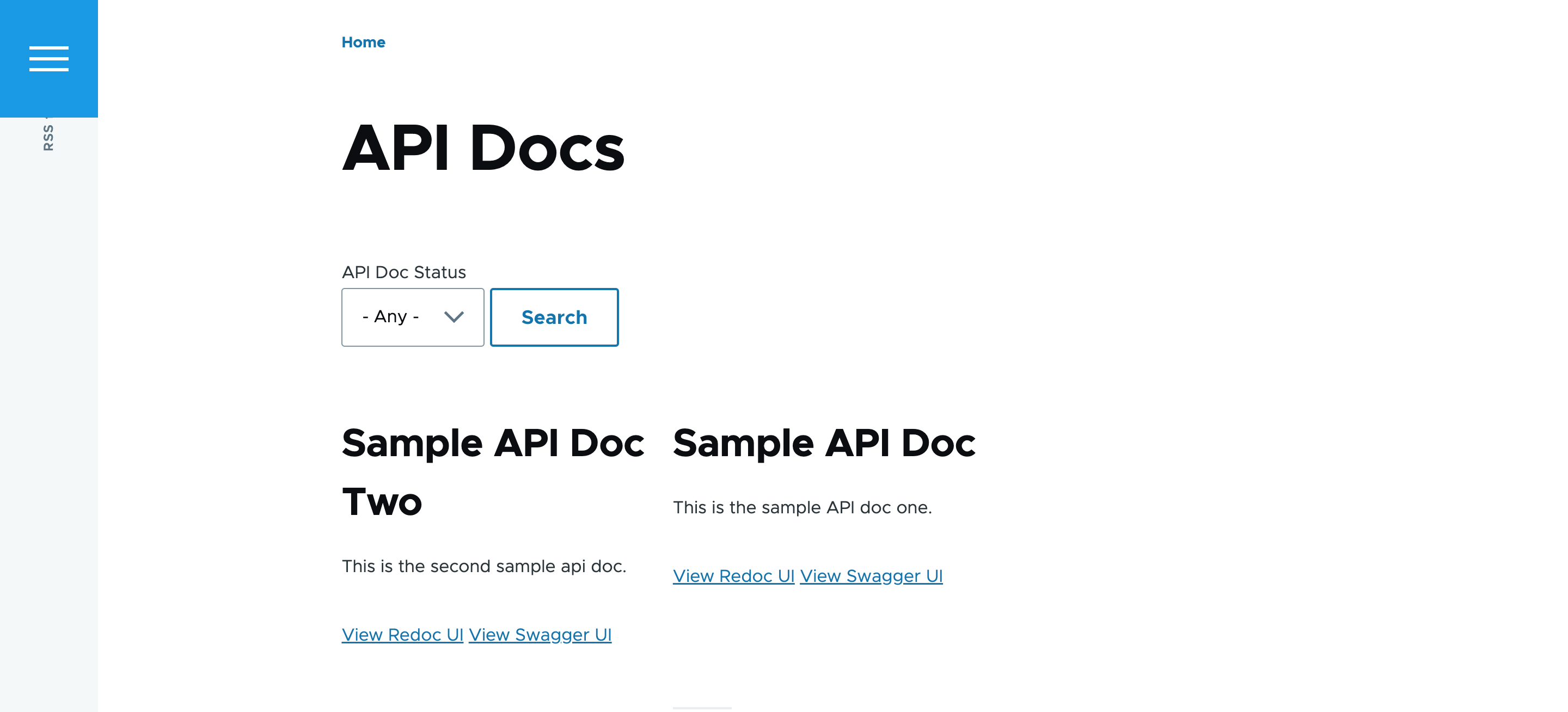
/api-docs. - Users can see list of API Docs published in the site, with filter by API Doc Status, with minimal details of the API Doc.
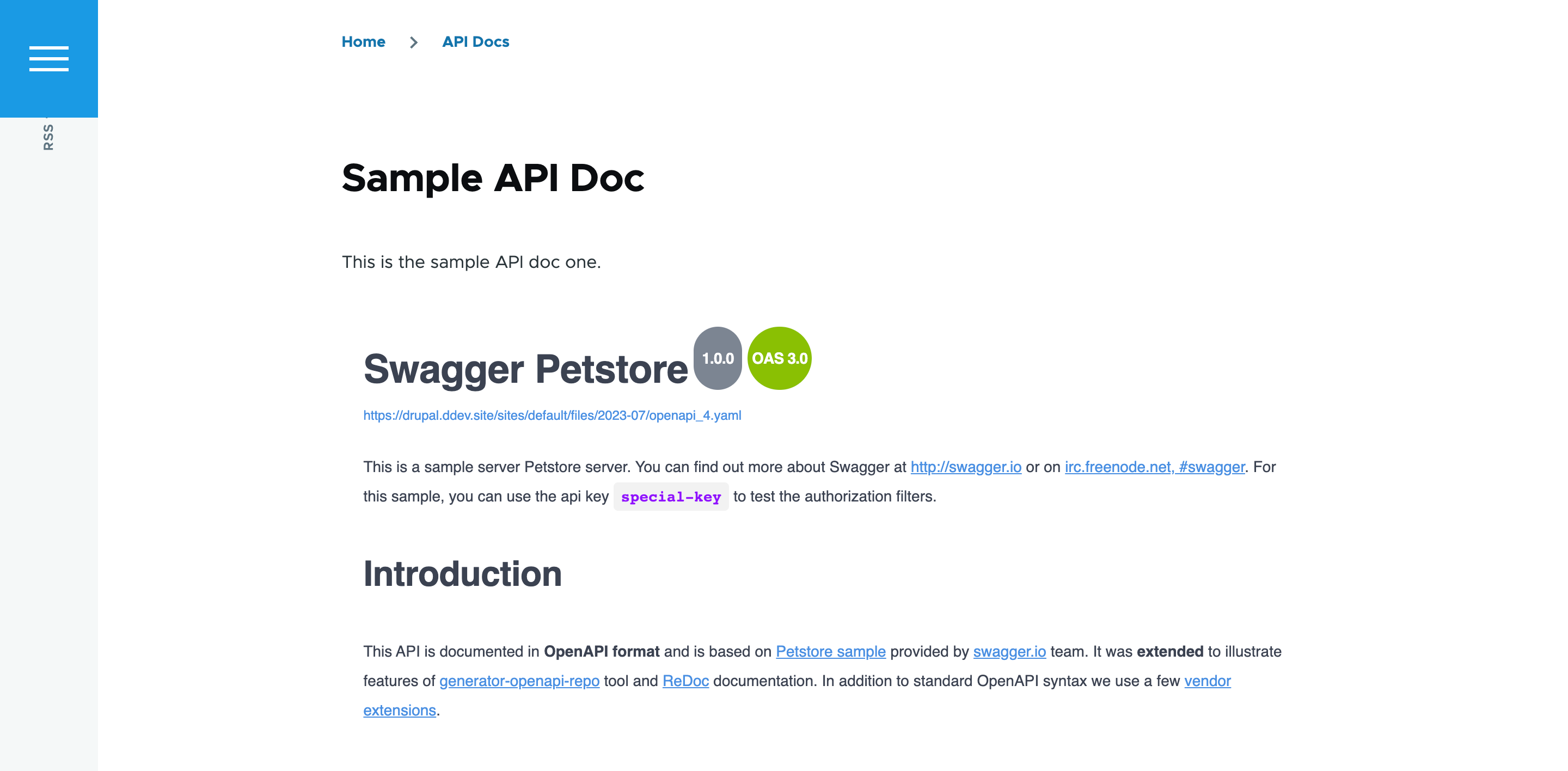
- Each API Doc in this list will have View Redoc UI & View Swagger UI, users will be able to navigate to respective API Doc pages.
Customizations
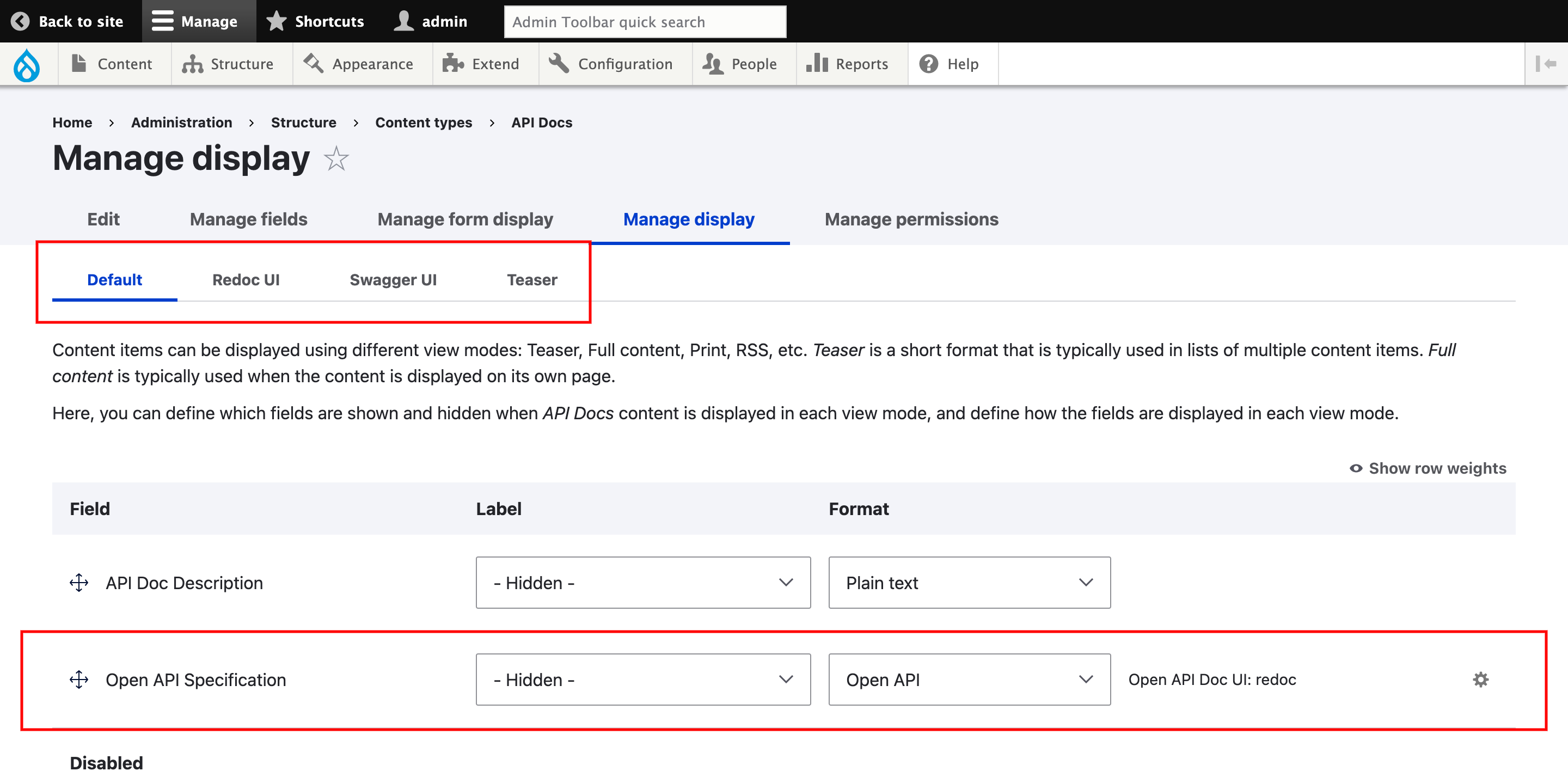
- API Docs is providing a Field Formatter, Open API Field Formatter.
- Open API field formatter can be used in for any file field type within your site
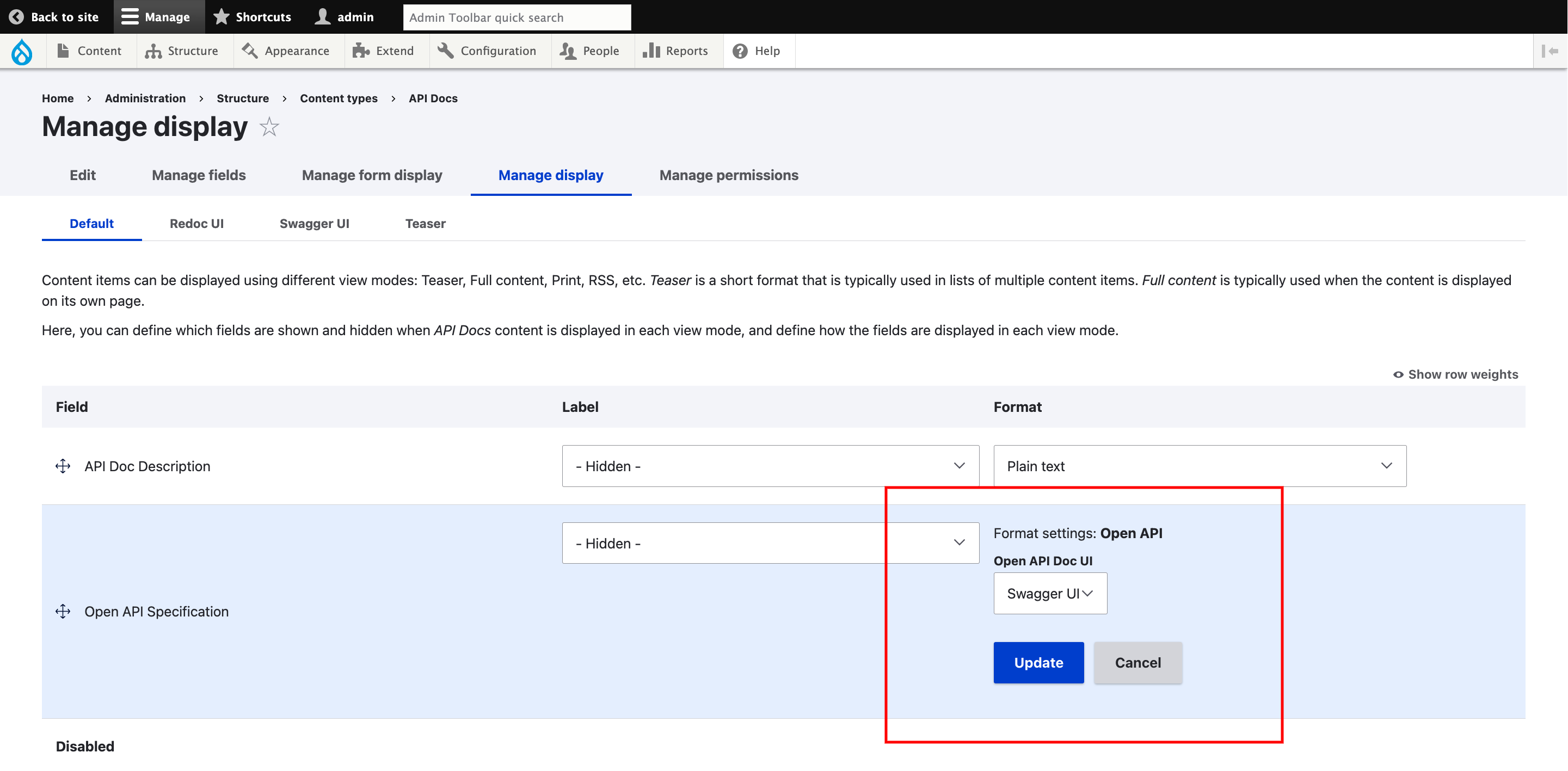
- Open API field formatter, can render the file in two possible ways
- One with Redoc UI format.
- Other with Swagger UI format.
- Admin will have the flexibility to change this configuration of the Open API field formatter.
- API Docs is providing two View modes, they are Redoc UI & Swagger UI, these View modes are used in the API Docs content typs displays & API Docs View. If needed these can be customized at API Docs display level.
Supporting organizations:
Development & Maintenance
Project information
- Project categories: Content display, Content editing experience, Site structure
 14 sites report using this module
- Created by heykarthikwithu on , updated
 Stable releases for this project are covered by the security advisory policy.
Look for the shield icon below.

