


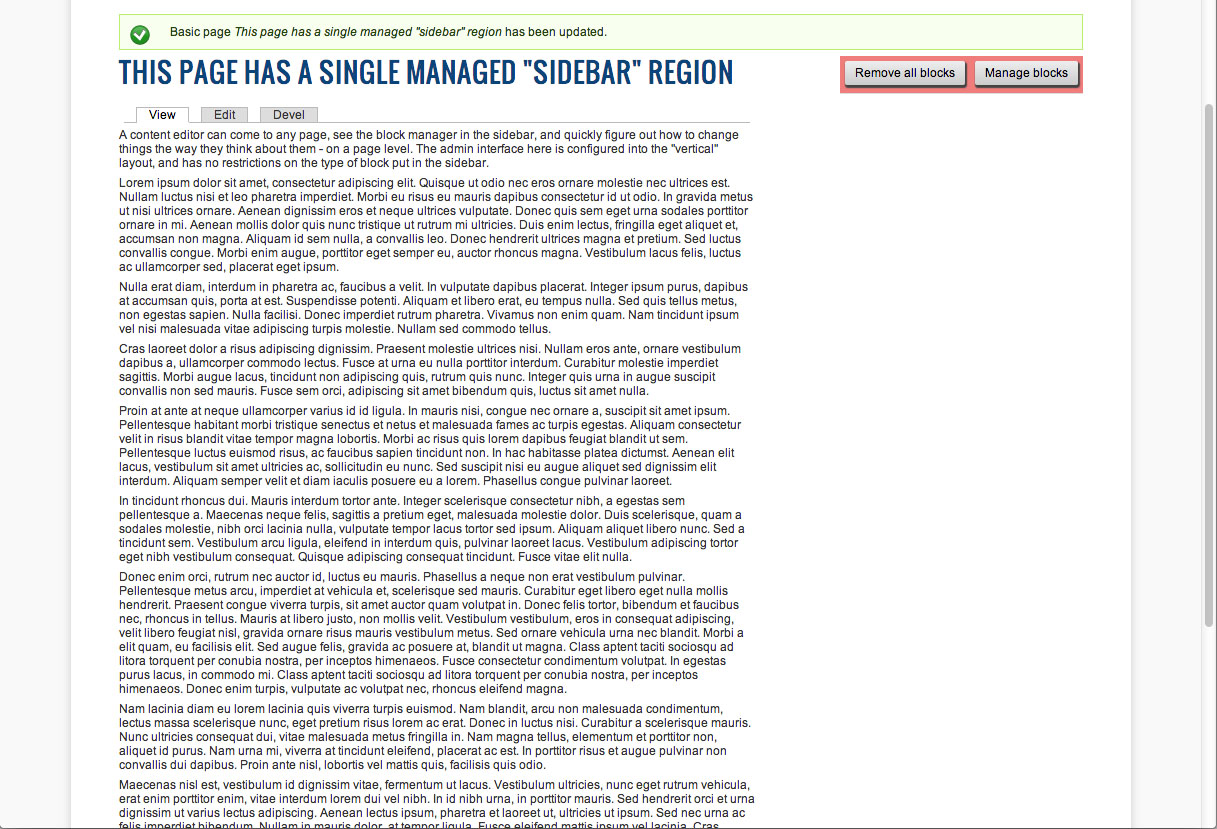

The Block Manager module is an attempt to make managing sidebars, page footers, etc. easier for content administrators (who may not be familiar enough with the way blocks are normally handled in Drupal to be comfortable). It allows the site administrator to specify regions that are handled by Block Manager, rather than the Block module. Once this is done, anyone with permission to use this module will see a new toolbar in that region with buttons to manage or remove blocks. When managing blocks, a simple drag-and-drop interface is provided that can be configured to be horizontal or vertical, to more closely match the presentation on the page itself.
The Block Manager module will work with the nodeblock module as well, allowing blocks in a region to be limited to only blocks of a specific type. For example, if a sidebar content type is created, the Block Manager module can be configured to only allow sidebar node blocks in the sidebar region.
When Block Manager is first enabled for a region, it will attempt to determine which blocks are already displayed in that region on each page and save that data into its own table. This way, the transition from the Block module to the Block Manager module is as seamless as possible.
Block Manager will explicitly avoid modifying any system blocks. These include
the default Navigation block and the "Main page content" block, among others.
Project information
 Seeking co-maintainer(s)
Maintainers are looking for help reviewing issues.- Maintenance fixes only
Considered feature-complete by its maintainers. - Project categories: Content display
 32 sites report using this module
- Created by grandivory on , updated
 Stable releases for this project are covered by the security advisory policy.
There are currently no supported stable releases.


