

 Come together with the global Drupal community in Rotterdam, 28 Sept – 1 Oct 2026. Sessions, contribution, connection, and Early Bird savings until 8 June.
This project is not covered by Drupal’s security advisory policy.
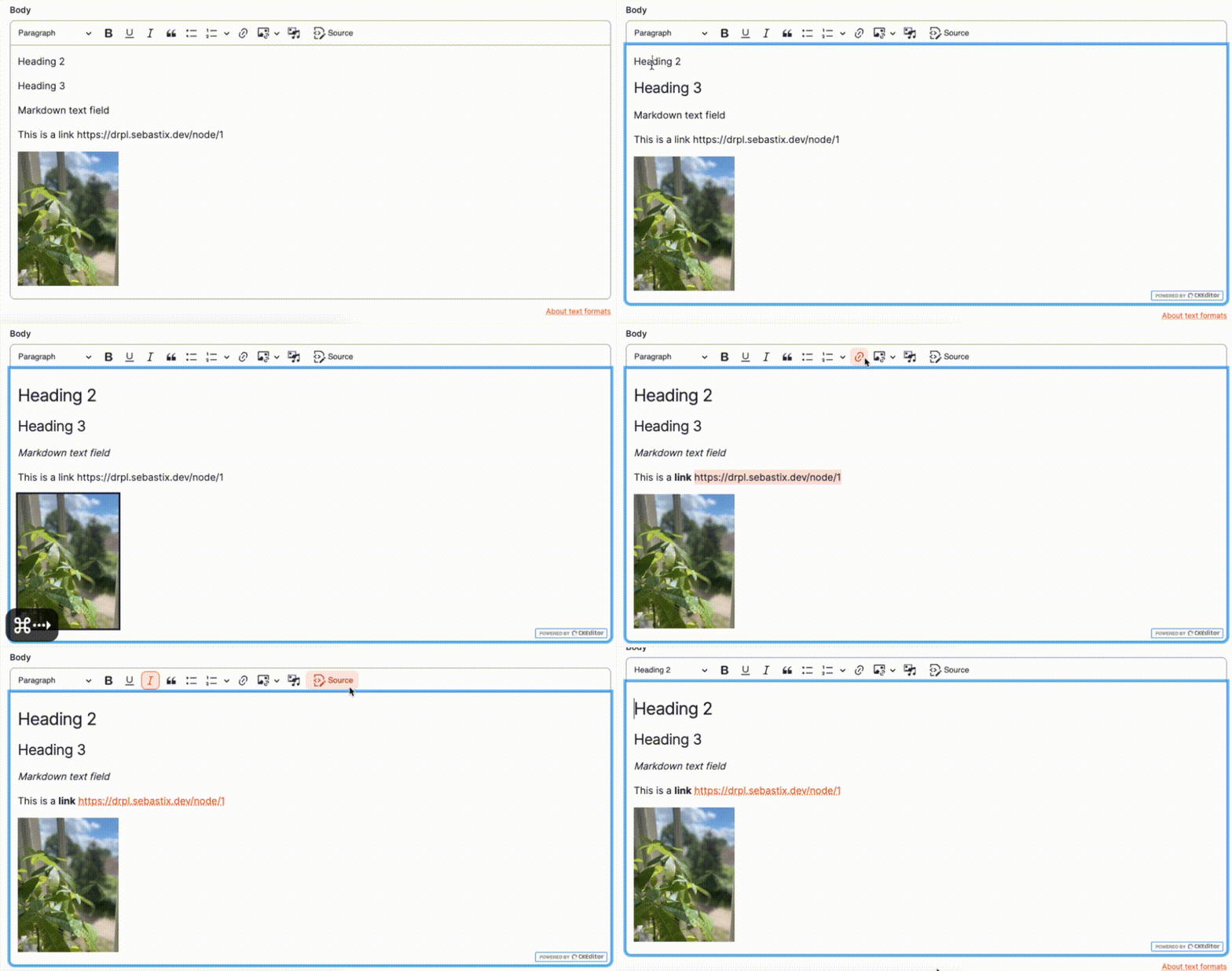
This module will install and activates the Markdown output plugin to a CKEditor 5 instance. This plugin lets you switch the default output from HTML to Markdown. This way you can produce lightweight texts with a simple formatting syntax that is popular among developers.

Installation
With Drush:
1. Install Drush
2. Run drush en ckeditor5_markdown_editor to enable the module
3. Run drush ckeditor5_markdown_editor:install
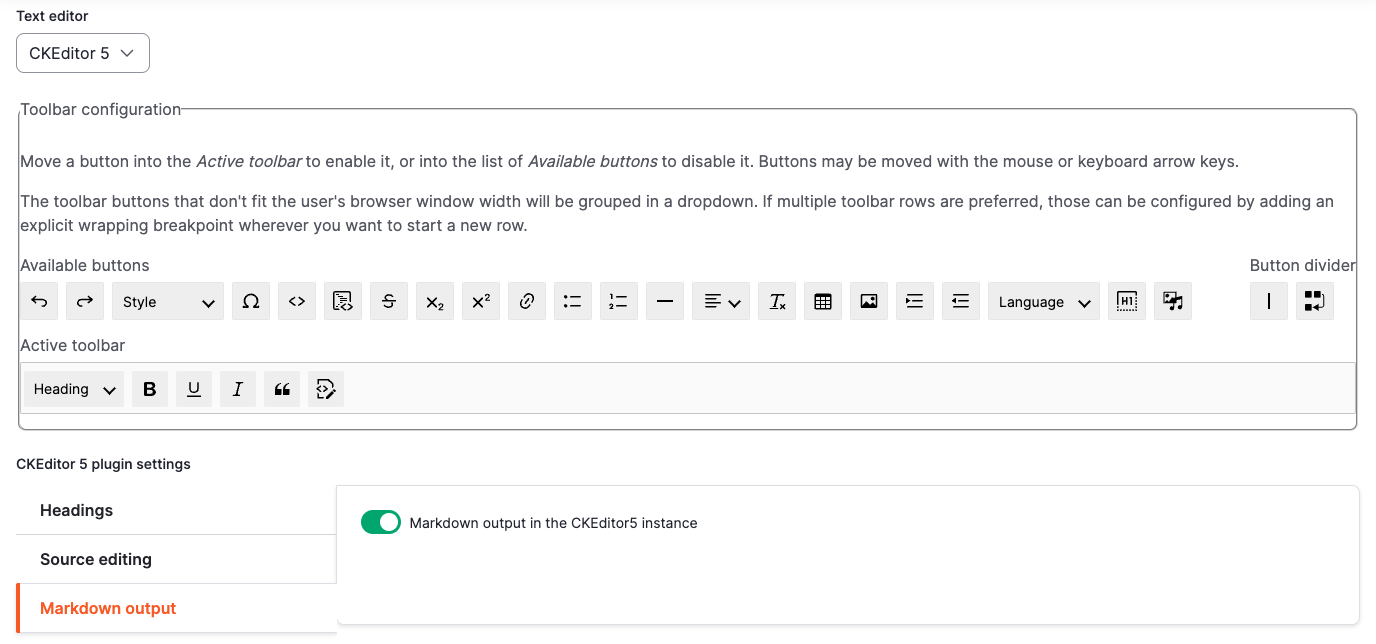
4. A new plugin setting 'Markdown output' is available for each CKEditor5 text editor at admin/config/content/formats. Enable the checkbox to let the CKEditor5 instance output Markdown formatted text instead of HTML (see screenshot below).
Render Markdown to HTML
Use https://www.drupal.org/project/markdown_easy to enable a text filter to convert Markdown into HTML when it's rendered on your site.
You could also use a Markdown to HTML field formatter (https://www.drupal.org/project/markdown_field_formatter) on the field in the display mode.
Contact
Current maintainers
* Sebastian Hagens (Sebastix)
Supporting organizations:
Development
Project information
- Project categories: Content editing experience
- Ecosystem: CKEditor 5
 108 sites report using this module
- Created by sebastix on , updated
 This project is not covered by the security advisory policy.
Use at your own risk! It may have publicly disclosed vulnerabilities.
Releases
1.0.0-beta3
released 27 February 2025
Works with Drupal: ^10 || ^11
Bugfixes
Install:
Development version: 1.0.x-dev updated 27 Feb 2025 at 08:58 UTC

