


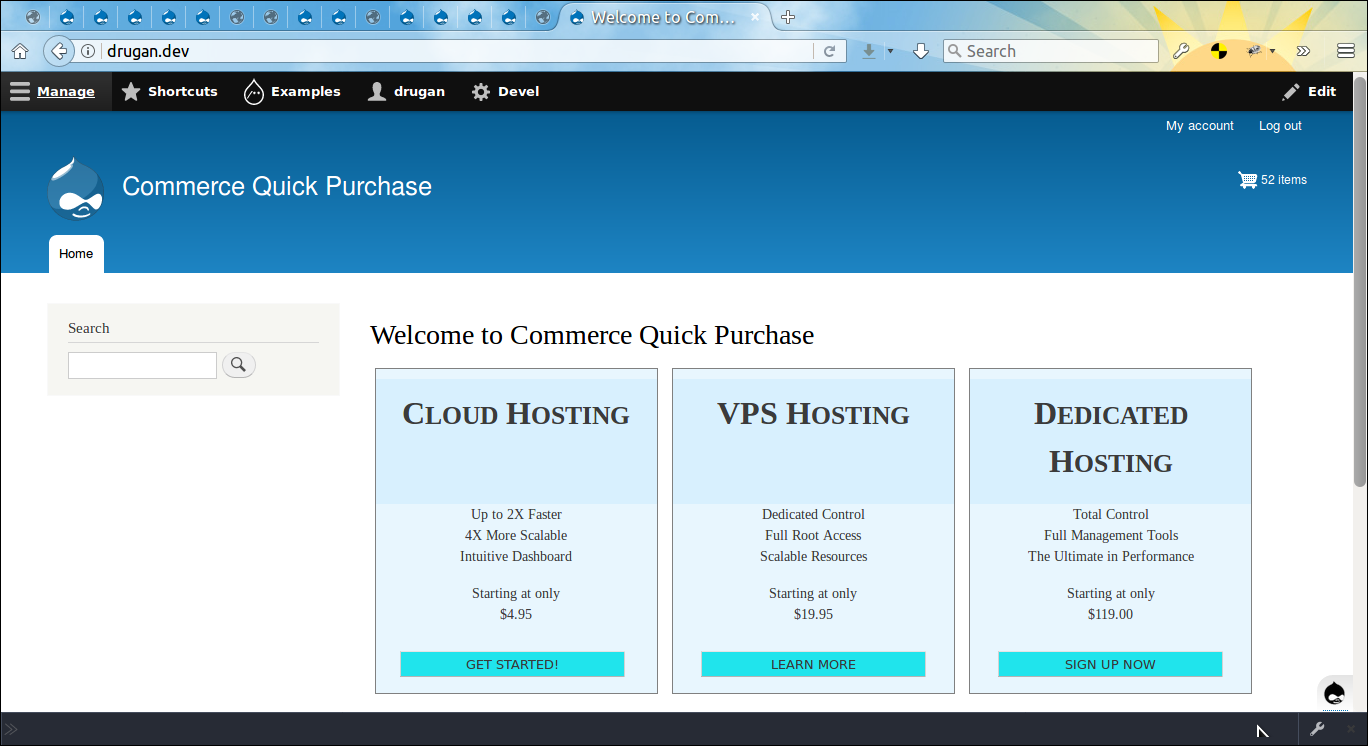
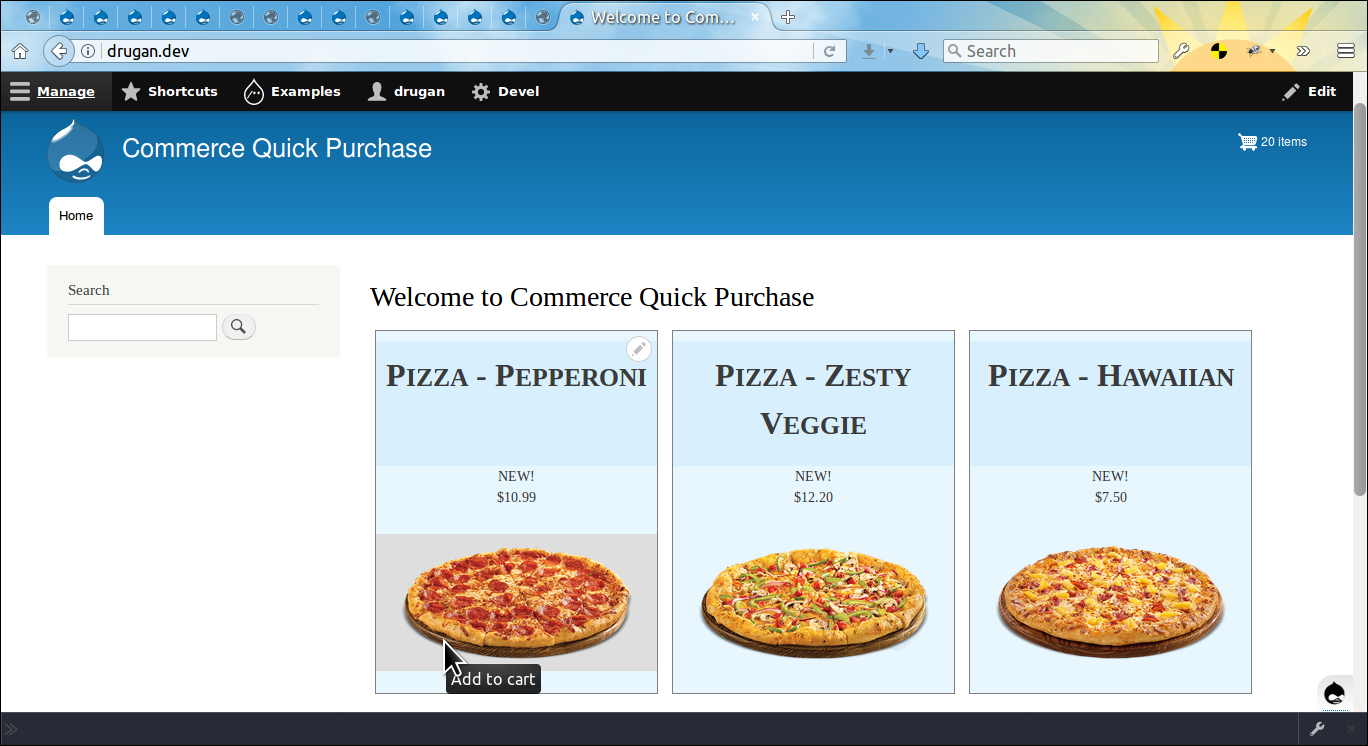
Provides a block with a textfield and a button allowing quickly add any product to cart by typing a variation title and/or SKU in the textfield and then pressing Add to cart button. See more on the module's Github repository:
https://github.com/drugan/commerce_quick_purchase
Set up
After installing the module go to admin/structure/block page, choose desirable region and press Place block button. As the module is highly configurable it is recommended to visit the admin/help/commerce_quick_purchase page first in order to get an overview of all the features available.
You may try all the above on the simplytest.me site. After installing the site go to admin/modules page, type purchase in the textfield to find the Commerce Quick Purchase module, tick in the checkbox and then press the Install button. That's it, everything what you need for testing will be automatically installed along with the module.
Dependencies
🇺🇦 Stop war in Ukraine! 🇺🇦 |
| Please consider supporting Ukraine in a fight for their freedom and safety of Europe. |
Project information
- Project categories: E-commerce, Developer tools
- Ecosystem: Commerce Core
 20 sites report using this module
- Created by asplamagnifique on , updated
 Stable releases for this project are covered by the security advisory policy.
There are currently no supported stable releases.


