



This project is not covered by Drupal’s security advisory policy.
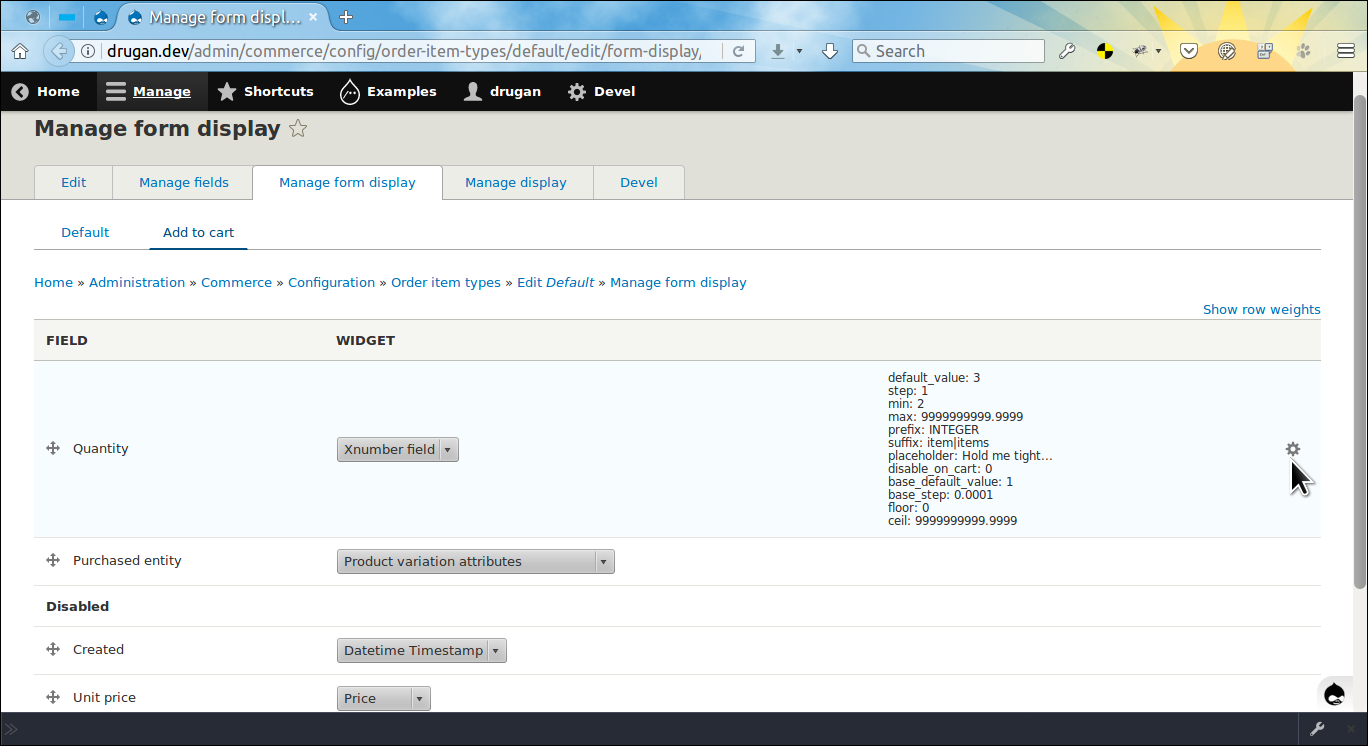
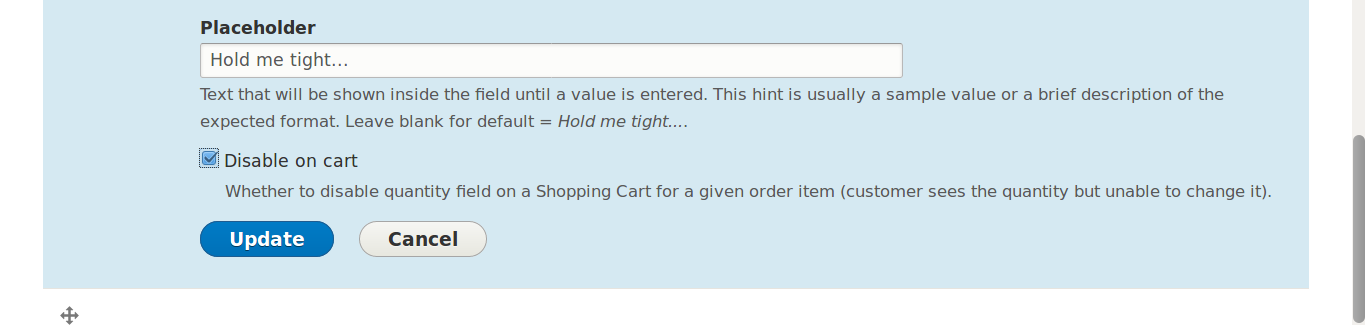
Allows to set quantity field's default_value, step, min, max, prefix and suffix on a form display widget. Additionally, validates user input on the field and order item's quantity availability both on an Add to cart form and quantity update field in a Shopping cart. Also, allows to disable quantity field for a given order item type on the Shopping cart page and alter or remove the An Item added to your cart message by implementing the HOOK_xquantity_added_to_cart_msg_alter() in YOUR_MODULE.module file. More info in the README.md file:
https://git.drupalcode.org/project/commerce_xquantity/-/blob/2.0.x/READM...
Additionally, you can easily set up order item price adjustments based on the product variation quantity added to a Shopping cart:
https://git.drupalcode.org/project/commerce_xquantity/-/blob/2.0.x/READM...
Also, the Commerce Extended Quantity Stock submodule can be used to handle a commerce product variation stock quantities. More info in the README.md file:
https://git.drupalcode.org/project/commerce_xquantity/-/blob/2.0.x/modul...
You may try all the above on the simplytest.me site. After installing the site go to admin/modules page, type extended quantity in the textfield to find the Commerce Extended Quantity module, tick in the checkbox and then press the Install button. That's it, everything what you need for testing will be automatically installed along with the module.
Dependencies
🇺🇦 Stop war in Ukraine! 🇺🇦 |
| Please consider supporting Ukraine in a fight for their freedom and safety of Europe. |
Project information
- Project categories: E-commerce
- Ecosystem: Commerce Core
 136 sites report using this module
- Created by drugan on , updated
 This project is not covered by the security advisory policy.
Use at your own risk! It may have publicly disclosed vulnerabilities.
Releases
Development version: 2.0.x-dev updated 15 Sep 2023 at 08:52 UTC

