

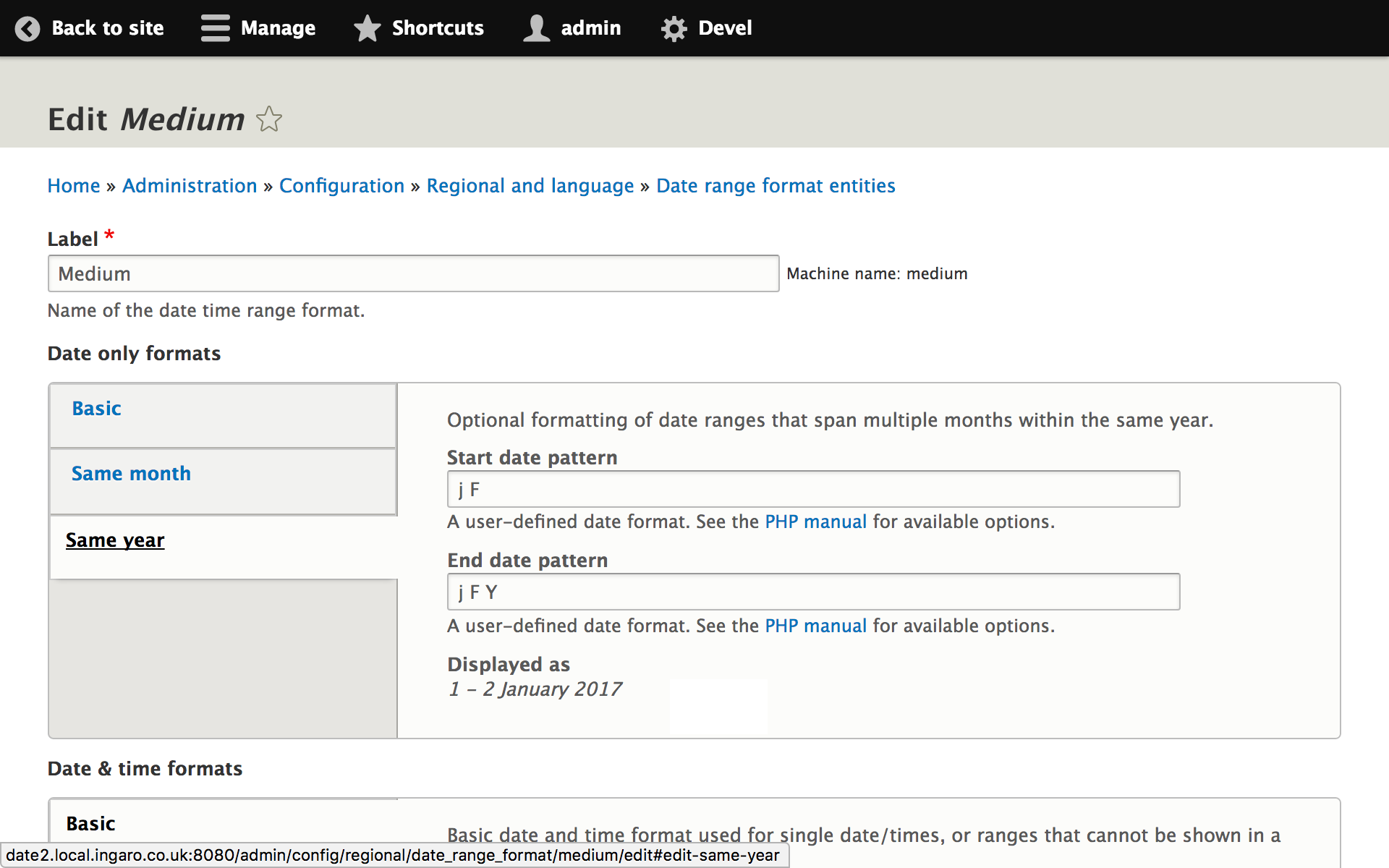
The compact date/time range formatter module provides the ability to display date/time range fields in a more compact form, by omitting the month or year where it would be duplicated.
Examples:
24–25 January 2017 (range is within a single month)
29 January–3 February 2017 (range is within a single year)
9:00am–4:30pm, 1 April 2017 (range is within a single day)
This module defines a new configuration entity, date_range_format, to store patterns for date range formats, in a similar way to Drupal's core date formats. Variations can be configured for use where the day, month or year is the same for both start and end date.
Both date-only and date & time ranges are supported.
To configure date/time range formats, visit Administration » Regional and language » Date and time range formats. The patterns use the same PHP date/time formatting tokens as Drupal's core date formats.
Important note if upgrading from 1.x-dev
There was no official 1.x release and there is no automatic upgrade path between 1.x-dev and 2.0. If you are upgrading from 1.x-dev, you should delete and recreate the date format configuration. More information is available here: #3226140: Upgrading from 1.x-dev to 2.x.
Supporting organizations:
Project information
- Project categories: Site structure
 2,589 sites report using this module
- Created by erik.erskine on , updated
 Stable releases for this project are covered by the security advisory policy.
Look for the shield icon below.

