

This module provides a block which will show the latest feeds from the drupal planet (https://www.drupal.org/planet).
Installation
Install as you would normally install a contributed Drupal module. For further information, see Installing Drupal Modules.
Configuration
- After enabling the module, navigate to Block layout page
/admin/structure/block. - Choose the Region where you want to place the block and Click on the Place Block.
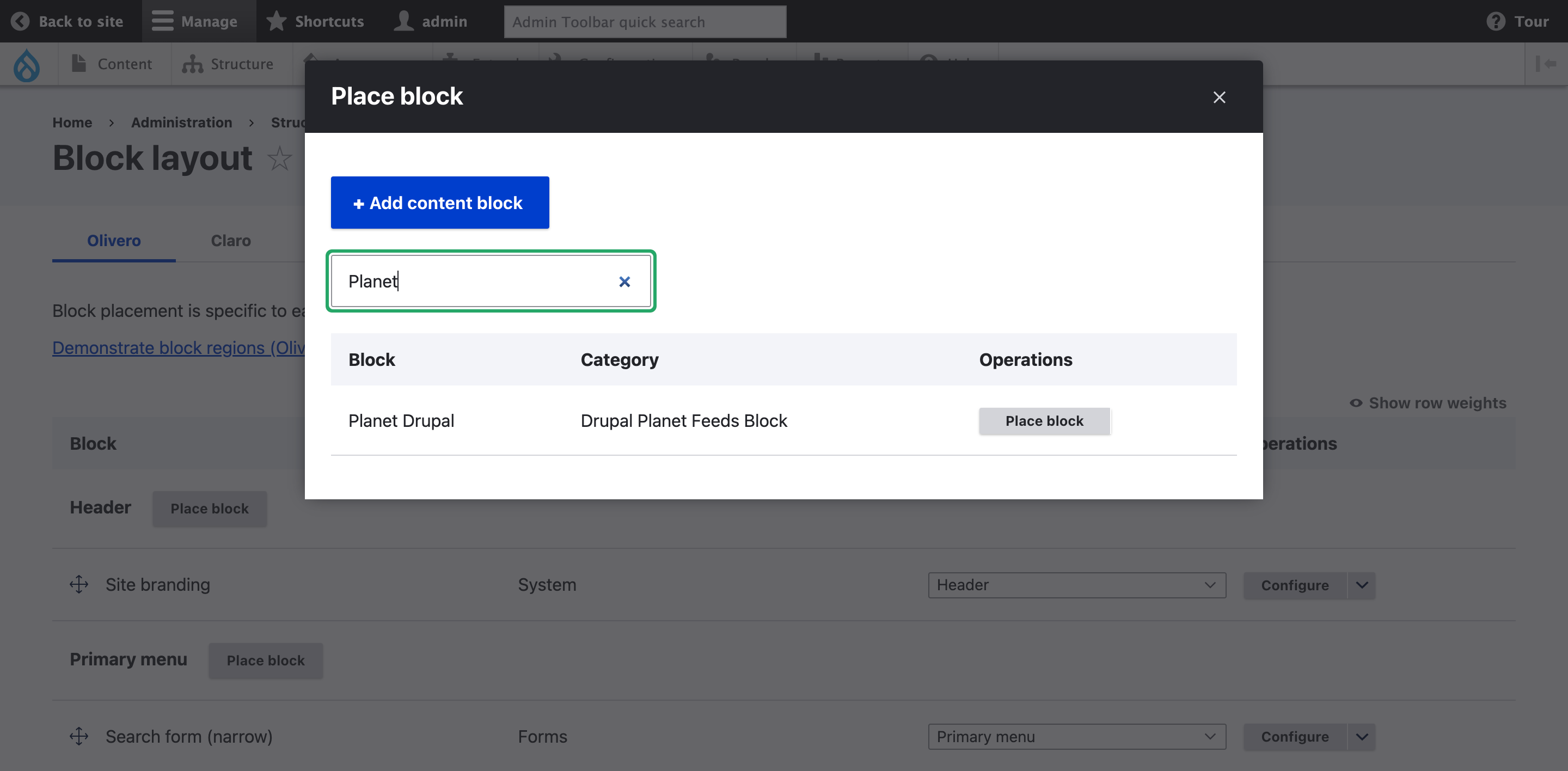
- Filter by Planet Drupal and Click on Place Block.
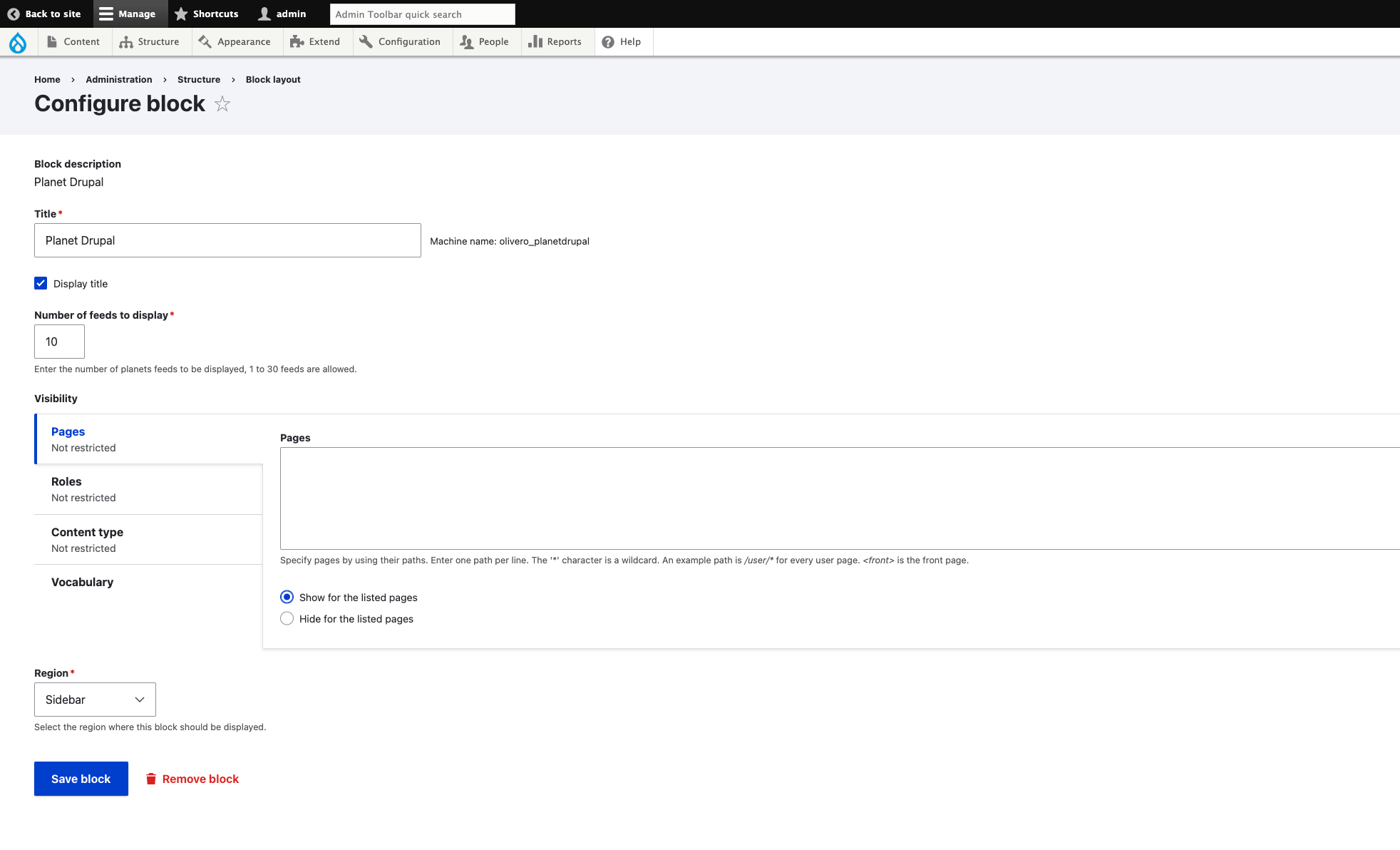
- You can add the Title, Number of feeds to display and Visibility, then click on Save Block.
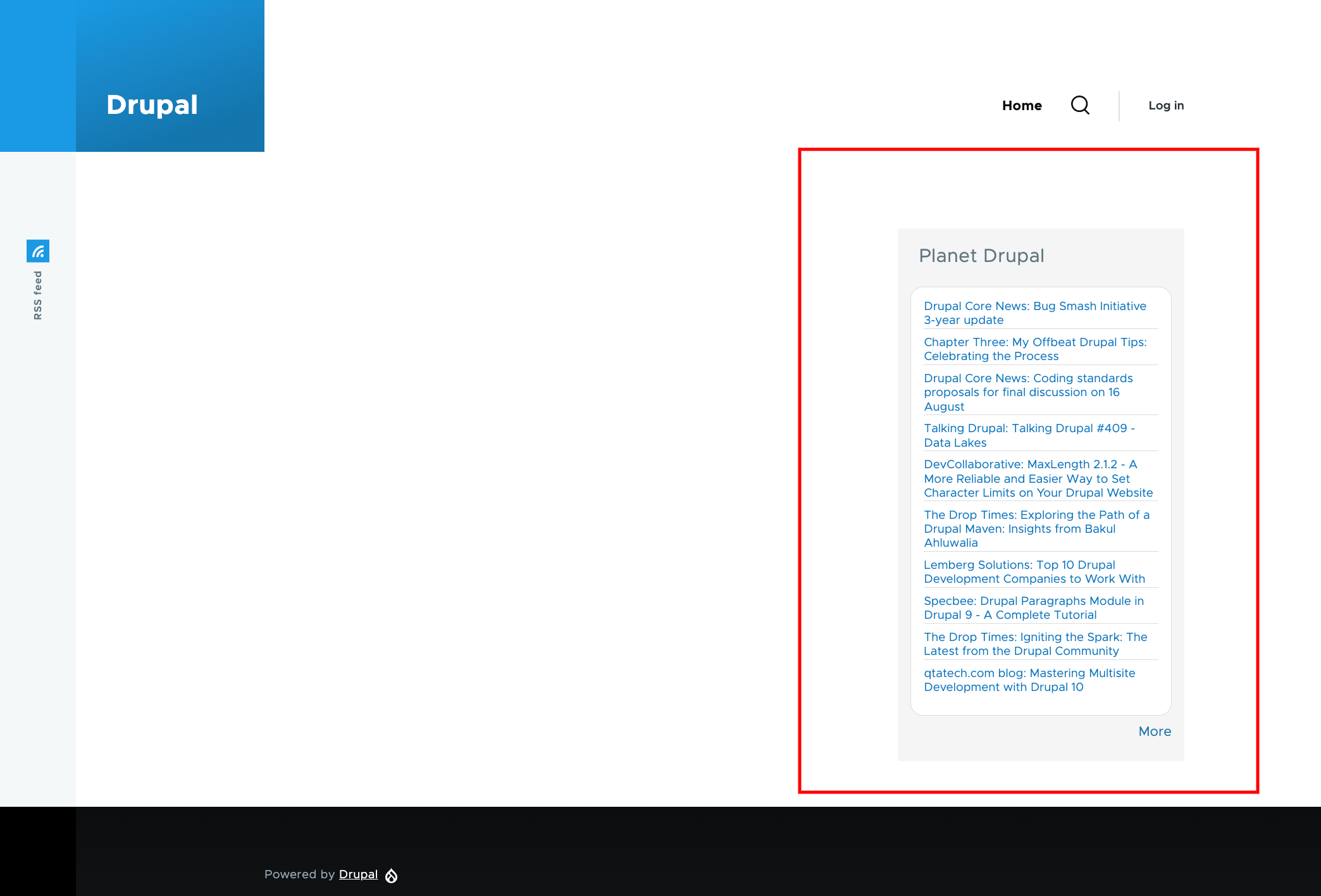
- Navigate to the page where you have placed the block, you can see the Drupal Planet Feeds Block.
Supporting organizations:
Development & Maintenance
Project information
- Project categories: Developer tools
- Created by heykarthikwithu on , updated
 Stable releases for this project are covered by the security advisory policy.
Look for the shield icon below.

