

This helper module is required by DXPR Theme and included in DXPR CMS.
DXPR Theme Helper provides essential functionality for DXPR Theme, ensuring the theme settings form uses the correct theme and providing field bases for per-node theme control features.
You need DXPR Theme Helper if
- You're using DXPR Theme (this module is automatically required)
- You want per-node control of theme features like full-width layouts
- You need to hide specific regions on individual content items
- You want the theme settings form to work properly with DXPR Theme
- You're developing custom theme functionality that integrates with DXPR Theme

What does DXPR Theme Helper do?
- Make sure the theme settings form uses the theme you're configuring
- Provides field bases for fields that let you control features of DXPR Theme per node (full width layout, hide regions, etc.)
- Provides a full-screen search block with WCAG 2.1 AA accessibility compliance
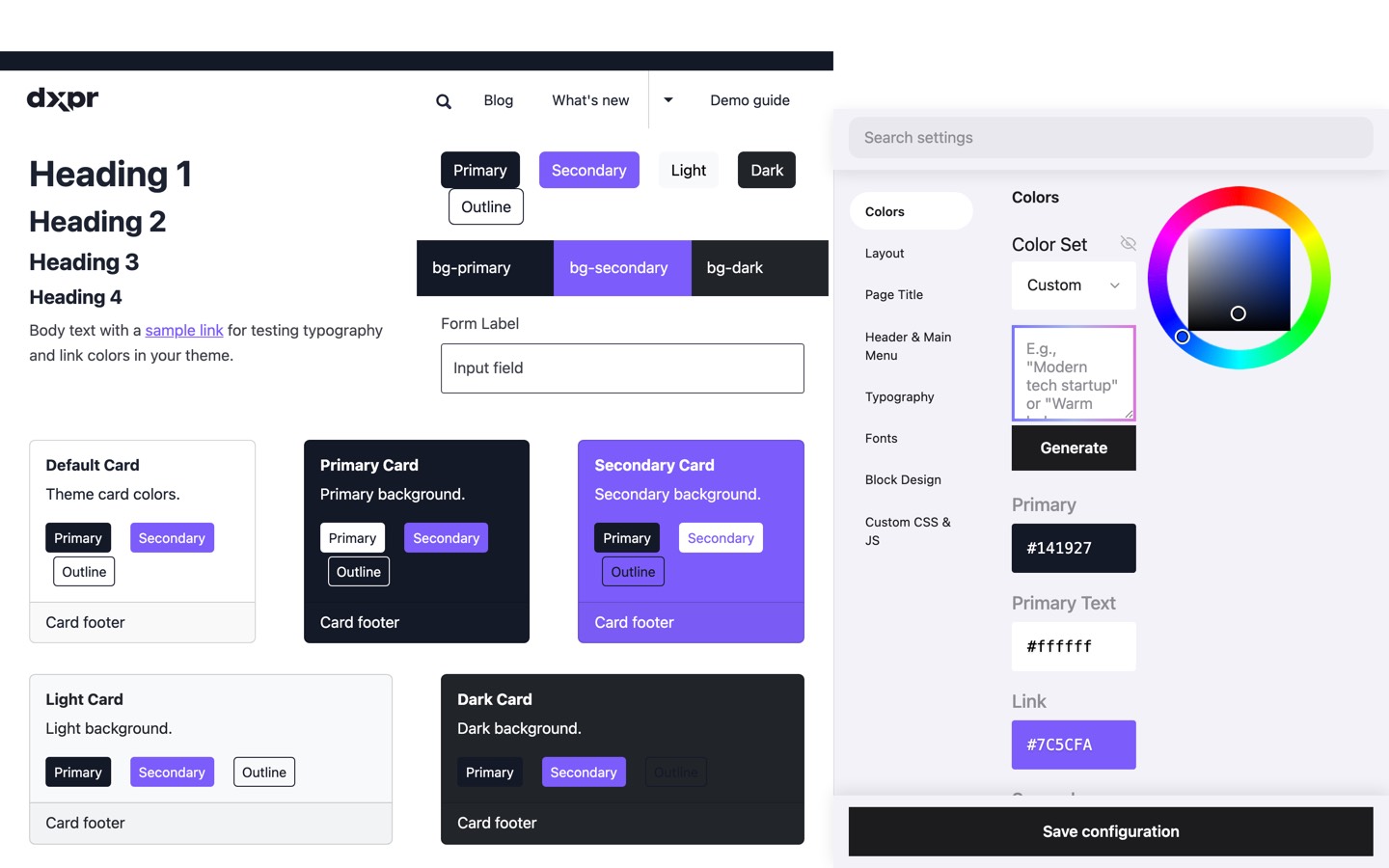
- AI-powered color palette generator via Drupal AI module
AI Color Palette Generator
Generate harmonious color schemes from natural language descriptions. Simply enter a prompt like "Modern tech startup" or "Warm bakery tones" and the AI creates a complete color palette including primary, secondary, link, and accent colors. Requires the Drupal AI module with a configured chat provider.
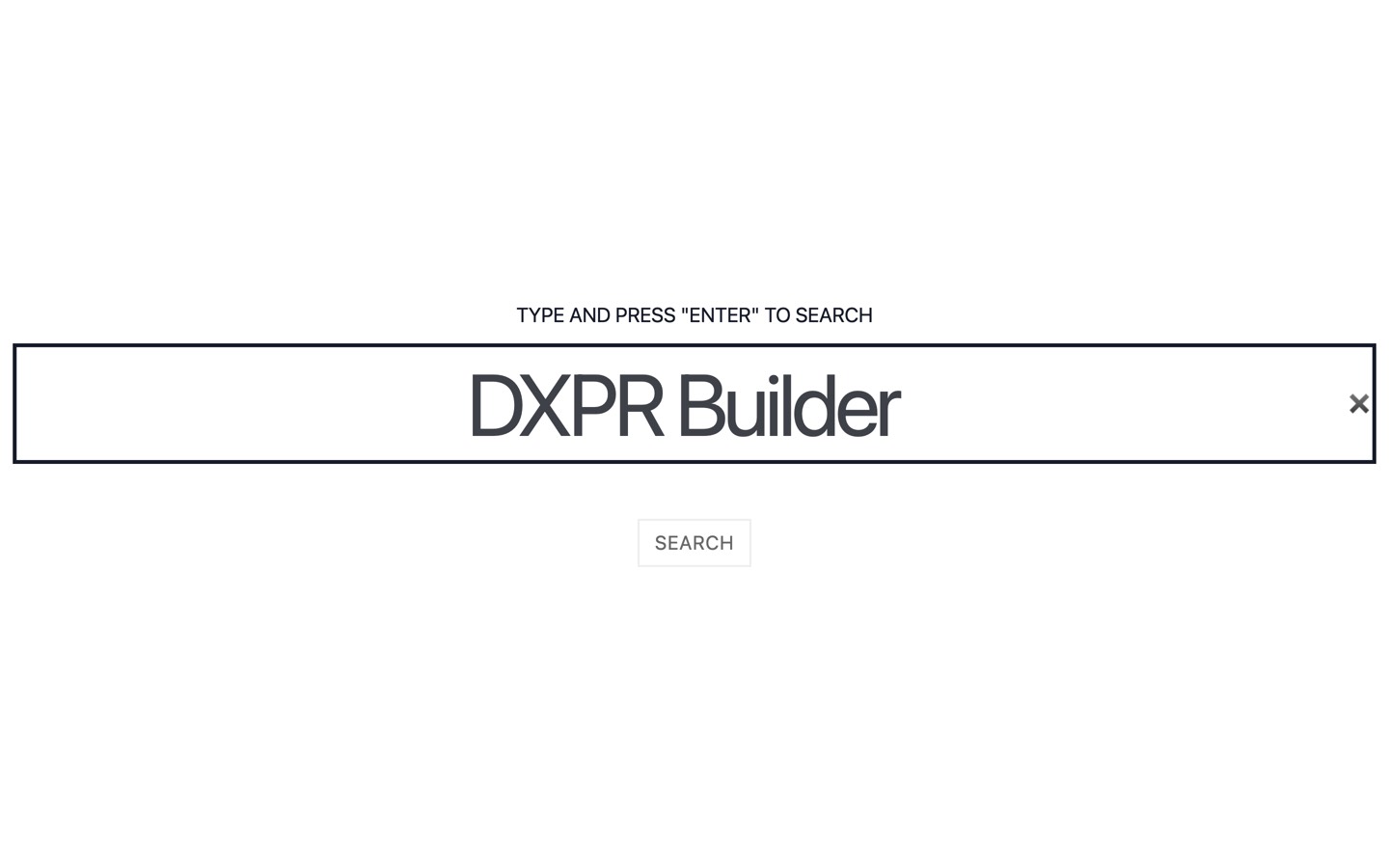
Full Screen Search Block
Elegant full-screen search overlay with dual provider support (Core Search/Search API). Features keyboard navigation, screen reader announcements, mobile-optimized design, and configurable search parameters. WCAG 2.1 AA compliant with proper ARIA states, focus management, and live regions for accessibility.
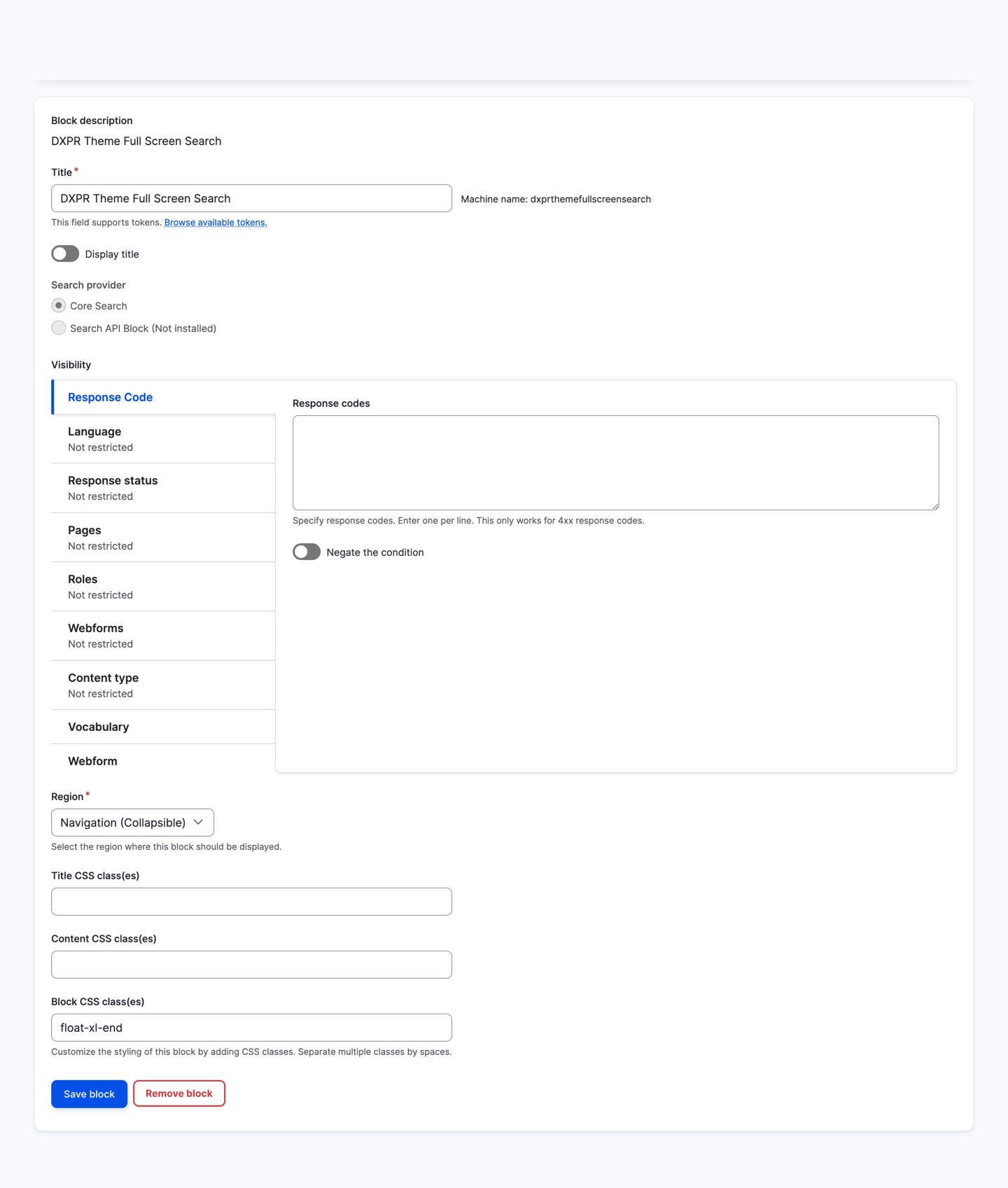
The search block can be configured in the block settings to choose your preferred search provider and adjust display parameters:
FAQ
- Do I need to install DXPR Theme Helper separately?
-
No. DXPR Theme Helper is automatically required when you install DXPR Theme. Composer resolves the dependency and installs both packages together. The module provides essential functionality that DXPR Theme depends on, including the theme settings form handler and per-node layout control fields.
- What does the Full Screen Search block provide?
-
An elegant full-screen search overlay with WCAG 2.1 AA accessibility compliance, keyboard navigation, screen reader announcements, and mobile-optimised design. It supports both Drupal core search and Search API as search providers, with configurable search parameters. The block appears as an overlay triggered by a search icon in the header.
Related Modules
- DXPR Theme - The parent theme this helper extends, a premium Drupal theme with 200+ settings for per-node layout, regions, and backgrounds
- AI module - Optional integration for AI-powered color palette and font generation via any supported provider
- Search API - Optional search provider for the Full Screen Search block, alongside Drupal core search
- Media Library - Core dependency used for background image and page title background fields
Project information
- Ecosystem: Bootstrap5
 3,012 sites report using this module
- Created by jurriaanroelofs on , updated
 Stable releases for this project are covered by the security advisory policy.
Look for the shield icon below.
Releases
released 6 April 2026
AI Coding Assistant Integration: manage all 163 theme settings through natural language with Agent Skills support
released 14 January 2026
Fixed: ServiceNotFoundException theme_settings_provider
released 1 October 2025
Use DXPR Theme 6.0.8 or later
released 15 January 2025
Media Library integration for image fields

