


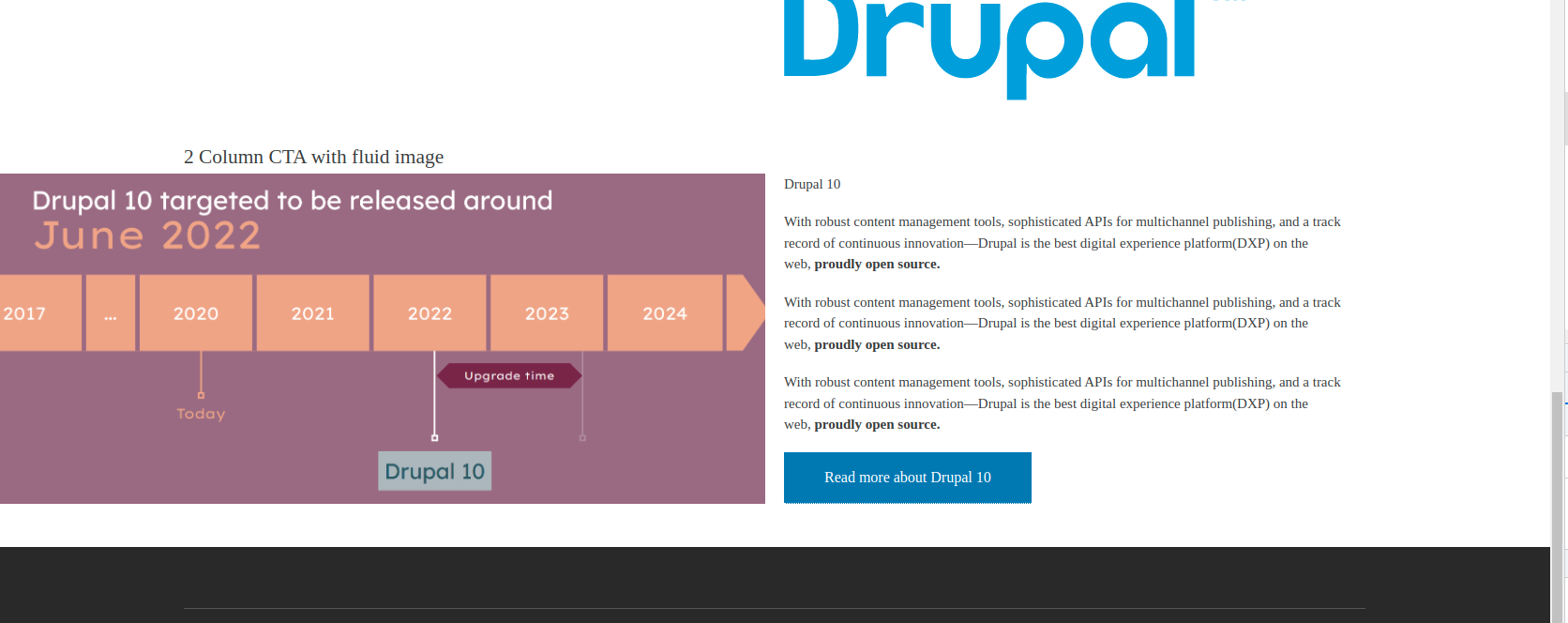
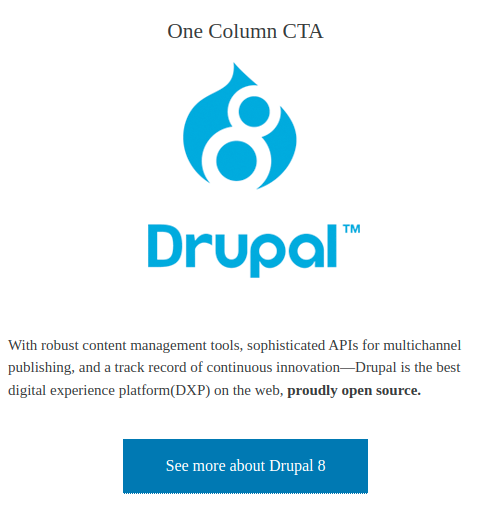


Extra Block Types: Call to Action module provides ability to add Text with CTA button (or two buttons).
The module settings allow to select 1 or 2 columns and place image to the left/right. Also image can be fluid and take 50% of width if it's needed ("2 Columns fluid image" option). CTA block is mobile responsive and will be aligned in one column for selected breakpoint.
CTA button uses settings from EBT Basic Button module. It allows to choose colors and button styles.
EBT modules provide ability to add different blocks in Layout Builder in few clicks. You can install separate block types from this bunch of EBT modules:
- EBT Accordion / FAQ
- EBT Basic Button
- EBT Block
- EBT Bootstrap Button
- EBT Call to Action
- EBT Carousel
- EBT Columns
- EBT Countdown
- EBT Counter
- EBT Hero
- EBT Image
- EBT Image Gallery
- EBT Micromodal
- EBT Quote
- EBT Slick Slider
- EBT Slideshow
- EBT Stats
- EBT Tabs
- EBT Text
- EBT Tiles
- EBT Timeline
- EBT Video
- EBT Video and Image Gallery
- EBT Views
- EBT Webform
- EBT Webform Popup
All EBT block types contain default widget for EBT blocks, which has Design options for:
- CSS Box (margins, paddings, borders)
- Background using color, image (including parallax and cover), video (Youtube)
- Edge to edge, Container width
More about EBT blocks read on EBT Core module page:
https://www.drupal.org/project/ebt_core
Demo
This is a demo site with EBT modules. Feel free to log in to create or edit pages:
https://ebt.drupalbook.org/user
Username: editor
Password: editor
You can also download EBT Demo distribution and install it locally:
Download EBT Demo distribution
If you are looking for Extra Paragraph Types, you can use these modules:
Extra Paragraph Types (EPT) Modules
- EPT Accordion / FAQ
- EPT Basic Button
- EPT Block
- EPT Bootstrap Button
- EPT Call to Action
- EPT Carousel
- EPT Columns / Container
- EPT Countdown
- EPT Counter
- EPT Hero
- EPT Image
- EPT Image Gallery
- EPT Micromodal
- EPT Quote
- EPT Slick Slider
- EPT Slideshow
- EPT Stats
- EPT Sticky Menu
- EPT Tabs
- EPT Text
- EPT Tiles
- EPT Timeline
- EPT Video
- EPT Video and Image gallery
- EPT Views
- EPT Webform
- EPT Webform Popup

Supporting organizations:
Project information
- Project categories: Content display, Content editing experience
- Ecosystem: Extra Block Types (EBT): Core, Layout Builder
 150 sites report using this module
- Created by levmyshkin on , updated
 Stable releases for this project are covered by the security advisory policy.
Look for the shield icon below.


