


A simple module that provides the ability to add Facebook Messenger Customer Chat Plugin to your Drupal 8 site.
For More Information about the plugin:
https://developers.facebook.com/docs/messenger-platform/discovery/custom...
New in version 1.1:
Added Multilingual Support & Config Translation.
New in version 1.4:
Ability to change the SDK version.
Setting Up the Module
1. Whitelist the domain of your website
For security reasons, the plugin will only render when loaded on a domain that you have whitelisted. As Facebook states, your domain must be served over HTTPS, and Uses a fully qualified domain name, such as https://www.messenger.com/. IP addresses and localhost are not supported for whitelisting.To whitelist your domain:
- Go to your Facebook page
- Click Settings at the top of your Page
- Click Messenger Platform on the left
- Edit whitelisted domains for your page in the Whitelisted Domains section
2. Create Facebook App
You will need to create a Facebook app to be able to get an App ID. This will serve as an API Key for Facebook so you can access their services.
Go to https://developers.facebook.com to get one.
3. Enable & Configure the Module
- Enable the module
- go to admin/config/services/facebook_mcc
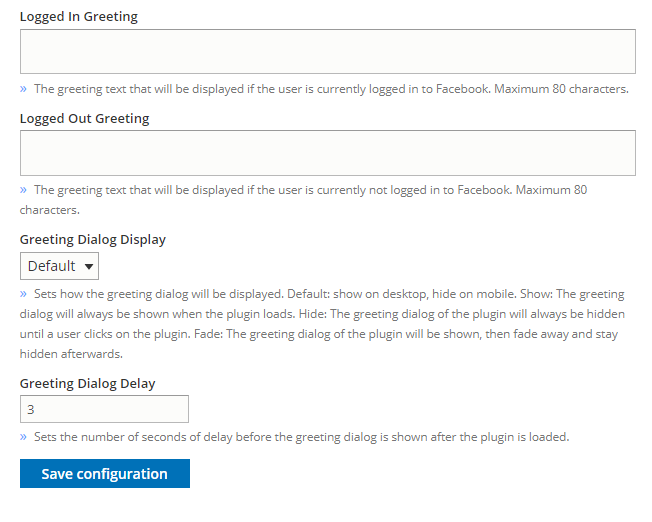
- set your Page ID & App ID and save the configurations
- Enter the required SDK version number
- Place the Facebook MCC Block in your block layout
This module is sponsored by Coders Enterprise Web & Mobile Solutions
Project information
- Project categories: Integrations
 77 sites report using this module
- Created by yassersamman on , updated
 Stable releases for this project are covered by the security advisory policy.
Look for the shield icon below.
Releases
released 4 May 2024
Development version: 8.x-1.x-dev updated 4 May 2024 at 10:59 UTC


