

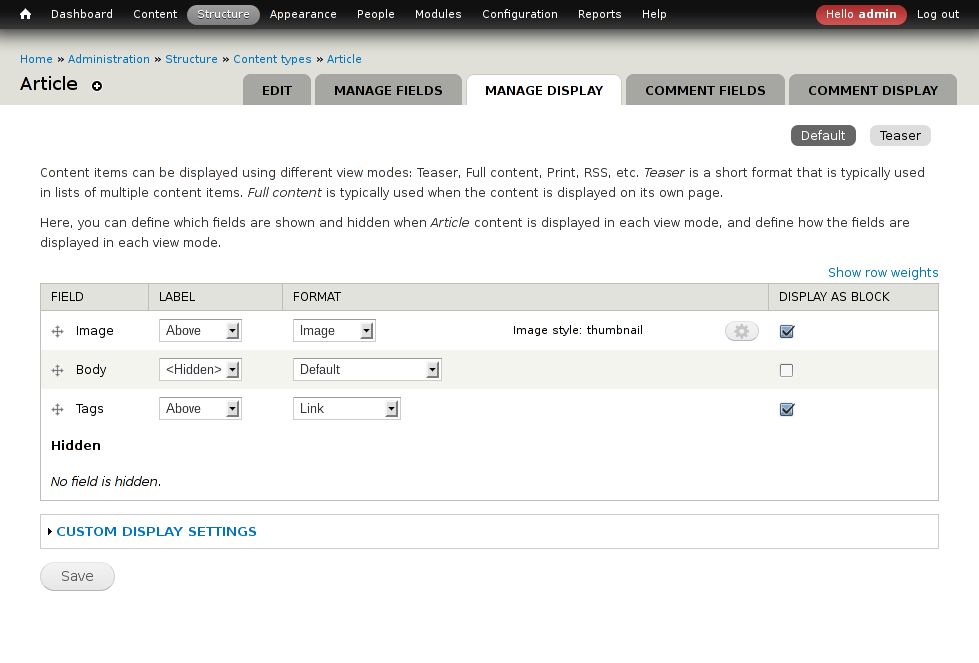
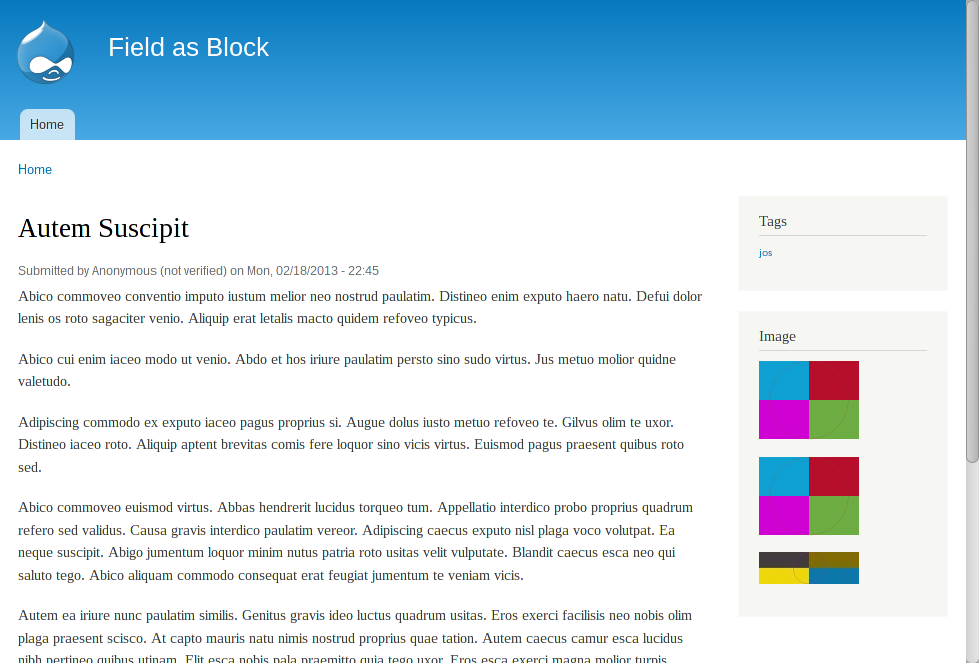
Field as Block provides an easy way to display one or more fields of the current node in a block.
This module aims to be a light weight alternative to modules like Panels and Display Suite, or using Views to define a block which only retrieves one field.
Difference from Ctools (experimental) field blocks
While Ctools field blocks rely on the formatter and settings from a configurable display mode, this module allows to configure the formatter and settings in the block configuration.
Usage
The process of the configuring Field as Block has changed significantly in Drupal 8+.
- Enable the module (/admin/modules)
- Enable Entity Types to expose as "Field as block" blocks. (admin/config/fieldblock/fieldblockconfig)
- Open the block administration form (/admin/structure/block). Select “Place block” to add blocks(s) to a region.
- Locate blocks with the category ”Field as block" and select “Place block”
- Select the Field to display in the block
- Select the desired formatter and formatter settings
- Save the Configure block form
Tutorials
I would like to thank the authors of these Drupal 7 tutorials:
- Create A Call To Action Block Using The Field As Block Module
A tutorial with screenshots, by Ivan Zugec. - Field as Block en Drupal
A screencast in Spanish, by drupalalsur.
If you have a link to be added to this list, please let me know.
Project information
- Project categories: Content display
 9,824 sites report using this module
- Created by marcvangend on , updated
 Stable releases for this project are covered by the security advisory policy.
Look for the shield icon below.
Releases
released 11 August 2026
Development version: 8.x-2.x-dev updated 11 Aug 2026 at 04:50 UTC


