

This project is not covered by Drupal’s security advisory policy.
This module serves as an integration mechanism between Form.IO (https://form.io) and Drupal CMS.
Presentations
Getting Started
If you'd like to get a basic overview of Form.io and see some examples checkout: https://help.form.io/intro/
If you want to just jump in head first then let's get started.
Visit Form.io
Head over to (https://form.io) and create a free account.
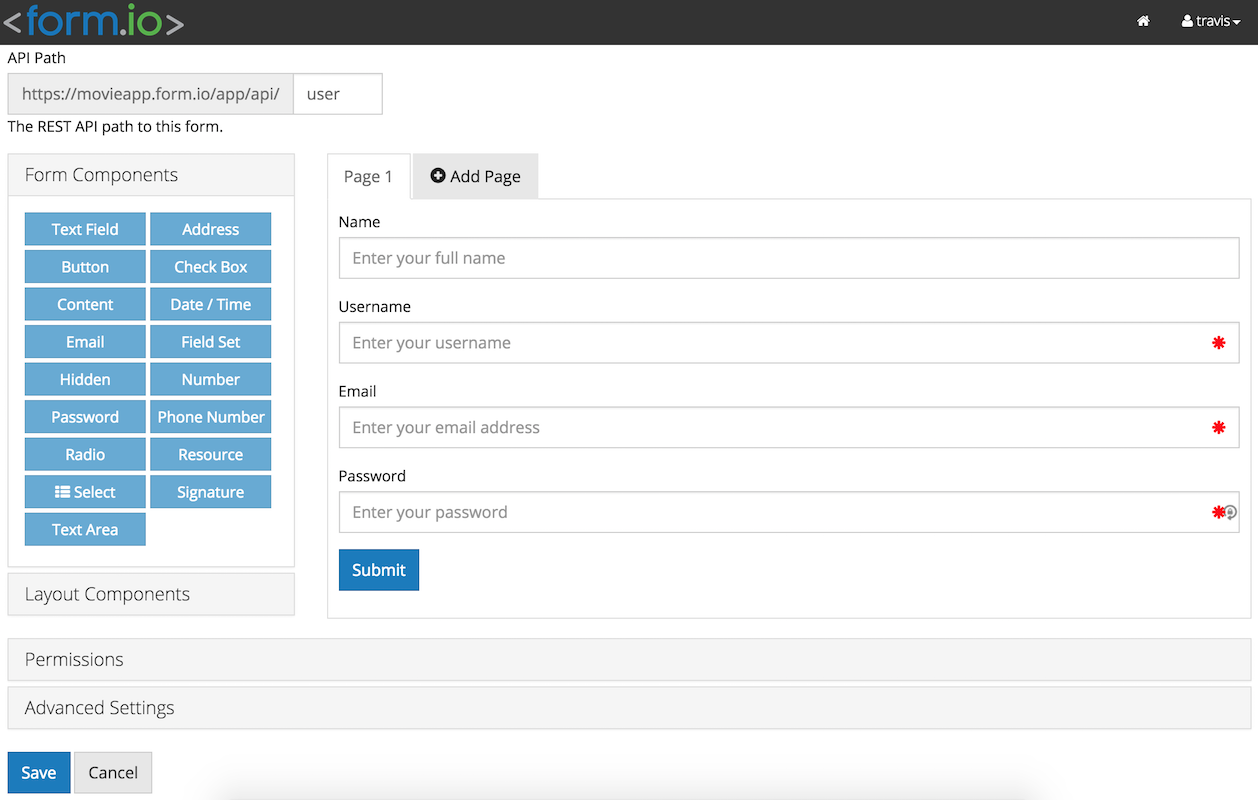
Setup your API key, create a project and create your first form.
Configuration
- Visit the configuration page at http://mysite.com/admin/config/formio/settings.
- Add your project url and API Key you just created.
You should be ready to export your first form inside Drupal. We call these
exports 'presets'. From now on that's what we will call them.
Adding a new preset
Visit http://mysite.com/admin/structure/formio: Here you can add a new form and simultaneously create a new 'entity' via your Form.io form.
Displaying your form
As of right now there are two ways to display your form:
- When a new preset is created a block is automatically generated.
- Visit `/admin/structure/blocks` and you can add your block to a region
- Enable Panels and Page Manager.
- You can add your form to a panels pane just like you would any other content.
- You can also edit your form directly from here as well.
(stay tuned...lots more to come!)
Project information
- Project categories: Content editing experience, Content display, Integrations
- Created by travist on , updated
 This project is not covered by the security advisory policy.
Use at your own risk! It may have publicly disclosed vulnerabilities.


