


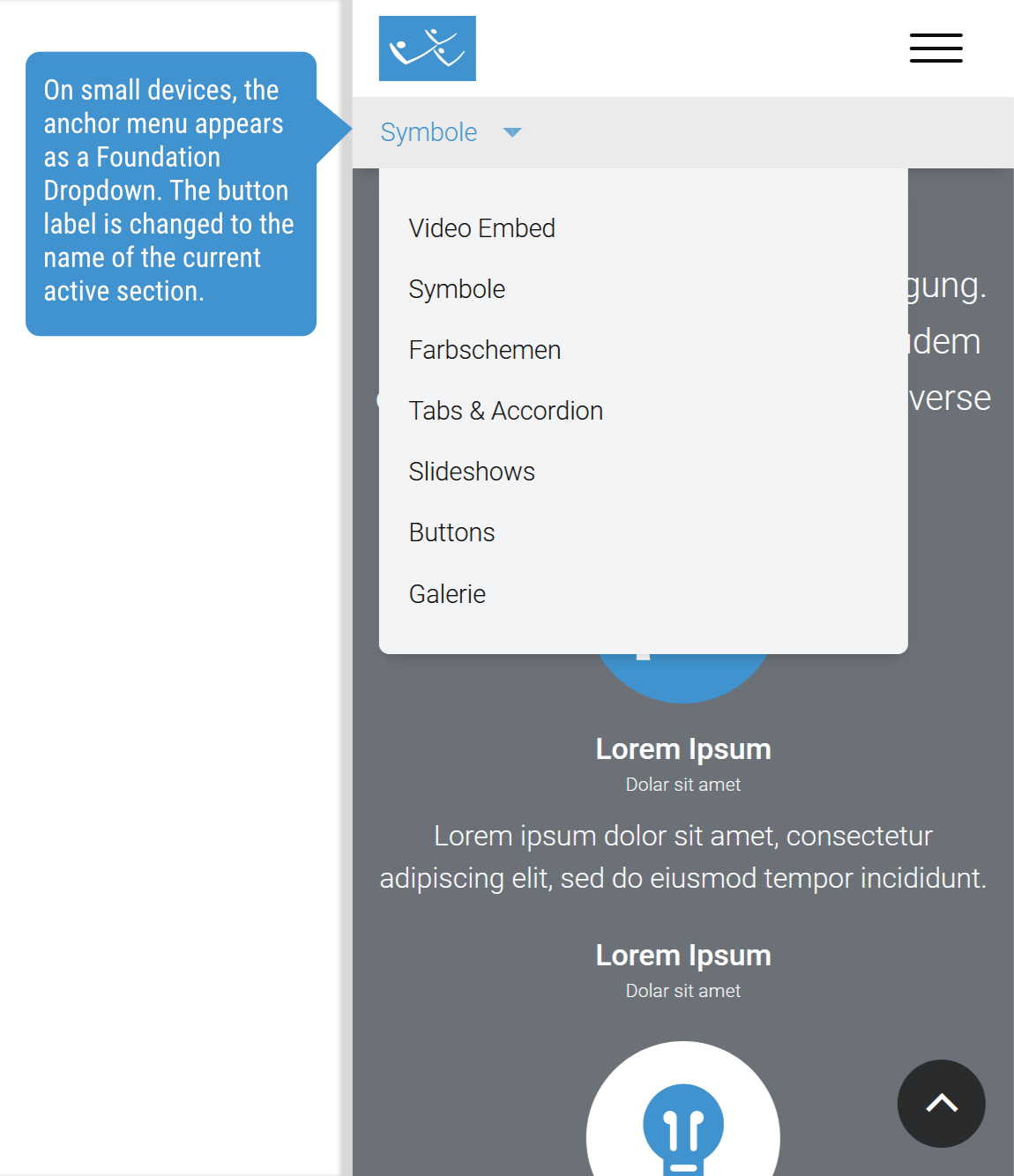
Provides ZURB Foundation based dynamic anchor menu blocks, dynamically generated based on contents of the current page by classes and data attributes.
Allows flexible anchor / jump menus scrolling to specific page sections. Especially helpful on One-page sites and for long contents.
Dependencies
- ZURB Foundation Sites (Library)
- Entity embed + Entity browser (optional) to embed Anchor Blocks in CKEditor
Functionality
The module collects anchor targets from the content with Javascript and adds them to the Zurb Foundation Magellan anchor menu (https://get.foundation/sites/docs/magellan.html).
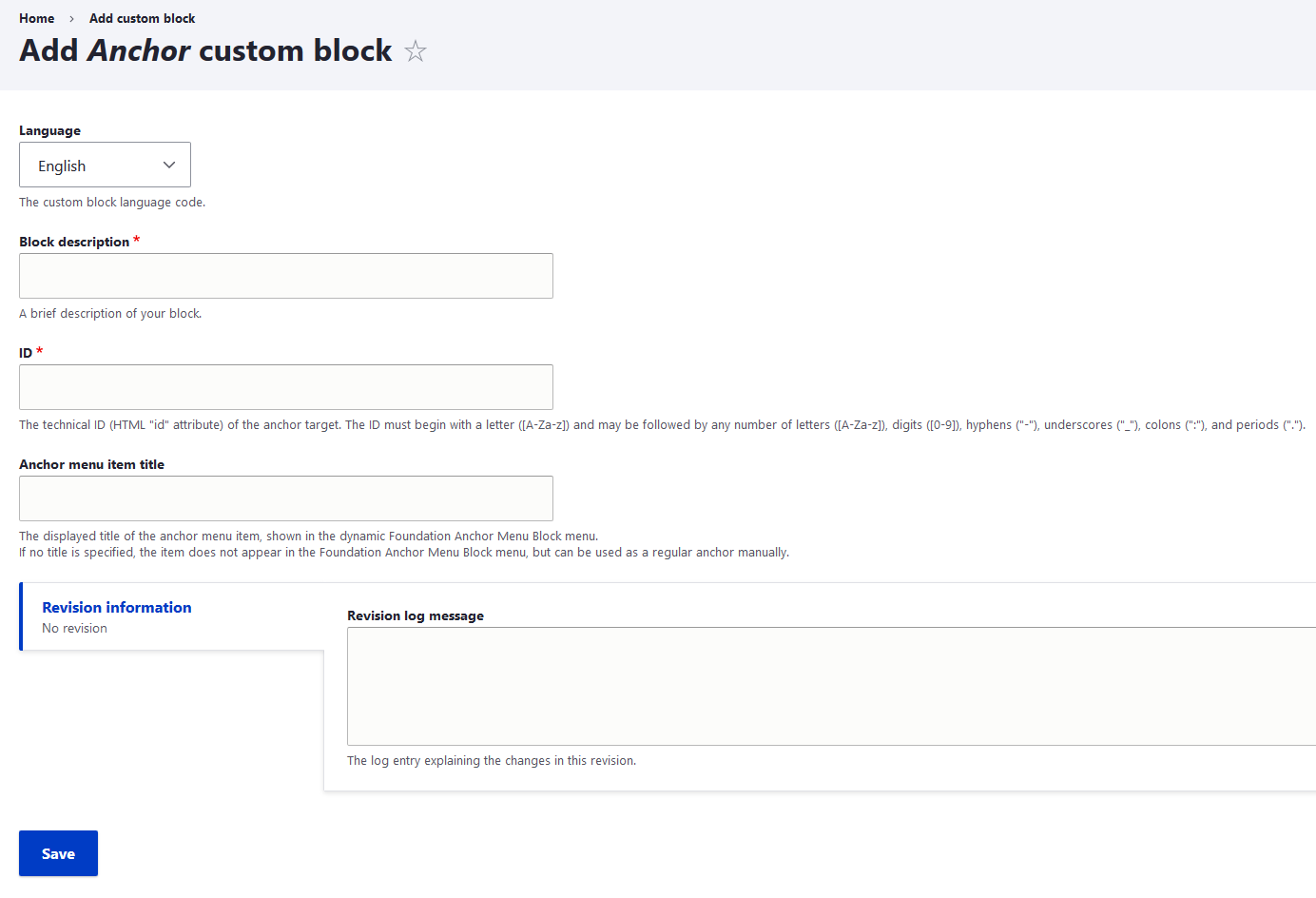
Also it provides a block type "Anchor Custom Block", with the fields:
- ID: The anchor target id.
- Title: The readable title added to the menu, if no title is given, the anchor will not be added to the dynamic anchor menu.
This block acts as scroll-target and data source for the dynamic anchor menu.
Installation & use
Important for Composer installation: See the composer installation instructions on https://www.drupal.org/project/foundation_sites
Also see Downloading third-party libraries using Composer.
The module depends on asset-packagist!
- Install the module as usual: https://www.drupal.org/docs/8/extending-drupal-8/installing-drupal-8-mod...
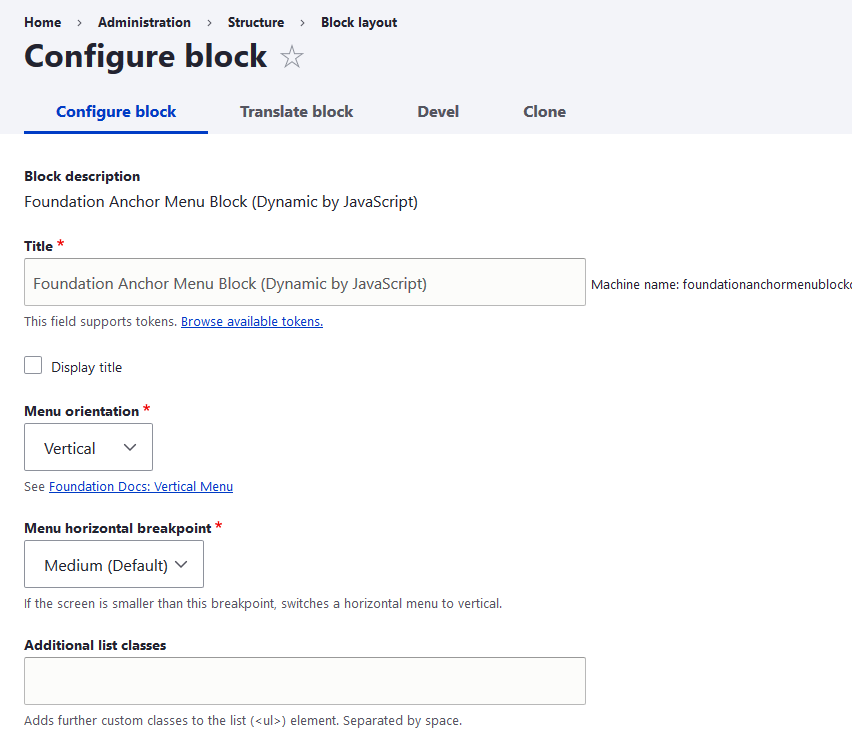
- Go to your block configuration page and add the "Dynamic Anchor Menu Block"
- Add anchor targets by block, custom markup, ... (see possibilities described beyond)
Add anchors by block
Add some "Anchor Custom Block"'s in the block configuration page, in Layout Builder, ...
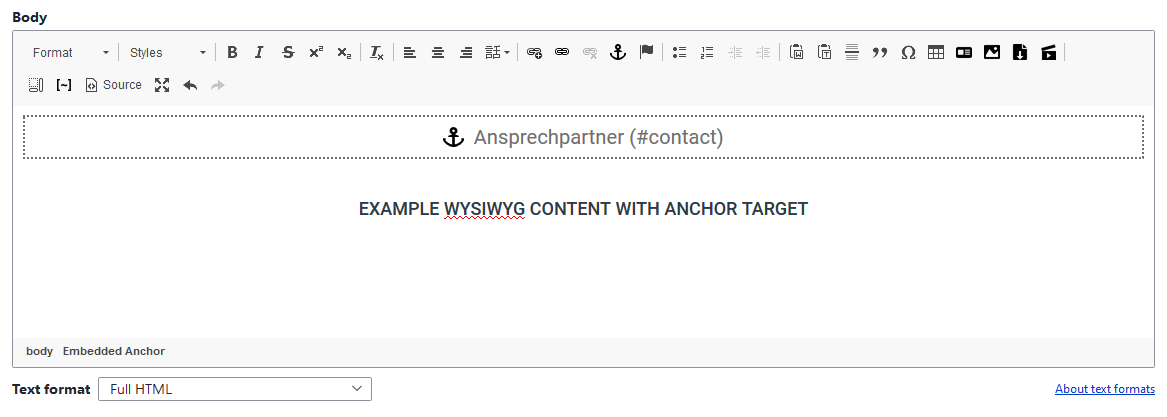
Embed anchors in WYSIWYG
The module also creates an entity embed button for the CKEditor, you just need to add the button in your WYSIWYG configuration page (/admin/config/content/formats). Furthermore an entiy browser for Anchor Custom Blocks will be created.
Add anchors manually in HTML
The element just requires the following attributes:
<div id="my-custom-anchor-target" data-magellan data-magellan-target="my-custom-anchor-target" data-anchor-menu-title="My Custom Anchor Target"></div>
Javascript callback functions
"famb:init"
Example Usage:
      $(document).on('famb:init', function(event, anchorMenuObj){
        // Remove anchor menu block if empty
        if(!$(anchorMenuObj).children().length){
          $(anchorMenuObj).parents('.block:first').remove();
        }
      });
Additional modules
- https://www.drupal.org/project/auto_anchors may be helpful to create anchors dynamically. Has not been tested in combination with this module yet
Not using Foundation, but Bootstrap or something similar?
Feel free to create an issue, fork this module, use similar classes and names or create a patch to make the functionality available for other UI frameworks!
Development proudly sponsored by:
Supporting organizations:
proudly developed this module for the community!
Project information
 Minimally maintained
Maintainers monitor issues, but fast responses are not guaranteed.- Maintenance fixes only
Considered feature-complete by its maintainers. - Project categories: Content display, Developer tools, Site structure
- Ecosystem: ZURB Foundation
 27 sites report using this module
- Created by anybody on , updated
 Stable releases for this project are covered by the security advisory policy.
Look for the shield icon below.


