


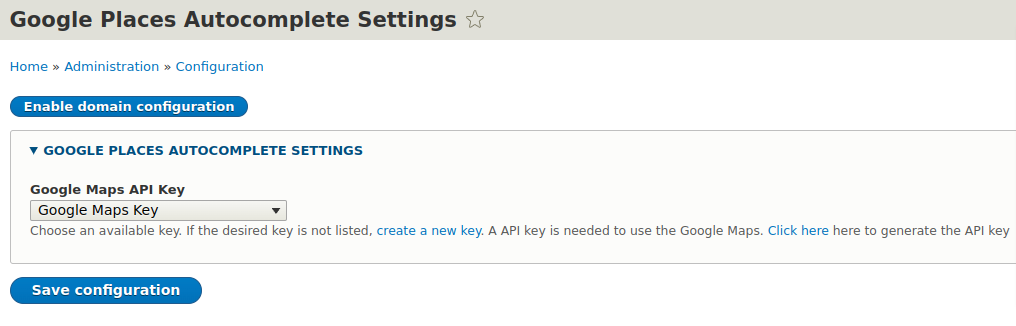


Google Places Autocomplete module provides a field widget to link text-fields to the Autocomplete address lookup functionality.
Requirements
Requires Google Maps API Key:
https://developers.google.com/maps/documentation/javascript/get-api-key
Requires the Key module:
https://www.drupal.org/project/key
Install
Install this module as per usual. Please see
http://drupal.org/documentation/install/modules-themes/modules-8
Usage
To use this module:
- Add a text-field or configure an existing field.
- Go to 'Manage form display' & select the widget type 'Google Places Autocomplete'.
- Configure field widget settings & save.
Configuration
Global configuration can be found at /admin/config/google-places/settings.
Generate Google Map API key:
https://developers.google.com/maps/documentation/javascript/get-api-key
8.x-2.x Notes
Geo-coding service and Map field formatter has been stripped out of module. 8.x-2.x and up will strictly focus on Autocomplete functionality (field widget).
Project information
 Maintenance fixes only
Considered feature-complete by its maintainers.- Project categories: Site structure, Developer tools
 209 sites report using this module
- Created by vedprakash on , updated
 Stable releases for this project are covered by the security advisory policy.
Look for the shield icon below.
Releases
released 9 August 2022
Development version: 8.x-2.x-dev updated 8 Aug 2022 at 17:51 UTC


