


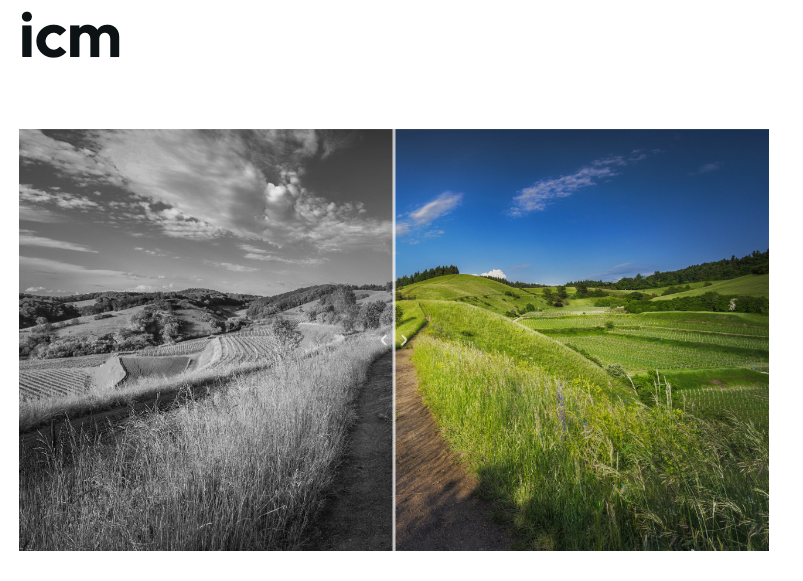
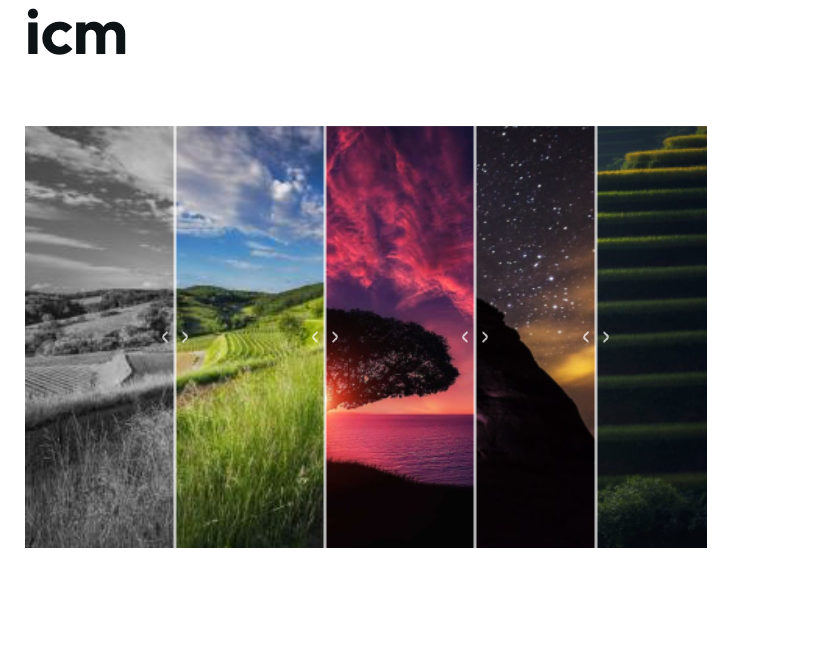
This will provide a field formatter for image fields, so that the images uploaded for an image field can be rendered as a Image Compare Viewer
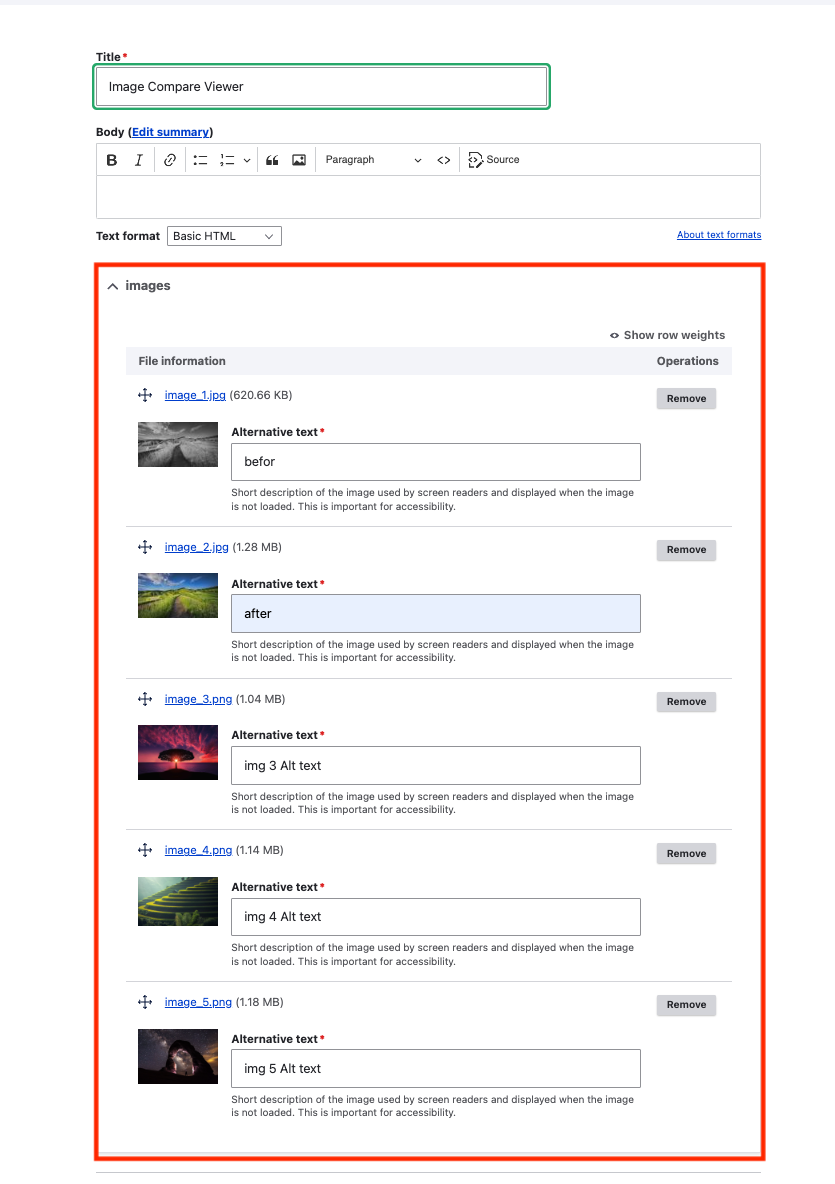
You can add 2 or more images .
Features covered
- Image style
- Link
- 2 or more images
- Link content to
- Responsive design.
- Touch-friendly.
- Fluid mode to create a full-size image comparison viewer.
- Supports both horizontal and vertical directions and 45Deg
- Smooth sliding.
Installation and Configuration
- Download and Enable the module similar to other drupal module.
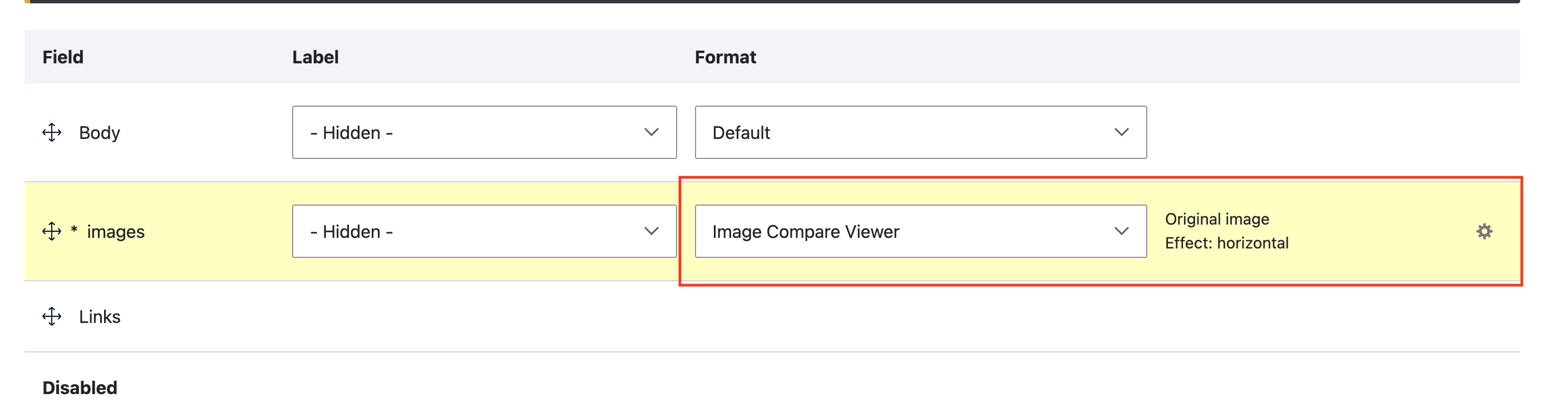
- Visit any Image fields in Display settings, you will be able to find the "Image Compare Viewer"
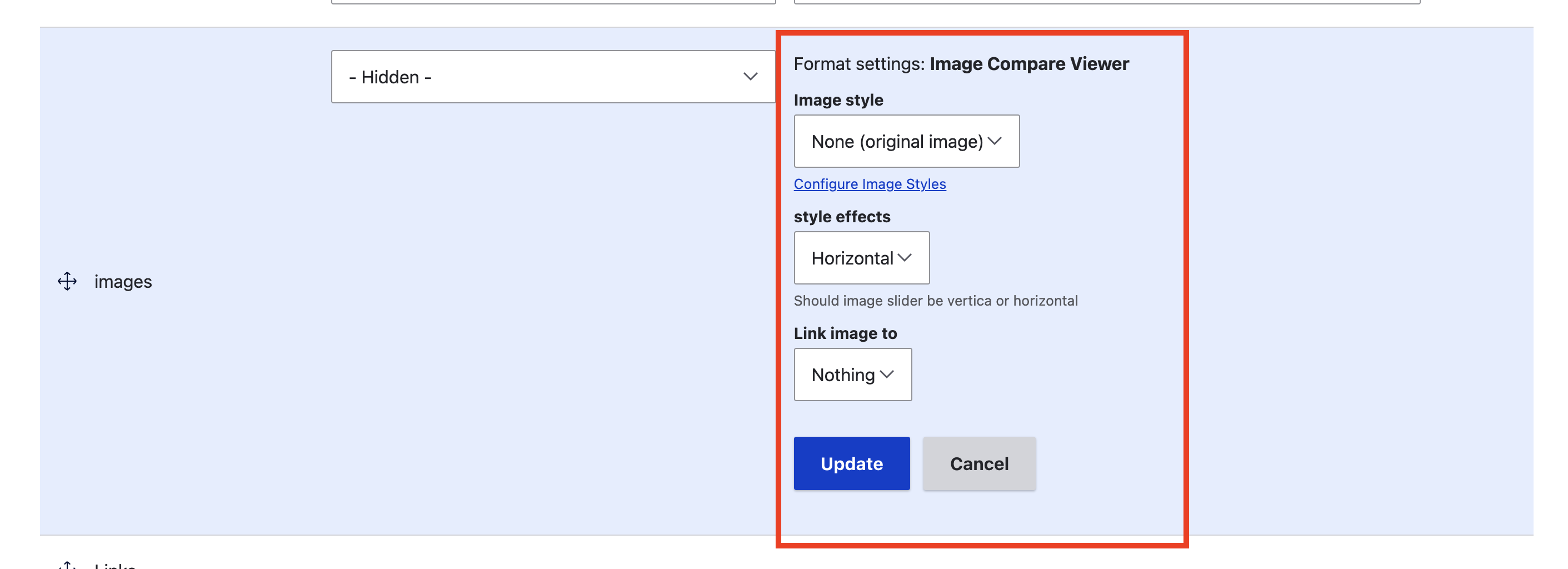
- Select this one and you would be able to select image styles and other config.
Example: admin/structure/types/manage/page/display
Integrations
This module works well with..
Modules like "Views" & other "Core image related modules".
And with other Contributed modules related to Images.
Project information
- Project categories: Content display, Content editing experience, Site structure
 16 sites report using this module
- Created by g.mustapha on , updated
 Stable releases for this project are covered by the security advisory policy.
Look for the shield icon below.

