

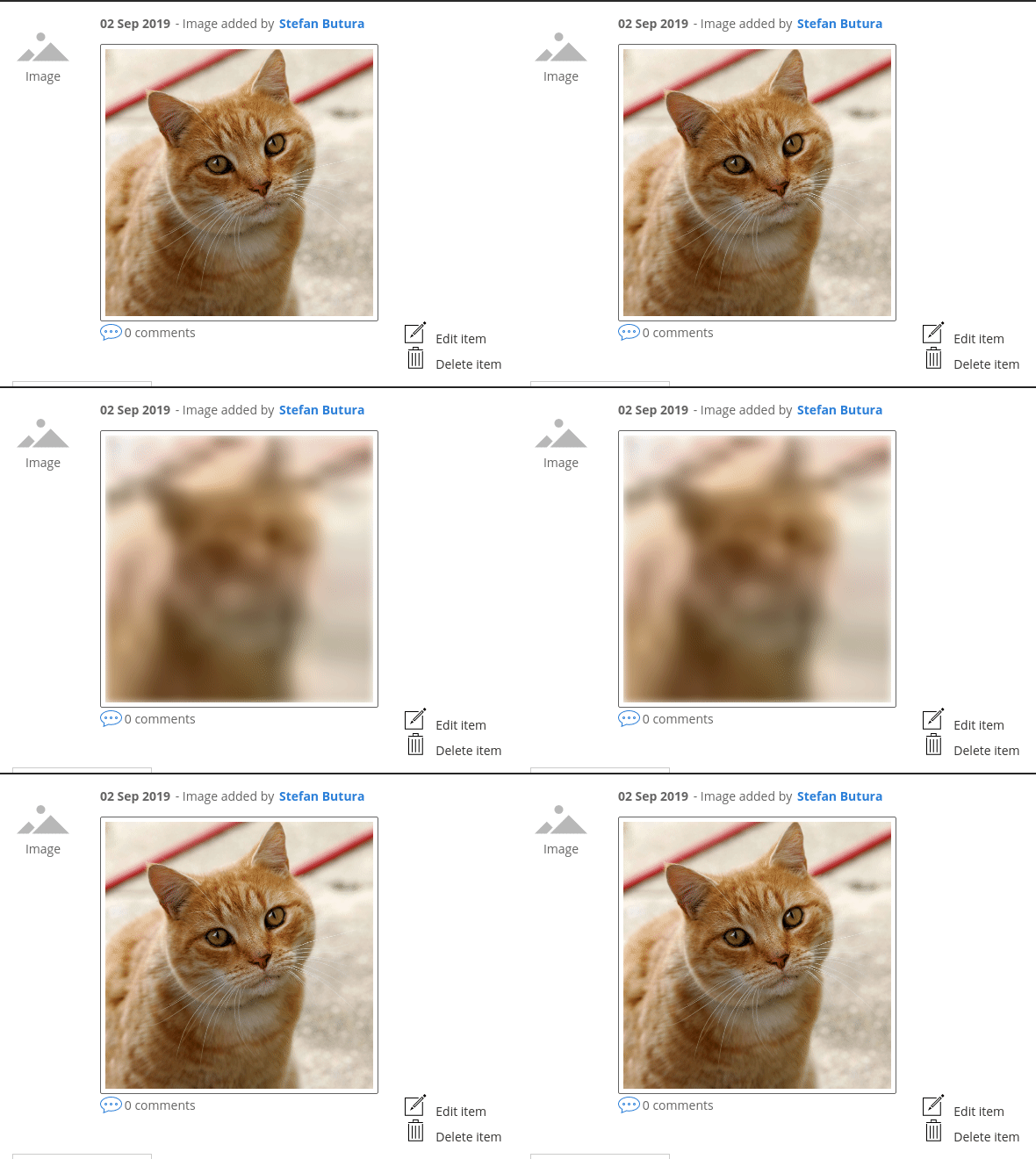
Adds an option to common image field formatters to display blurry placeholders of images while they are being loaded by the browser.
How to use it
To enable this feature for an image field, check the 'Use blurry placeholder' option under your image formatter. Supported formatters:
- Thumbnail (core Media module)
- Image (core Image module)
- Responsive image (core Responsive image module)
- Easy Responsive Images
- Media Responsive Thumbnail
For Drupal 9, the following patch is recommended if you are using this with responsive images: #3267870: Order image mappings by breakpoint ID and numeric multiplier.
How it works
The module creates an image style with a 20px width scale filter. Before displaying images, a version using this style is created and added as a background-image on <img> elements.
You can play around with that image style and add extra effects if you feel like it.
Experimental: You can also enable JS/CSS blur in the module configuration screen (Admin > Config > Media > Image Blurry Placeholder Settings). A JavaScript library will add the .loading class on image elements while they are loading and some CSS blur effect will be added to those images.
Supporting organizations:
Initial development
Ongoing development
| Attachment | Size |
|---|---|
| Peek 2019-09-02 15-36.gif | 275.74 KB |
Project information
- Project categories: Media
- Ecosystem: Media Responsive Thumbnail, Easy Responsive Images
 24 sites report using this module
- Created by stefan.butura on , updated
 Stable releases for this project are covered by the security advisory policy.
Look for the shield icon below.
Releases
1.2.0
released 18 December 2025
released 18 December 2025
Works with Drupal: ^8.8 || ^9 || ^10 || ^11
Add Twig extension & fix broken admin menu link.
Install:
1.1.0
released 25 March 2025
released 25 March 2025
Works with Drupal: ^8.8 || ^9 || ^10 || ^11
Add support for the Easy Responsive Images module, placeholder caching & Drupal 11 support.
Install:


