

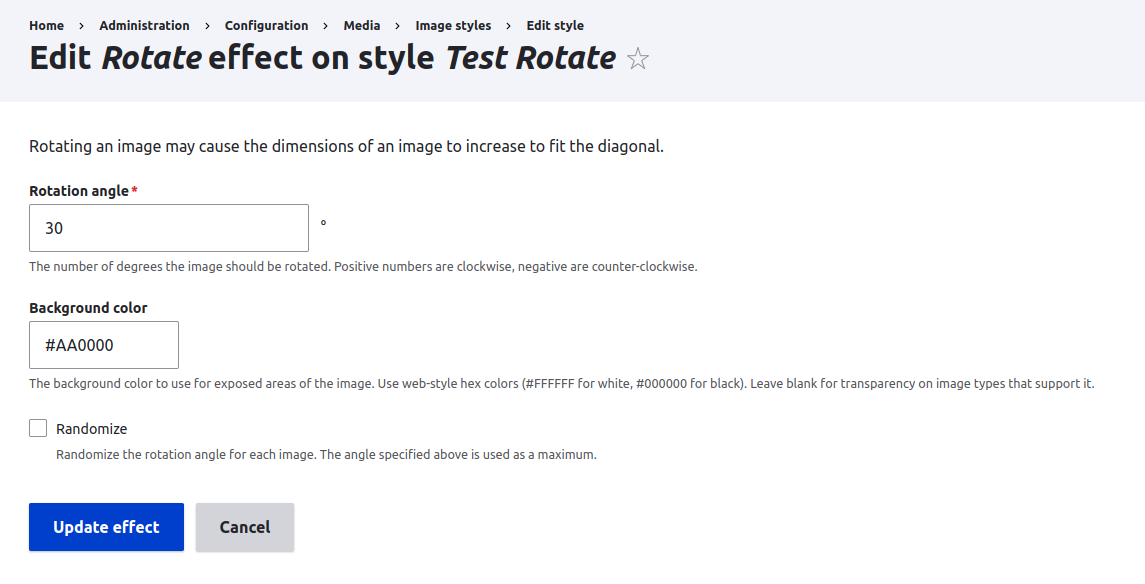
This tiny module can be successfully used for creating complex image styles from the command line via Drush. You can use it in interactive mode, or via script. The common difference from similar modules is a parameters JSON format which you can use directly from a command line.
You can use these commands:
- image-styles:add-effect (isae): Adds the image effect to the image style.
- image-styles:create (isc): Creates an image style.
- image-styles:delete (isd): Deletes the image style.
- image-styles:delete-effect (isde): Deletes the image effect from the image style.
- image-styles:effects (ise): Displays an image effects list.
- image-styles:list (isl): Displays an image styles list.
- image-styles:params (isp): Displays an image effect parameters list.
Use help (--help) for commands to learn more.
This module successfully works together with Image Effects module and others like it. Please use interactive mode and JSON parameters with caution! Parameter values are not validated, so you can easily break your site. For example, you MUST use web-style hex colors ("#RRGGBB") as values for all color fields. You have been warned.
Similar modules:
- Image Style Generate - uses migration rules for styles generation
- Image Styles Builder - uses YAML configuration in custom module
Project information
 Minimally maintained
Maintainers monitor issues, but fast responses are not guaranteed.- Maintenance fixes only
Considered feature-complete by its maintainers. - Project categories: Media, Developer tools
- Ecosystem: Drush
 68 sites report using this module
- Created by andrew answer on , updated
 Stable releases for this project are covered by the security advisory policy.
Look for the shield icon below.

