

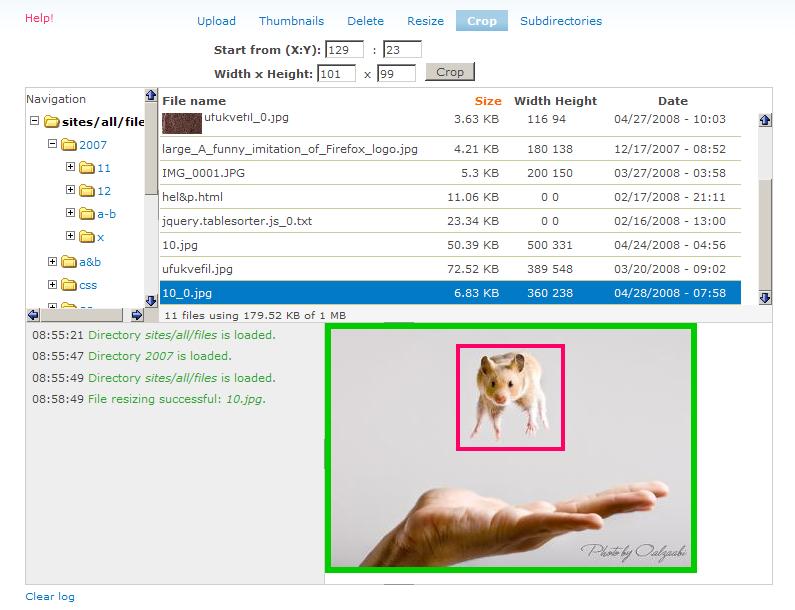
Adds image cropping functionality to IMCE through its UI.
CONFIGURING AND USING
---------------------
1. Go to admin/settings/imce Assuming you have already created a IMCE profile. Under section 'Configuration profiles' click on approprate 'Edit' link.
2. On the next page find section 'Directories'. Set appropriate permission using the check box 'Crop'.
3. Click on 'Save configuration' button.
4. To test use IMCE. A new 'Crop' tab button will be display. Follow instructions on screen.
Project information
- Project categories: Media
 2,420 sites report using this module
- Created by ufku on , updated
 Stable releases for this project are covered by the security advisory policy.
There are currently no supported stable releases.

