

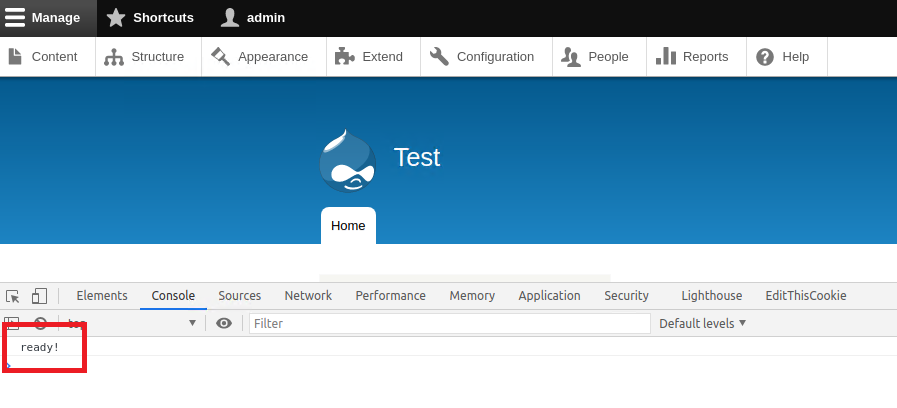
This module allows administrators to customize a theme's JS through the browser, using a rich text editor with syntax highlighting.
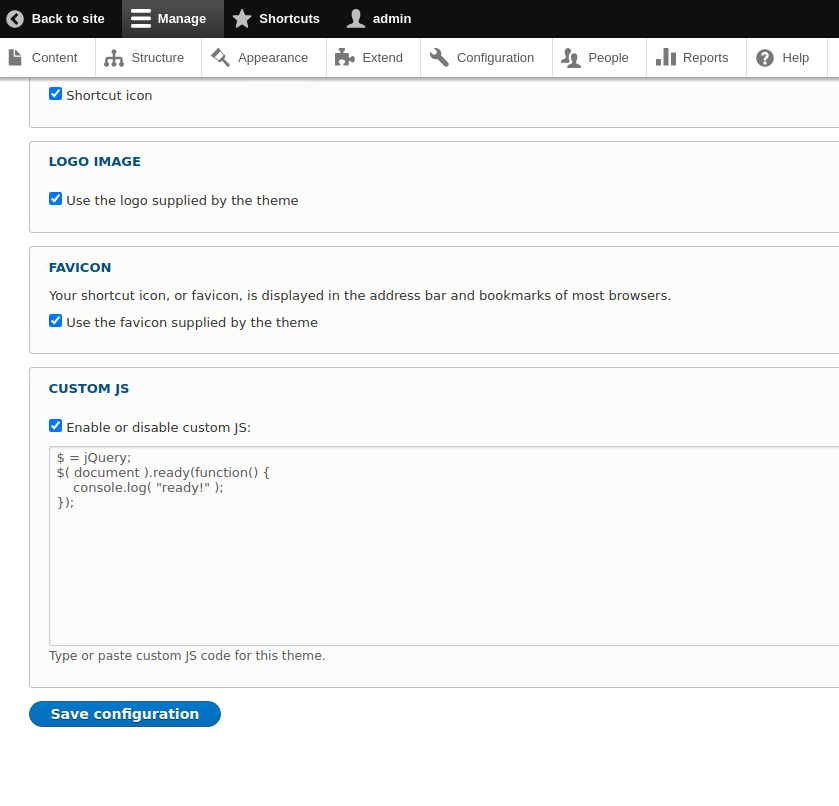
On the settings page of each theme it will be displayed a textarea where the admin can type custom Javascript code.
The feature can be enabled to multiple themes on the same site.
This module is compatible with Drupal 8 and 9.
Installation
Install this module via composer by running the following command:
composer require drupal/js_editor
Basic usage
- Install the module
- Go to /admin/appearance
- Edit an Installed theme
- At the bottom of te page activate the checkbox "Enable or disable custom JS"
- Enter your custom Javascript code
- Save the configuration
Similar Modules
- Asset Injector: has the same functionality.
- Advantage: Javascript Editor configuration is available in the theme settings.
- CSS Editor: allows site builders to customize a theme's CSS through the browser.
Supporting organizations:
Project information
- Ecosystem: Javascript Tools
 61 sites report using this module
- Created by marco.aresu on , updated
 Stable releases for this project are covered by the security advisory policy.
Look for the shield icon below.


