


Login Lock (login_lock) module allows to force logout users during enabled login lock and prevent login for configured users roles.
Sometime when you plan to deploy you don't want to close your site in "maintenance mode" because you want to allow visitors to read content. Instead, you can log out all users and disable authorization on the site during deployment using this module.
Features
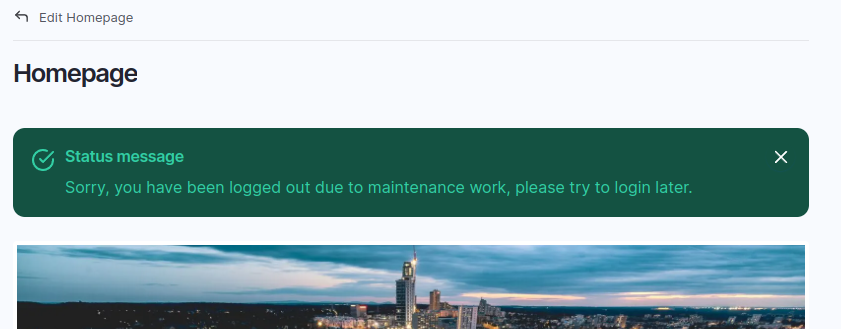
- Logout all users (except users with roles able to bypass login lock) when enabled Login Lock and redirect to configured page.
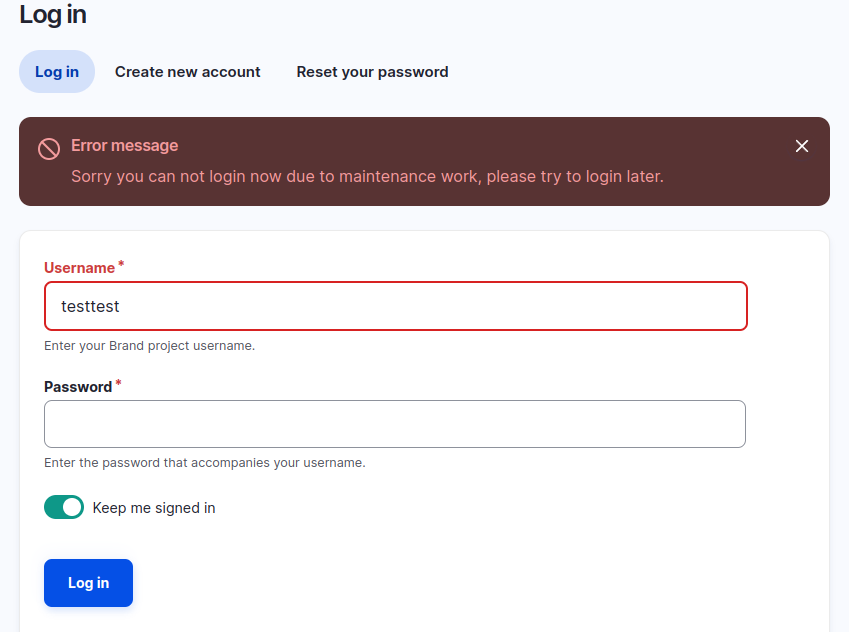
- When user try to authorize show message about site in maintenance mode and user should try login later.
Usage
- Enable module
- Go to module settings page (
/admin/config/people/login-lock/settings) and configure module - Go to Login Lock status form (
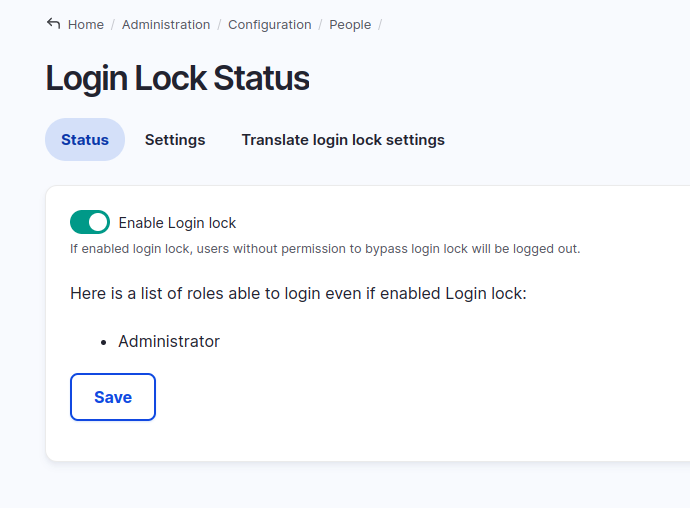
/admin/config/people/login-lock) and enable Login Lock. Or you can use drush commanddrush login-lock-status 1for enable Login lock. - As result users without permission to bypass login lock won’t be able to login. Also they will be automatically logged out and redirected to configured page.
- For disable login lock go to Login Lock status form (
/admin/config/people/login-lock) and disable Login Lock. Or you can use drush commanddrush login-lock-status 0for disable Login Lock.
Drush commands:
drush login-lock-status 1 to enable login lock.
drush login-lock-status 0 to disable login lock.
Supporting organizations:
Project information
- Project categories: Access control
 224 sites report using this module
- Created by qzmenko on , updated
 Stable releases for this project are covered by the security advisory policy.
Look for the shield icon below.

