




OVERVIEW
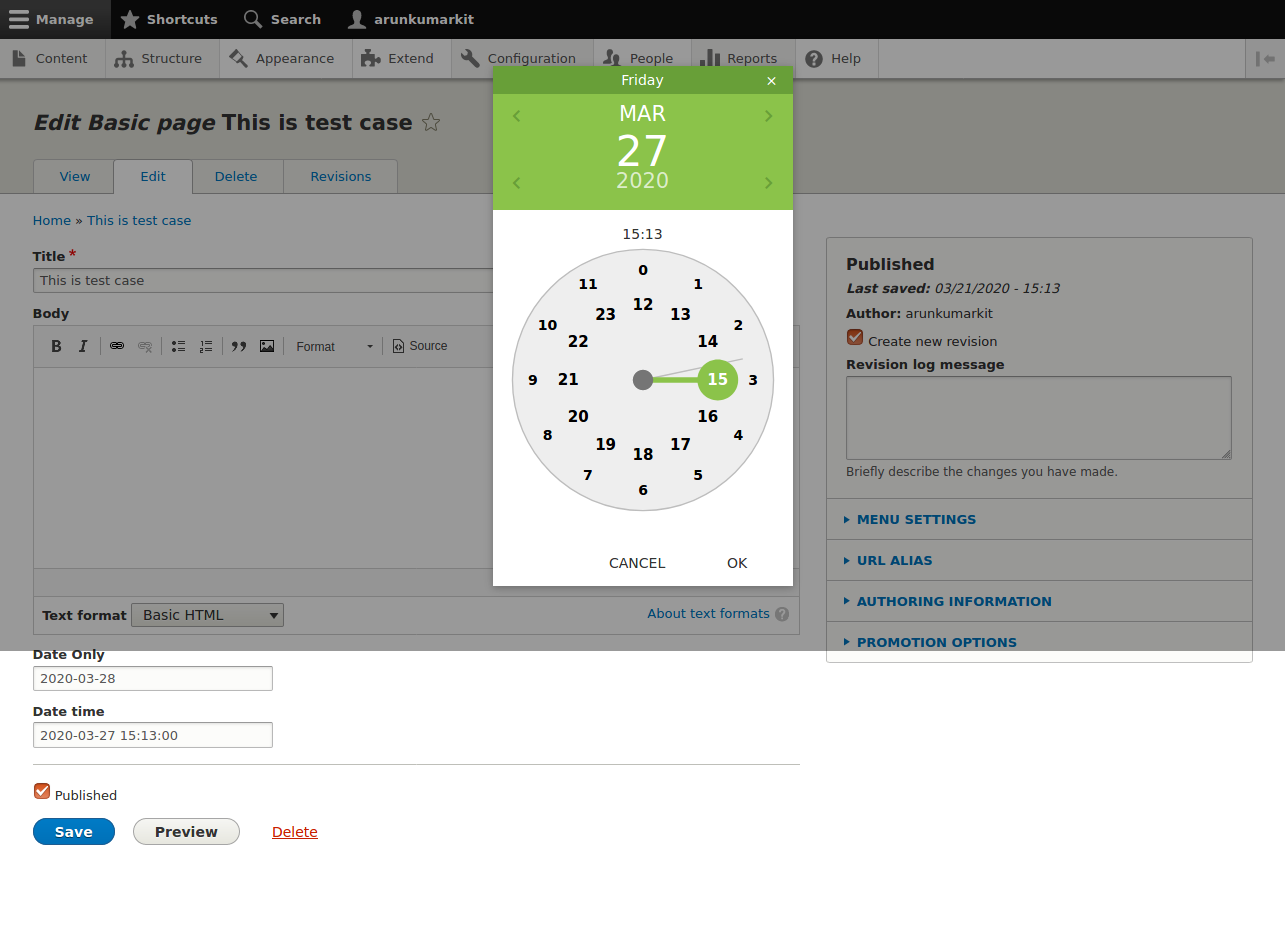
Drupal 8/9/10/11 Bootstrap Materialize DateTime picker. Bootstrap Materialize DateTime Picker module provides a widget for Drupal Date fields.
Also we can add Materialize DateTime picker to any custom form by using field type as a materialize_date_time.
For Example :
$date_format = 'Y-m-d H:i';
$form['dateAndTime'] = [
'#type' => 'materialize_date_time',
'#title' => t('Start Date'),
'#date_format' => $date_format,
'#default_value' => \Drupal\Core\Datetime\DrupalDateTime::createFromTimestamp(time()),
'#weight' => '3',
];
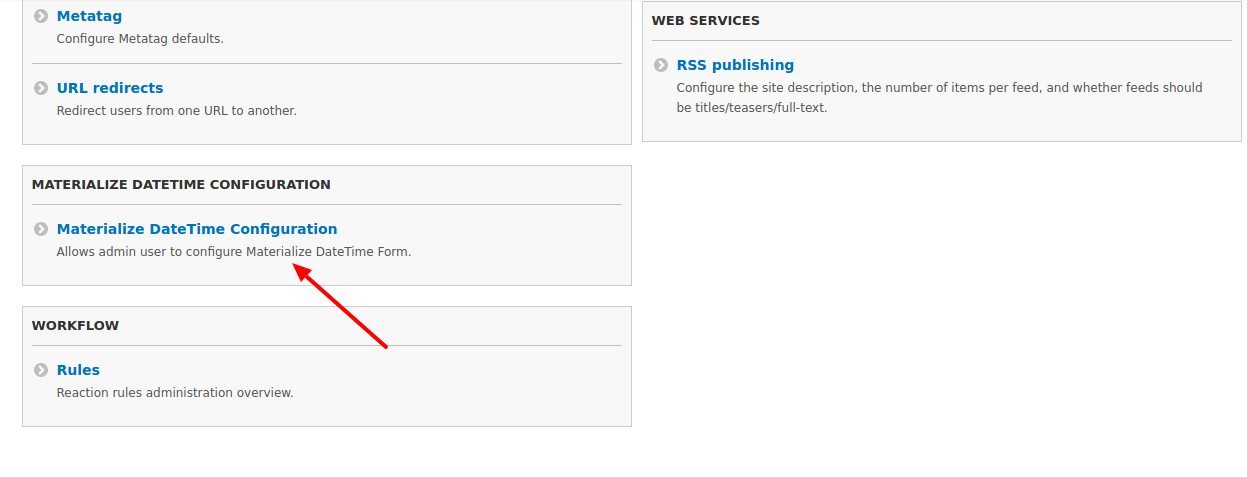
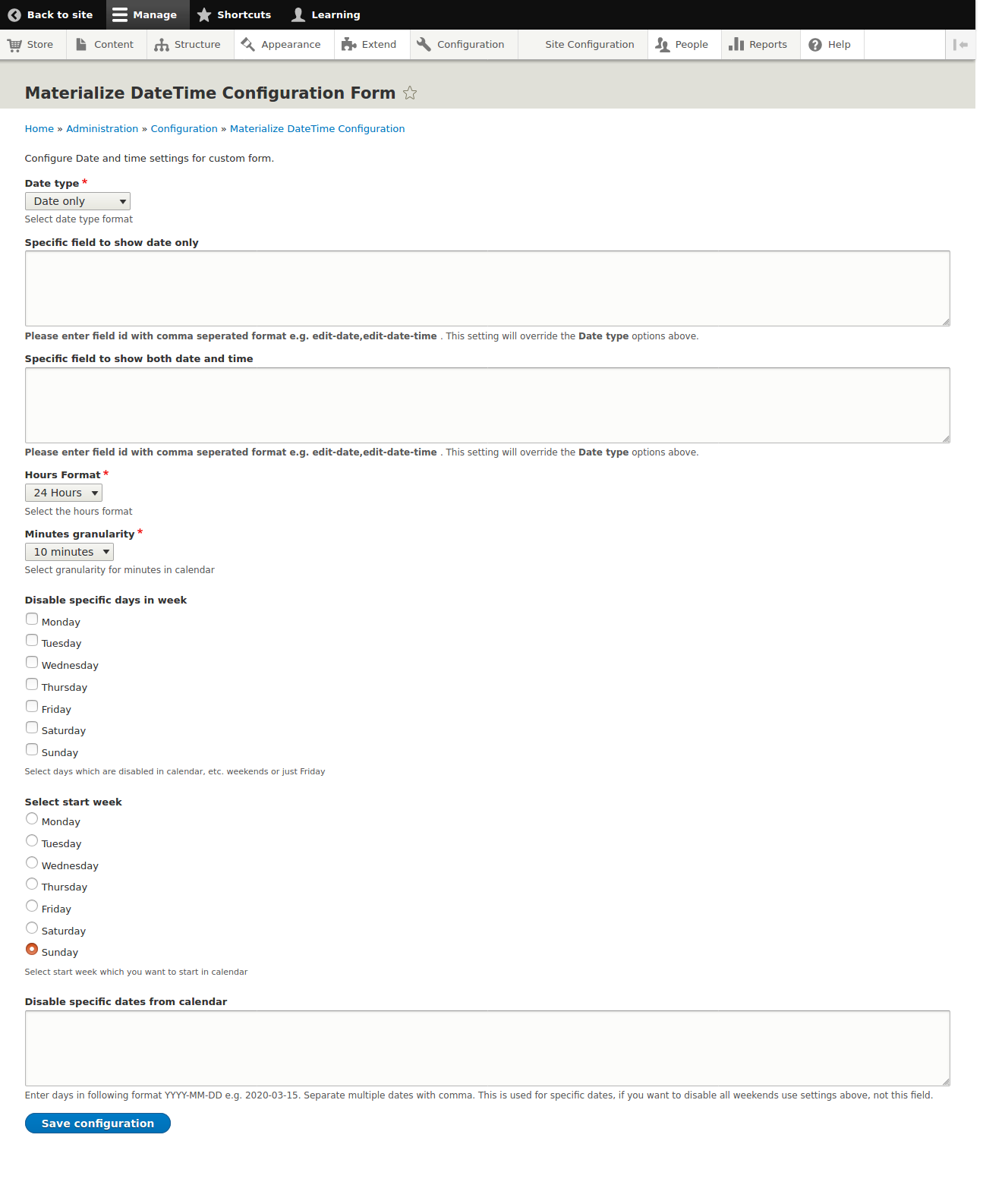
Note: We can configure Materialize DateTime picker for custom form by using configuration form admin/config/materialize/datetime_picker_config
INSTALLATION & USAGE
- Download this module by this link.
- Place materialize_datetime_picker module into your modules directory.
- Go to admin/modules. Enable Bootstrap Materialize DateTime Picker module.
- See README.md file for the installation and usage documentation.
FEATURES
- Widget works for both date and datetime fields
- Supports Multilingual for both Date and Time pop-ups
- Responsive
- Supports 12 and 24 hour time formats
- You can specify granularity for minutes
- Disable dates for specific days
- You can specify week start days
- Disable specific dates by using manage form display
Supporting organizations:
Project information
 Maintenance fixes only
Considered feature-complete by its maintainers.- Project categories: Administration tools, Developer tools, Site structure
 33 sites report using this module
- Created by arunkumarkit on , updated
 Stable releases for this project are covered by the security advisory policy.
Look for the shield icon below.
Releases
6.0.0
released 22 June 2025
released 22 June 2025
Works with Drupal: ^8 || ^9 || ^10 || ^11
Drupal 9, 10, and 11 compatibility
Install:

