

 The 2026 Drupal Business Survey is open. Your response will help shape the future of the Drupal business ecosystem.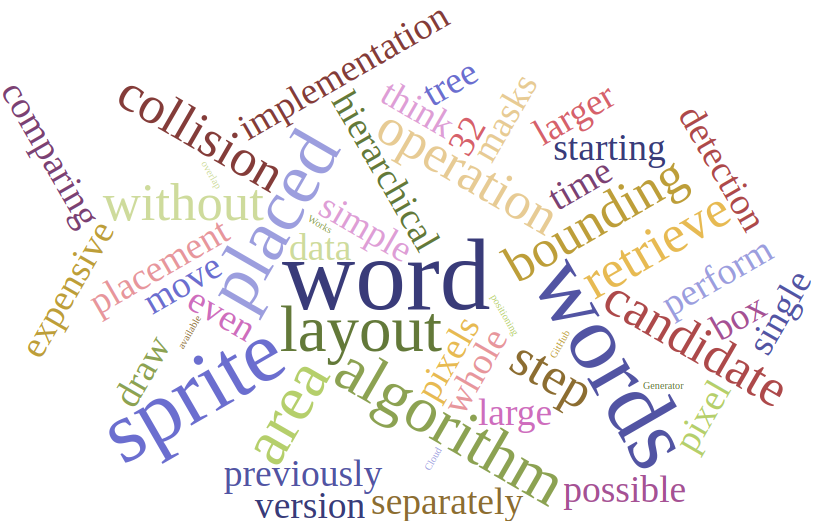
Insprite from WordCloud, this module create a block, provide configurations for choose vocabulary and show it as MD wordcloud. Display of a term with many contents is bigger.
Requirements
1. D3 library:
- Download D3 library
- Extract and rename of the releases to 'd3', so the assets are at:
+ **/libraries/d3/d3.min.js**'
2. D3 Cloud library:
- Download D3 Cloud
- Extract and rename of the releases to 'd3-cloud', so the assets are at:
+ **/libraries/d3-cloud/build/d3.layout.cloud.js**'
How to use:
- After install module, Go to the "Block layout" page (under Structure) and use any of the "Place block" buttons to create a MD WordsCloud block.
- Choose Vocabulary, number of words to display, words scale, how many orientation, words angle and save that block
- If you have not reference term with node previously, Create some taxonomy term, create a reference field in content type and attach terms with node.
Similar projects
How they are different?
- In tagclouds options are available to enable only one vocabulary in a block, while in Md_wordscloud options are available to choose multiple vocabulary in one block.
- The md_wordscloud visually represents the terms in multiple colors and provides options for word orientation as well as orientation angle from -90 to 90 degree, which other modules do not provide.
Supporting organizations:
Project information
- Project categories: Site structure
 2 sites report using this module
- Created by rajan kumar on , updated
 Stable releases for this project are covered by the security advisory policy.
Look for the shield icon below.


