

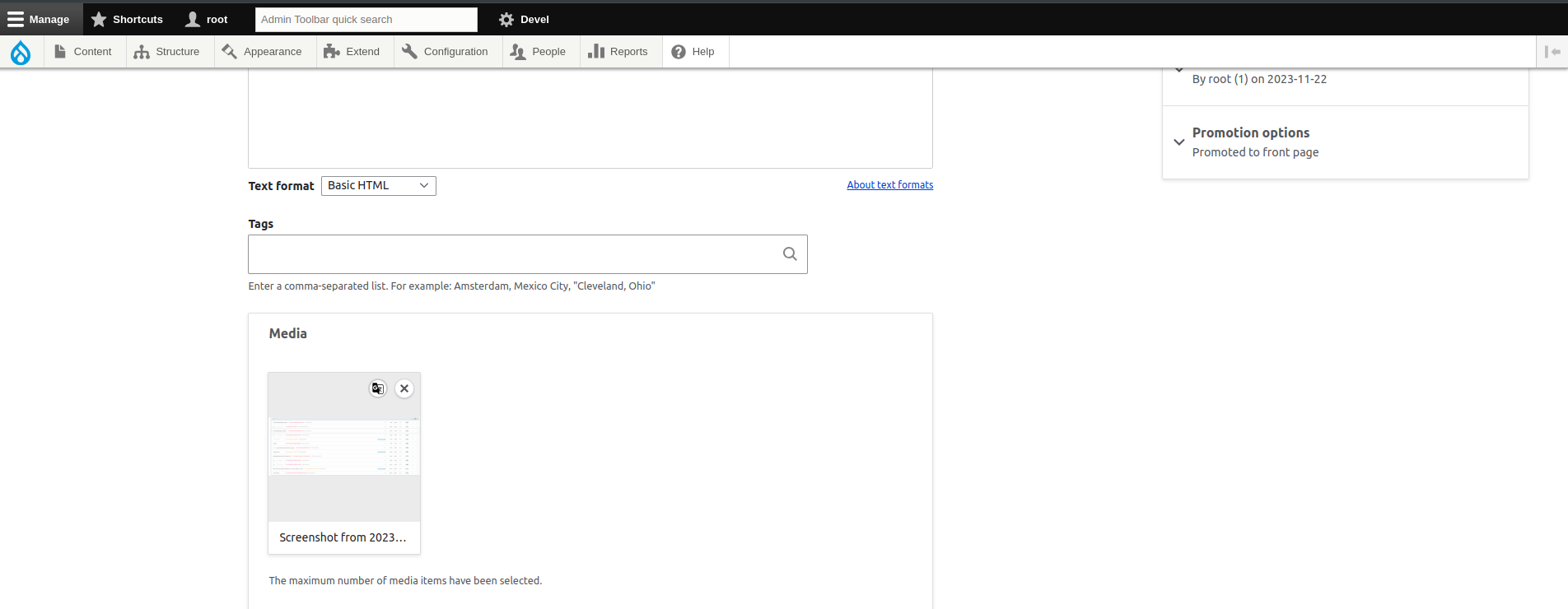
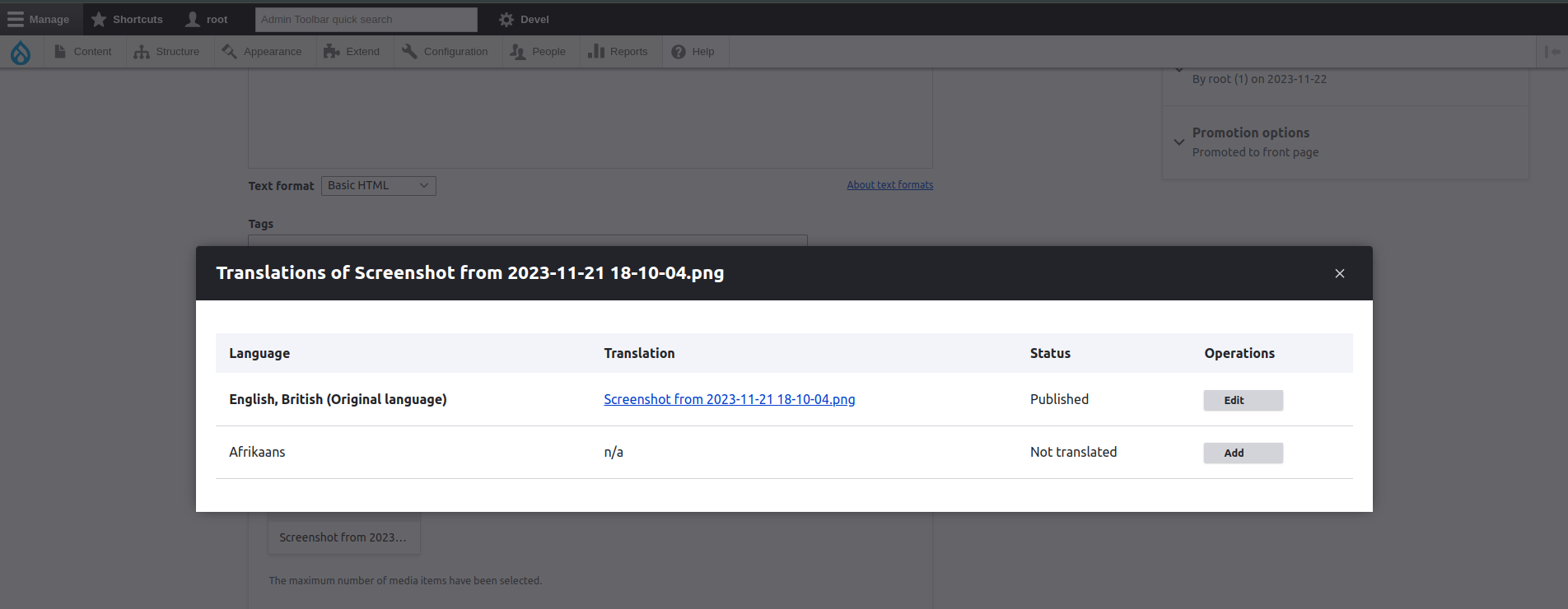
This module facilitates the translation of media on the content creation, editing, and translation pages by introducing a button within the Media Library widget. Currently, the module opens the translation overview page through a modal.
The inspiration for this module comes from the Media Library Edit module. It adds a translate button to the Media Library widget, directing users to the Media entity translation overview page.
Features
This module enhances the user experience by providing a translate button on the media widget within the content creation, editing, and translation pages.
Post-Installation
1. Enable media translation
Access the entity translation form at (/admin//admin/config/regional/content-language)
after enabling Content translation.
2. Add more than one Language on your multilingual site.
Access the form at (/admin/config/regional/language).
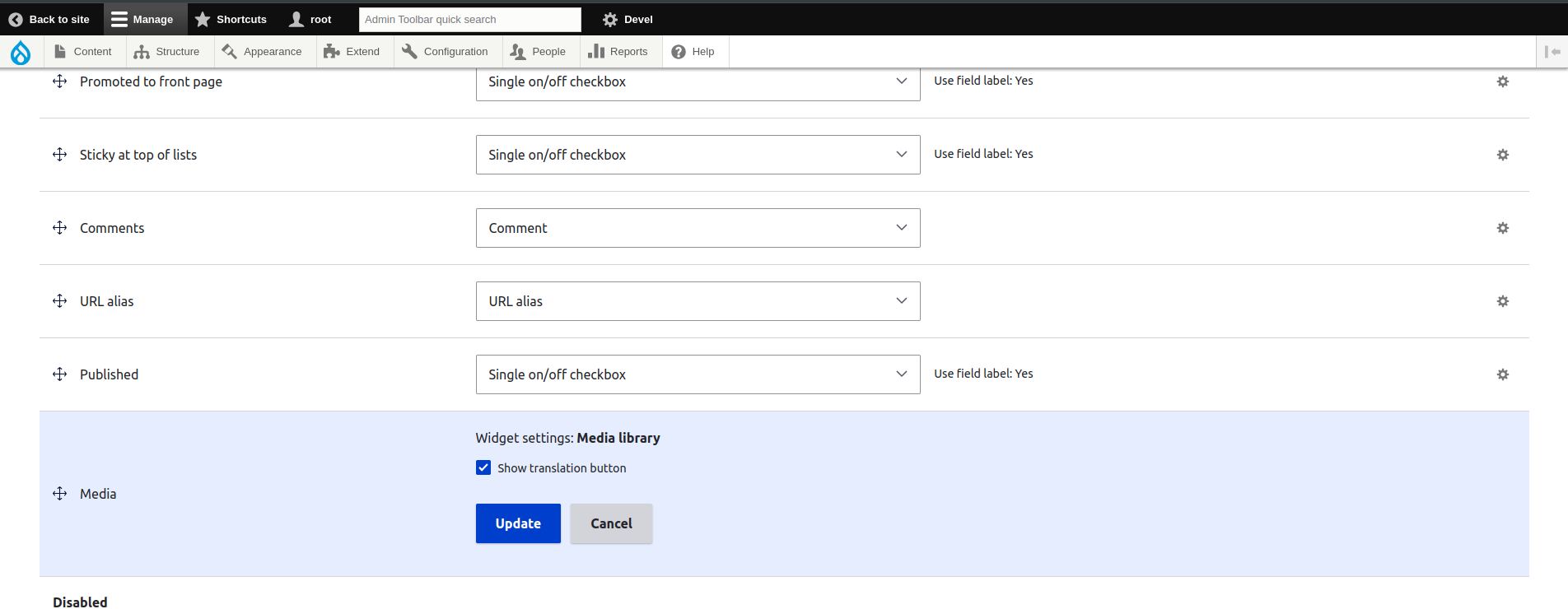
3. Enable the translate button on the Media Library widget.
Once the module is enabled, click on the Manage Form settings gear for the relevant
Media reference field using the Media Library widget,
and enable the "Show translation button" option.
Additional Requirements
Ensure the activation of essential modules, including media, media_library, and the content translation module.
Recommended Modules/Libraries
No supplementary libraries are requisite for the optimal functioning of this module.
Project information
 Minimally maintained
Maintainers monitor issues, but fast responses are not guaranteed.- Project categories: Developer tools, Media, Multilingual
- Ecosystem: Drupal Media, Entity Translation
 255 sites report using this module
- Created by adwivedi008 on , updated
 Stable releases for this project are covered by the security advisory policy.
Look for the shield icon below.


