Come together with the global Drupal community in Rotterdam, 28 Sept – 1 Oct 2026. Sessions, contribution, connection, and Early Bird savings until 8 June.
🇵🇸
This module extends the list of core migrations source by adding the new GraphQL query source.
For further details and advanced options visit the complete module documentation.
What's means?
This means that like as Migrate Source CSV, for example, you can create a migration YAML file inside of which configure the GraphQL endpoint and write the query from which to extract the contents.
Features
- GraphQL Endpoint: Mandatory option to define the endpoint URL.
- Authentication Options:
auth_scheme: Supports various auth schemes (Basic, Bearer, Digest, etc.).auth_parameter: Paired withauth_schemeto generate the Authorization header.
- Data Key Customization: Define a custom name for the "data" property or use nested structures with property separators or dynamic mappings.
- Custom IDs: Specify custom fields and types for item IDs (defaults to
idas a string if omitted). - Query Definition: Mandatory query structure:
arguments: Allows filtering, pagination, etc.fields: Defines query response fields, with a mandatory fields property in YAML.
- Iterator Placeholder:
%placeholder allows dynamic mapping within nested arrays. - ResultsEvent:
getResults(): Retrieves query results.setResults(): Enables result modifications, allowing modules to subscribe and manipulate migration data.
How it works?
Source options
The graphql source offers a number of options to allow you to best configure your query. In short:
source:
  plugin: graphql

  # [mandatory] The GraphQL endpoint
  endpoint: <value>
  # [optional] Basic, Bearer, Digest, etc...
  auth_scheme: <value>
  # [optional] Paired with auth_scheme will generate the string that
  # will be passed to the Authorization header
  auth_parameter: <value>
  # [optional] Used to specify a different name for "data" property
  data_key: <value>
  # [mandatory] from here starts the query definition
  query:
    # [mandatory] The query name
    <query_name>:
      # [optional] Query arguments (filtering, pagination, and so on...).
      # See the example below.
      arguments:
      # [mandatory] Query fields definition
      fields:
        # [mandatory] It is 'data' if no different value has been set in data_key
        - <data|data_key>:
            - <field_1>
            - <field_2>
            - <field_n>
Let's take an example.
For this example we will use the GraphQLZero (Fake Online GraphQL API for Testing and Prototyping) from which we will migrate some entities, that on GraphQLZero are called posts, into the our Drupal instance populating the our's default articles.
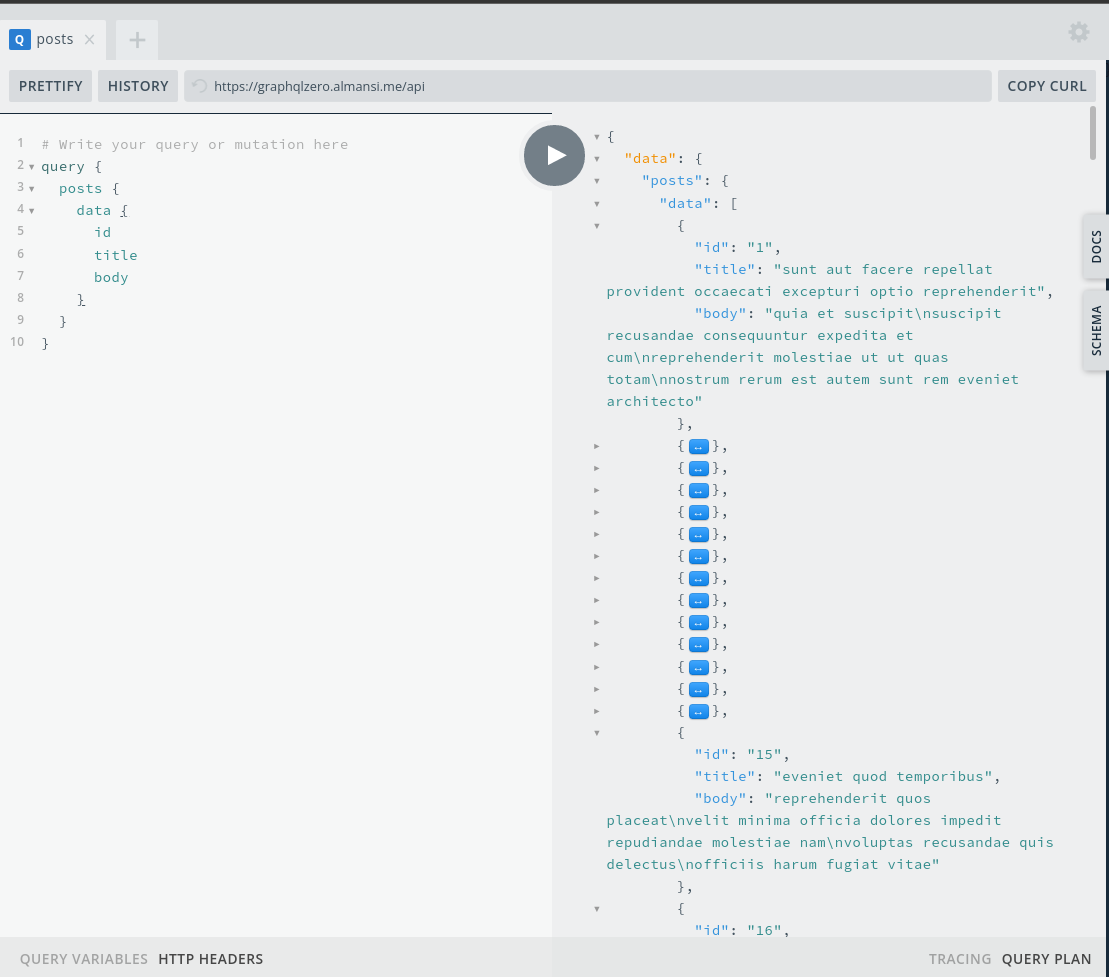
Follow GraphQL query shows how to get a list of posts from GraphQLZero:
query {
  posts {
    data {
      id
      title
      body
    }
  }
}
The response:
The migration
So we, as first thing, have to setup the YAML migration file. As like as follow:
id: migrate_graphql_posts_articles
label: 'Migrate posts from GraphQLZero'
migration_tags: null
source:
  plugin: graphql

  endpoint: 'https://graphqlzero.almansi.me/api'
  auth_scheme: Bearer
  auth_parameter: 'eyJhbGciOiJIUzI1NiIsInR5cCI6IkpXVCJ9.eyJzdWIiOiIxMjM0NTY3...'
  query:
    posts:
      fields:
        -
          data:
            - id
            - title
            - body
  ids:
    id:
      type: string
process:
  title: title
  body: body

destination:
  plugin: 'entity:node'
  default_bundle: article

migration_dependencies: {  }
The only difference between the GraphQL query and the YAML transposition is the mandatory property fields, the usefulness of which is solely a matter of choice for the developer.
For further details and advanced options, including configuring the data_key parameter and using different authorization schemas, visit the complete module documentation in the "How it Works?" section.
Supporting organizations:
| Attachment | Size |
|---|---|
| post-graphql-query.png | 102.52 KB |
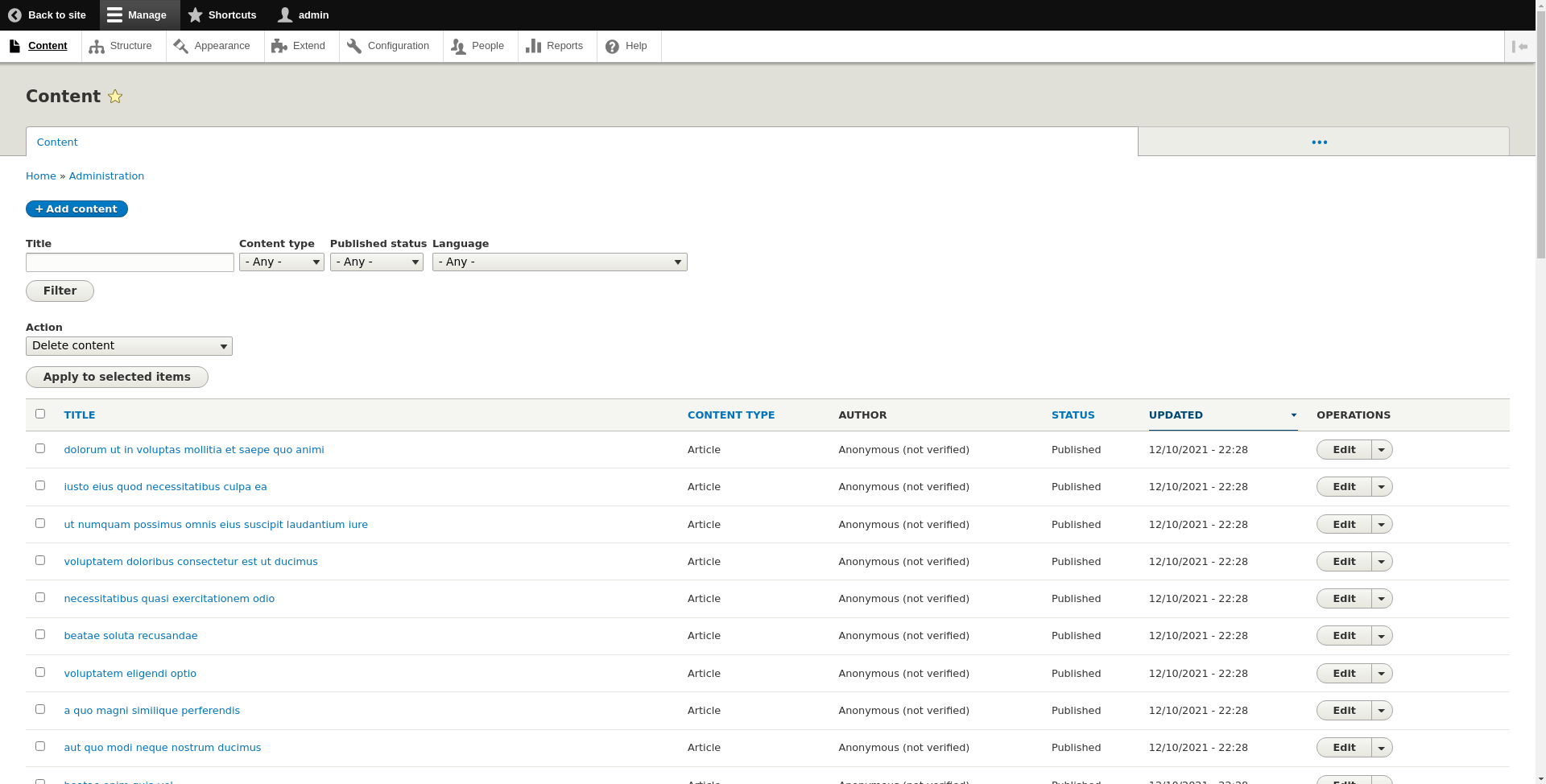
| posts-imported.png | 156.12 KB |
Project information
 Maintenance fixes only
Considered feature-complete by its maintainers.- Project categories: Content editing experience, Decoupled, Developer tools
- Ecosystem: Migrate, GraphQL, RESTfulness
 180 sites report using this module
- Created by reinchek on , updated
 Stable releases for this project are covered by the security advisory policy.
Look for the shield icon below.