

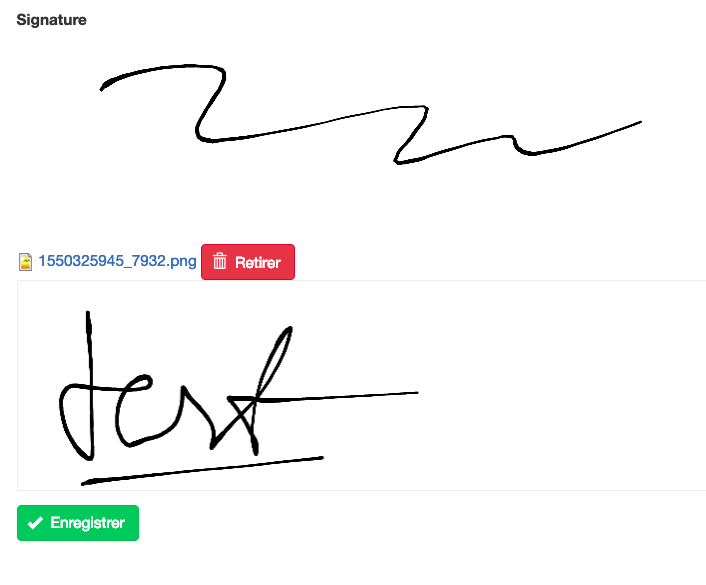

Signature pad an electronic-signing script, this Image Widget allows you to sign with HTML5 canvas based on field image.
- Your signature will save as a image.
- Drawing over an image with image default
Drupal 8,9,10,11,12 Create a field image. in form display select "Sign"
For FAPI, you can change the field options in an associative array:
dotSize (default: 1)
minWidth (default: 0.5)
maxWidth (default: 2.5)
backgroundColor (default: 'rgba(0,0,0,0)')
penColor (default: 'rgba(0,0,0,1)')
velocityFilterWeight (default: 0.7)
exactly like module e-sign
Drupal 7 This module requires the following module: file, libraries,
when you create new image field you can select widget "Signature field"
before install signature widget you have to download External Library signature pad
you can download release here https://www.jsdelivr.com/package/npm/signature_pad
extract to sites/all/libraries/signature_pad
verify if library is correct sites/all/libraries/signature_pad/dist/signature_pad.umd.js
drupal 8, 9, 10, 11, 12 use CDN so you don't need library.
- Support bootstrap 5 admin for buttons toolbox,
- Support multi signatures in both mode. Configuration in form-display. Black color in "Background color" that means there is no color.
- Support CkEditor 5. In "Text formats and editors configure" you can drag signature button to toolbar. When you sign it will save signature to svg in folder inline-images
How to use
- Add permission for user who will use sign widget
- Add image field (in field image settings uncheck Alt field required / Title field required)
- In field widget/ formatter select Sign
- Set default value
- For ckeditor 5 active button Signature in Text formats and editors (admin/config/content/formats/manage/full_html)
Do you like this module? Show your appreciation by buying me ☕.
Project information
- Project categories: Site structure
- Ecosystem: Image, E-Sign, Signature Field, Signature (Field), Bootstrap 5 admin
 214 sites report using this module
- Created by lazzyvn on , updated
 Stable releases for this project are covered by the security advisory policy.
Look for the shield icon below.
Releases
released 20 June 2025
Development version: 8.x-1.x-dev updated 20 Jun 2026 at 05:12 UTC


